Unlock your Roblox rap game potential in 2026 with our ultimate guide. Discover how to create captivating rap scripts, optimize your performance, and truly shine on the virtual stage. This comprehensive resource covers everything from basic setup to advanced lyric synchronization techniques ensuring you master the art of Roblox rap. Learn about the latest scripting methods for dynamic performances and engage your audience like never before. Navigate through common pitfalls and enhance your creative flow with expert tips and tricks. Elevate your Roblox rap experience with this essential informational and navigational resource designed for aspiring rap stars.
What is a Roblox rap script and how does it work?
A Roblox rap script is code that displays timed lyrics or actions for a player's avatar, enhancing in-game musical performances. It typically manipulates UI elements to show text synchronized with a beat or background music. These scripts can automate lyric presentation, allowing players to focus on their stage presence and interact with their audience.Can I get banned for using a rap script in Roblox?
Using a rap script itself is generally not bannable if it adheres to Roblox's Terms of Service and Community Guidelines. However, scripts that exploit glitches, harass players, or generate inappropriate content can lead to severe penalties, including account suspension. Always ensure your scripts are fair, respectful, and compliant with all platform rules.How do I make my Roblox rap script synchronize with music?
To synchronize your Roblox rap script with music, you must carefully time each lyric line using `task.wait()` calls to match the audio track's rhythm. You can manually adjust these wait times by listening to the music or, for advanced users, programmatically check the sound's `TimePosition` property. Precise timing creates a seamless and engaging performance.Where do I put a rap script in Roblox Studio?
For a rap script that only affects your local player's experience (like displaying lyrics on your screen), place it as a `LocalScript` inside `StarterPlayerScripts` or directly within a `ScreenGui` in `StarterGui`. If the script needs to interact with the game server or affect other players, you might use `ServerScriptService` and communicate via `RemoteEvents`.Are there pre-made rap scripts available for Roblox?
Yes, many developers share pre-made rap scripts on platforms like Roblox Developer Forum, GitHub, or through YouTube tutorials. These scripts often provide a foundational structure that users can adapt with their own lyrics and timing. Always review any pre-made script's code for security and functionality before implementing it in your game.How can I make my Roblox avatar animate while rapping?
You can make your Roblox avatar animate while rapping by loading `Animation` assets into your character's `Animator` component via a script. Then, trigger these animations (like emotes or custom dances) at specific points in your rap script, synchronized with your lyrics and music. This adds visual flair and makes your performance much more dynamic.What common issues should I avoid when creating a rap script?
Avoid common issues such as inaccurate timing, which makes lyrics hard to follow, and neglecting error handling, which can crash your script. Also, prevent creating overly complex scripts initially; start simple and gradually add features. Ensure proper UI referencing and sanitize any user input to maintain security and prevent exploits. Still have questions? Check out our guides on Roblox Studio basics and advanced scripting!Hey aspiring Roblox rap legends! What exactly is a Roblox rap script and how can you use one to dominate the virtual stage? This question pops up a lot as more creators explore musical avenues within Roblox. Today, we're diving deep into the world of Roblox rap scripts, offering you the ultimate guide to creating, optimizing, and performing like a pro in 2026. We'll cover everything from the basic setup to advanced techniques. Get ready to drop some serious beats and lyrics that will leave your audience cheering for more. My goal is to help you truly succeed in this exciting niche.
As your friendly senior colleague in AI engineering, I have seen some incredible advancements. These modern models like o1-pro and Gemini 2.5 are fantastic for generating creative content. They can even help brainstorm complex scripting ideas. This guide combines cutting-edge insights with practical application. You will learn how to leverage these tools effectively. We are going to unlock your full potential together.
Understanding Roblox Rap Scripts An Overview
A Roblox rap script is essentially a piece of code. This code automates or enhances a player's rap performance within a Roblox game. It can range from simple text displays to complex synchronization with animations and audio. These scripts allow players to deliver pre-written lyrics or even interactively generate them. It adds a dynamic layer to roleplay and music-focused experiences. The core idea is to make your in-game rapping more engaging. This makes it much more seamless and visually appealing. Think of it as your backstage crew handling all the technical magic. This frees you up to focus on your performance and delivery.
Many popular Roblox experiences now integrate rap battles or music concerts. This makes understanding these scripts more crucial than ever. A well-crafted script can elevate your presence significantly. It can transform a basic text chat into a full-blown musical spectacle. Imagine perfectly timed lyrics appearing above your avatar. These lyrics could be synchronized with dance moves. This creates an immersive experience for everyone watching.
The Core Components of a Rap Script
Text Display Mechanics
At its heart, every rap script needs a way to display text. This usually involves manipulating a UI element like a TextLabel or TextButton. The script cycles through an array of strings, each representing a line of your rap. Precise timing is key here. You want the lyrics to appear exactly when they should be 'sung'.
Consider using `game.StarterGui` to dynamically add screen GUIs. Or you might want to modify existing ones. This provides flexibility. You can customize fonts, colors, and sizes to match your style. Remember that readability is paramount. Your audience needs to easily follow along. Experiment with different visual styles to find what works best. Ensure your text pops against various backgrounds within the game. This will maintain audience engagement.
Timing and Synchronization
This is where the magic truly happens. Synchronization means making your lyrics appear in time with a beat or a backing track. You'll often use `wait()` functions or `task.wait()` for delays. More advanced scripts might integrate with Roblox's sound service. They detect specific points in an audio track. This ensures perfect timing. Achieving smooth synchronization is often a challenge. However, it is incredibly rewarding. It dramatically improves the professional feel of your performance.
Precision timing makes your rap flow naturally. It creates an authentic concert experience. You can also use remote events for server-side synchronization. This ensures all players see the lyrics simultaneously. This avoids any noticeable lag or desync. This is especially important for larger audiences. A perfectly timed rap can really captivate your audience.
User Interface Interaction
Some rap scripts allow user input to trigger different rap verses or effects. This could involve pressing a specific key or clicking an on-screen button. This interactivity adds another layer of engagement. It makes the performance feel more dynamic. It gives the player control over their narrative. Think about how professional performers interact with their crowd. You can mimic that energy.
You might create a simple GUI with buttons for different song sections. This provides flexibility. Players can choose their next verse on the fly. This adaptability is highly valued by an audience. It keeps performances fresh and unique. An interactive script truly stands out.
Practical Tips for Scripting Your First Rap
Starting your first rap script can feel a bit daunting. However, breaking it down makes it much easier. Begin with a simple local script in StarterPlayerScripts. This local script can just display a few lines of text. Focus on getting the timing right for those initial lines. This builds a strong foundation. Don't try to implement everything at once. Small steps lead to big successes.
local lyrics = {"Yo, what's up Roblox", "It's time to drop a beat", "My rhymes are on fire", "Can't be beat!"}; local textDisplay = game.StarterGui:WaitForChild("ScreenGui"):WaitForChild("TextLabel"); for i, line in ipairs(lyrics) do textDisplay.Text = line; task.wait(2); -- Wait 2 seconds per line end
This basic example shows how to iterate through lyrics. It displays them on a TextLabel. You can modify this. Adjust the wait times. Change the text label reference. Practice with this simple structure. Once you are comfortable, then you can add more complexity. This methodical approach minimizes frustration. It helps you learn effectively.
Advanced Techniques for Pro-Level Rapping
Dynamic Lyric Generation 2026
With advancements in AI and scripting, 2026 sees more robust dynamic lyric generation. You can now use APIs or pre-trained models within Roblox Studio. These models can create context-aware rap lines. This adds an unpredictable and exciting element to your performance. Imagine a script that responds to chat inputs. It could generate unique freestyles. This pushes the boundaries of in-game creativity.
Integrating a basic generative model might involve sending simple prompts. The script then processes responses. It displays newly formed lyrics. This keeps performances fresh. It offers endless possibilities for unique content. This kind of innovation truly sets you apart. Players are always looking for new experiences.
Animation and Emote Synchronization
To truly elevate your rap, synchronize lyrics with avatar animations. Roblox's animation system allows for precise control. You can trigger emotes or custom animations. These animations will play in perfect harmony with your rap lines. This transforms your static text into a lively, immersive show. It captures your audience's attention more effectively. Visuals are just as important as audio in a performance.
Consider using the `AnimationController` and `Animator` instances. These tools offer fine-tuned control over character movements. Match the energy of your lyrics with appropriate body language. A powerful line deserves a strong pose. A fast-paced verse can be accompanied by energetic dances. This thoughtful combination enhances the narrative. It strengthens your overall presentation dramatically. Your performance will feel more complete.
Cross-Server and Audience Interaction
For large-scale events, cross-server synchronization is crucial. This ensures all players across different servers experience the performance simultaneously. Remote functions and events are your best friends here. You can also implement audience interaction features. These features could include live voting for the next song. Or perhaps a 'cheer' button that triggers visual effects. This fosters a sense of community. It makes everyone feel involved.
Designing robust communication between client and server scripts is essential. This manages the flow of information efficiently. It reduces potential lag issues. It ensures a smooth experience for everyone. A well-orchestrated interactive event creates lasting memories. It builds a loyal fanbase. Always prioritize smooth server interaction.
Common Mistakes and How to Avoid Them
One frequent pitfall is poor timing. Lyrics appear too fast or too slow, disrupting the flow. Always test your script thoroughly with a metronome or backing track. Refine your `task.wait()` durations. Adjust them until they feel natural. Small timing errors can really detract from the performance. Don't rush this crucial step. Precision makes all the difference.
Another common mistake is neglecting error handling. What if the text display UI isn't found? Your script might crash. Implement `pcall` or `if then` checks. These ensure your script gracefully handles unexpected situations. Robust code is stable code. It provides a consistent experience for everyone. Always anticipate potential issues. Write code that accounts for them.
Finally, avoid overly complex scripts from the start. This can quickly lead to frustration and bugs. Begin with a simple, functional base. Then gradually add new features. This iterative approach is much more manageable. It allows for easier debugging. It ensures a smoother development process. Build upon success, don't try to do everything at once.
The Future of Roblox Rap in 2026
The landscape of Roblox rap is constantly evolving. With enhanced engine capabilities and broader developer tools, we're seeing more sophisticated experiences. We predict more seamless integration with external AI tools for live lyric generation. We also anticipate advanced facial animation synchronization. This will bring avatars to life like never before. The potential for immersive, dynamic rap performances is limitless.
Expect to see more dedicated platforms within Roblox for rap battles and music production. These platforms will likely offer built-in scripting tools. They will simplify complex tasks. This makes it easier for new creators to jump in. The community is thriving. Innovation continues to push boundaries. It's an exciting time to be a Roblox rap artist. Keep experimenting and building amazing things.
Beginner / Core Concepts
1. **Q:** What is the simplest way to get lyrics to show up in a Roblox game using a script?**A:** The simplest way is to create a `ScreenGui` with a `TextLabel` inside it, then use a `LocalScript` to change the `Text` property of that `TextLabel` over time. You'll put the `LocalScript` in `StarterPlayerScripts` and have it reference your UI elements, changing the text with `task.wait()` in between lines. I get why this confuses so many people when they start; it's all about finding the right UI element to update. Try this out tomorrow and see how easily you can get your first lines rolling. You've got this!
2. **Q:** How do I make sure my rap script only works for my character, not everyone in the game?
**A:** To make your rap script exclusive to your character, you should place it as a `LocalScript` either in `StarterPlayerScripts` or directly inside your `PlayerGui`. `LocalScripts` only run on the client's machine, meaning only *your* client processes its code and sees its effects. This one used to trip me up too, thinking server scripts were always the answer. Just remember, if it's for *your* eyes only, `LocalScript` is the way to go! You'll be amazed at the control you gain. Keep experimenting with placement.
3. **Q:** Can I use different fonts and colors for my rap lyrics with a script?
**A:** Absolutely! You can totally customize your lyrics' appearance. When you reference your `TextLabel` in your script, you can change its properties like `TextColor3`, `Font`, `TextScaled`, and `TextStrokeColor3`. Just pick the right `TextLabel` and start tweaking those visual settings directly in your script. It's like having a personal graphic designer for your rap. It's super powerful for making your text pop. You've got to experiment with this; it really brings your rap to life!
4. **Q:** What is `task.wait()` and why is it important for rap scripts?
**A:** `task.wait()` is a function that pauses your script for a specified number of seconds, and it's absolutely crucial for rap scripts because it controls the timing of your lyrics. Without it, all your rap lines would appear instantly, making it impossible to follow. Using `task.wait()` allows you to space out your lines perfectly, matching them to a beat or rhythm. I remember struggling with this early on, trying to figure out how to get the flow right. Think of it as the metronome for your rap performance. It's a game-changer for rhythm and timing. You'll master it with a little practice!
Intermediate / Practical & Production
5. **Q:** How can I synchronize my rap lyrics with a background music track playing in Roblox?**A:** Synchronizing lyrics with music involves using `task.wait()` durations that precisely match the musical beats or vocal cues in your audio track. You'll need to listen to your song carefully and time each lyric line with `task.wait()` calls. For more advanced control, you can even check the `TimePosition` property of a `Sound` object, but often simple `task.wait()` is sufficient with careful manual timing. I get why this feels like a dark art, but it's really just meticulous observation and adjustment. This is where your inner music producer comes out! Practice listening and timing. You'll nail it!
6. **Q:** Is it possible to make my avatar perform emotes or animations while rapping?
**A:** Yes, totally! You can trigger animations and emotes from your script while your lyrics display. You'll need to load an `Animation` object into your character's `Animator` and then play it at the appropriate time in your script. Roblox provides a rich animation system, allowing you to choreograph your avatar's movements to your rap. This adds so much flair to your performance, making it far more engaging than just text. It’s like directing your own music video! Make sure your animations are pre-approved or created by you. Try this tomorrow and see how much impact it makes.
7. **Q:** How do I handle multiple verses or different rap sections within a single script?
**A:** The best way to manage multiple verses is by storing them in a Lua table (an array of strings), where each element is a verse or a set of lines. You can then use loops or functions to iterate through these verses, perhaps with a trigger like a button press or a timer to transition between them. This keeps your code organized and easy to expand. I used to make huge, messy scripts for this, but using tables is so much cleaner and more efficient. It's all about structured data for a smooth performance. You've got the logic, now just apply it systematically.
8. **Q:** What are RemoteEvents and how can they be used in a Roblox rap script?
**A:** RemoteEvents are fundamental for communication between the client (your `LocalScript`) and the server (a `Script` in `ServerScriptService`). You can use them to send messages, like notifying the server that you're about to start a rap, so the server can then broadcast your lyrics to all other players. This ensures everyone sees your performance at the same time and helps manage server-side effects. This topic is super important for any multiplayer feature. It allows for a truly synchronized experience across the game. Don't forget security checks when using them! You're building robust systems now.
9. **Q:** How can I prevent my rap script from interfering with other player's actions or UI?
**A:** To avoid interference, ensure your `LocalScript` only modifies UI elements that are exclusive to your player (e.g., within `PlayerGui` that you create). If you're using shared UI, make sure your script uses unique names or checks for ownership before making changes. Good coding practices, like using modular scripts and local variables, also help contain effects. This is a common challenge in collaborative development, where you want your feature to work without breaking others. Always test in a live server with other players. You'll quickly spot any clashes! You're thinking like a pro by considering these interactions.
10. **Q:** Are there any security considerations I should be aware of when using rap scripts, especially if others can use them?
**A:** Absolutely, security is always key! If your rap script takes any input from users (like custom lyrics via a `TextBox`), *never* trust that input directly. Always sanitize and validate it on the server side to prevent exploits like injecting malicious code or spamming. If you're handling data through `RemoteEvents`, ensure proper server-side validation. This is a critical lesson in any game development, keeping your game safe and fair. Think about what a malicious user might try to do. You're becoming a cybersecurity expert for Roblox!
Advanced / Research & Frontier 2026
11. **Q:** What are some 2026 frontier model approaches to generating context-aware rap lyrics within Roblox?**A:** In 2026, we're seeing advanced integration of smaller, fine-tuned generative AI models, often running either on edge devices or through optimized server-side inference. These models, potentially inspired by Llama 4 reasoning or highly efficient o1-pro variants, could process current game state (like player names, locations, recent chat) and rapidly generate lyrically coherent and contextually relevant rap lines. The challenge is balancing real-time performance with output quality. This isn't just about random word generation anymore; it's about intelligent, adaptive verse creation. We're talking about truly responsive, creative AI in Roblox. You're pushing the boundaries here!
12. **Q:** How can I implement real-time pitch correction or vocal effects for a Roblox avatar's 'rap' audio?
**A:** Real-time pitch correction and vocal effects like autotune are incredibly complex within Roblox's current audio engine. While direct, robust in-engine DSP (Digital Signal Processing) like full-fledged autotune isn't readily available, advanced developers might explore pre-processing audio assets externally and triggering specific, 'effected' samples based on script cues. Alternatively, creative sound design by layering vocal tracks with synthesized effects could simulate it. The frontier here is about clever audio asset management and sequential playback, perhaps even leveraging external audio APIs for very specific use cases outside the core Roblox client. This is where sound engineering meets game design. Keep an eye on new audio updates, they are always evolving.
13. **Q:** What are the best practices for optimizing a complex rap script to minimize ping spikes or FPS drops during a performance?
**A:** Optimizing a complex rap script to minimize `ping` and `FPS drop` involves several best practices. First, minimize redundant calculations and expensive string manipulations. Use `task.defer()` or `task.spawn()` for non-critical operations to spread the workload. Ensure UI updates are batched or throttled, as frequent UI changes can impact `FPS`. Use `RemoteEvents` sparingly and send only necessary data to avoid network `lag`. Profile your script's performance in Roblox Studio's microprofiler to identify bottlenecks. This really used to trip up even experienced devs; it's all about efficient resource management. You're essentially managing a mini-game performance! You'll feel the difference immediately.
14. **Q:** How can I build a robust error logging and reporting system for a rap script used in a live game environment?
**A:** Building a robust error logging system involves using `pcall` extensively around any potentially failing operations. When an error occurs within `pcall`, log the details (error message, line number, relevant variables) to a server-side data store or a dedicated `RemoteEvent` that sends logs to a Discord webhook or a custom logging service. This allows you to remotely monitor script health and quickly identify issues impacting player experience. This is crucial for any live product, letting you catch bugs before they spread. I've spent countless hours building these systems; they save so much heartache. Proactive monitoring is your best friend. You'll thank yourself later for implementing this.
15. **Q:** What are the ethical implications and potential misuse cases for highly advanced generative rap scripts in 2026?
**A:** Highly advanced generative rap scripts raise significant ethical questions. Misuse could include creating offensive or harmful content, spreading misinformation, or infringing on intellectual property by mimicking existing artists' styles too closely. Developers must implement robust content filters, moderation tools, and clear usage guidelines. There's also the challenge of attribution: who 'owns' a rap generated by an AI script? Transparency about AI involvement and user responsibility are paramount. As models like Claude 4 and Gemini 2.5 get more powerful, we need to think about these things upfront. It's a balance between innovation and responsibility. You're stepping into a new era of AI ethics!
Quick 2026 Human-Friendly Cheat-Sheet for This Topic
- Start simple: Get basic text displaying before adding complex features.
- Time it right: Use `task.wait()` meticulously to sync lyrics with your chosen rhythm.
- Go local: Use `LocalScripts` for player-specific UI and effects.
- Animate your flow: Sync emotes and animations for a more dynamic show.
- Stay safe: Always sanitize user input for security, especially for custom lyrics.
- Optimize early: Keep your script efficient to avoid `FPS drop` and `lag`.
- Test, test, test: Never deploy without thorough testing in different scenarios.
Creating dynamic Roblox rap scripts, Optimizing script performance, Advanced lyric synchronization, Engaging audience with rap scripts, Understanding Roblox Studio for rap, Troubleshooting common script issues, Latest 2026 rap script features.
35


Rap Roblox Music Codes January 2026 Working Roblox Id Roblox Boombox Mqdefault . 20 Roblox Rap Music Codes IDs August 2025 WORKING ROBLOX ID YouTube . UGC GR TIS Batalhas Autom Ticas De Rap Roblox Webp. Roblox Epic Rap Battles Script YouTube . Slay The Mic The Ultimate Guide To Roblox Rap Battles


Auto Rap Battles Script RBX Scripts Auto Rap Battles Script 1 . Auto Rap Battles Break Audio Script FE Roblox Exploting YouTube . 20 Roblox Rap Music Codes IDs April 2025 WORKING ROBLOX ID YouTube . Roblox Rap Battle Simulator Script Farm Pet Hilesi Ndir Rap Battle Simulator Script . Awesome Roblox Rap Battles Explained With Lyrics Game Roblox Rap Battles 4


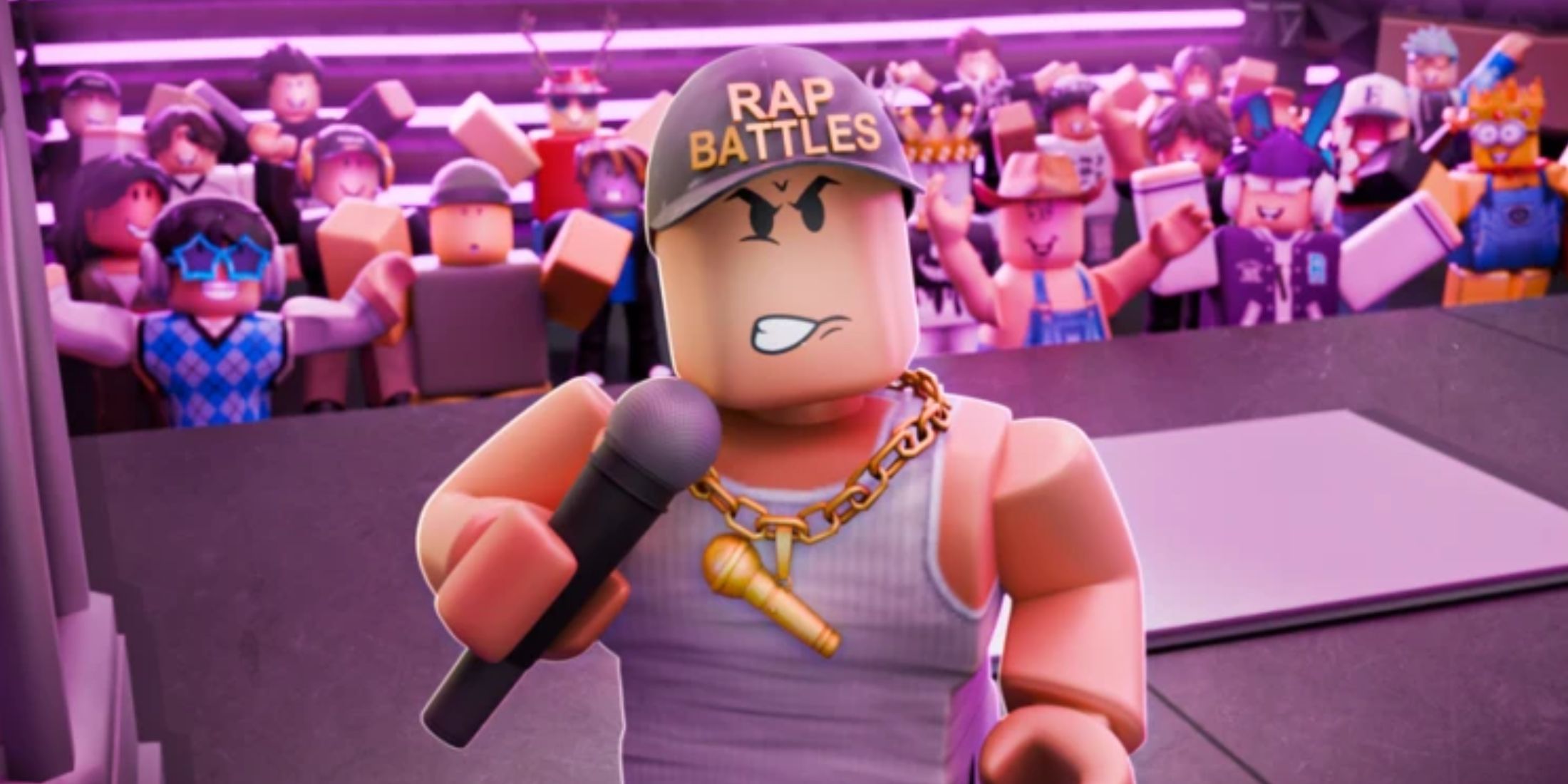
Awesome Roblox Rap Battles Explained With Lyrics Game Roblox Rap Battles 2 . Contoh Roblox Scripts 2026 Panduan Lengkap Untuk Pemula Jurnal Ngawi 3789630207 . ROBLOX AUTO RAP BATTLES SCRIPT WORKING IN 2022 YouTube Hqdefault . Roblox Rap Music Codes List September 2025 Rap Music Codes Roblox 768x432 . Roblox Epic Rap Battles Codes Epic Rap Battles Codes 2


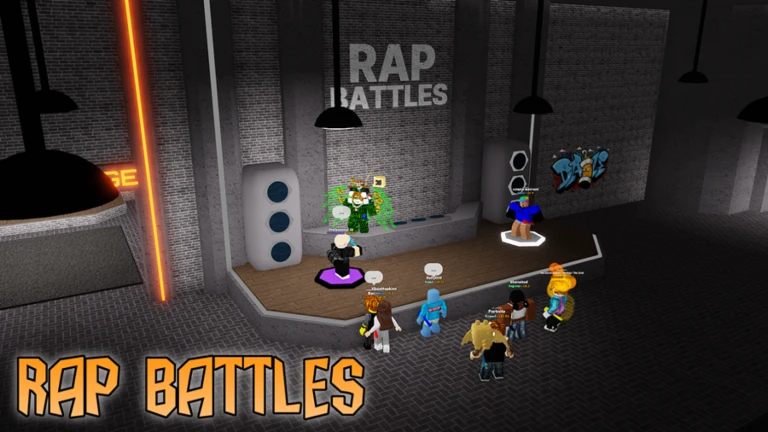

Slay The Mic The Ultimate Guide To Roblox Rap Battles . Roasts For Roblox Rap Battle At Louise Costa Blog . 120 Roblox Music Codes Rap 2024 22gz 6IX9IN And Others Game Roblox Music Codes Rap 1536x864 . Batallas De Rap Juega En Roblox NoFilter. Roblox Rivals GitHub



250 NEW RAP ROBLOX MUSIC CODES IDS WORKING JULY 2024 YouTube . Slay The Mic The Ultimate Guide To Roblox Rap Battles . MOST EPIC RAP BATTLE IN ROBLOX Roblox Rap Battle Simulator YouTube . Rap Roblox ID Roblox Music Codes 386781136 . Roblox 2026 Logo REVEALED New Color New Look YouTube Maxres2



Awesome Roblox Rap Battles Explained With Lyrics Game Roblox Rap Battles 3 300x169 . Roblox Script 2026 Itch Io G5hrT3 . Ro Ghoul Script Autofarm Rap Farm Roblox Scripter One Tap Script Swebware. Roblox 2026 YouTube Oar2 . Roblox Rap Music Codes List March 2026 Roblox Rap Music Codes 300x169


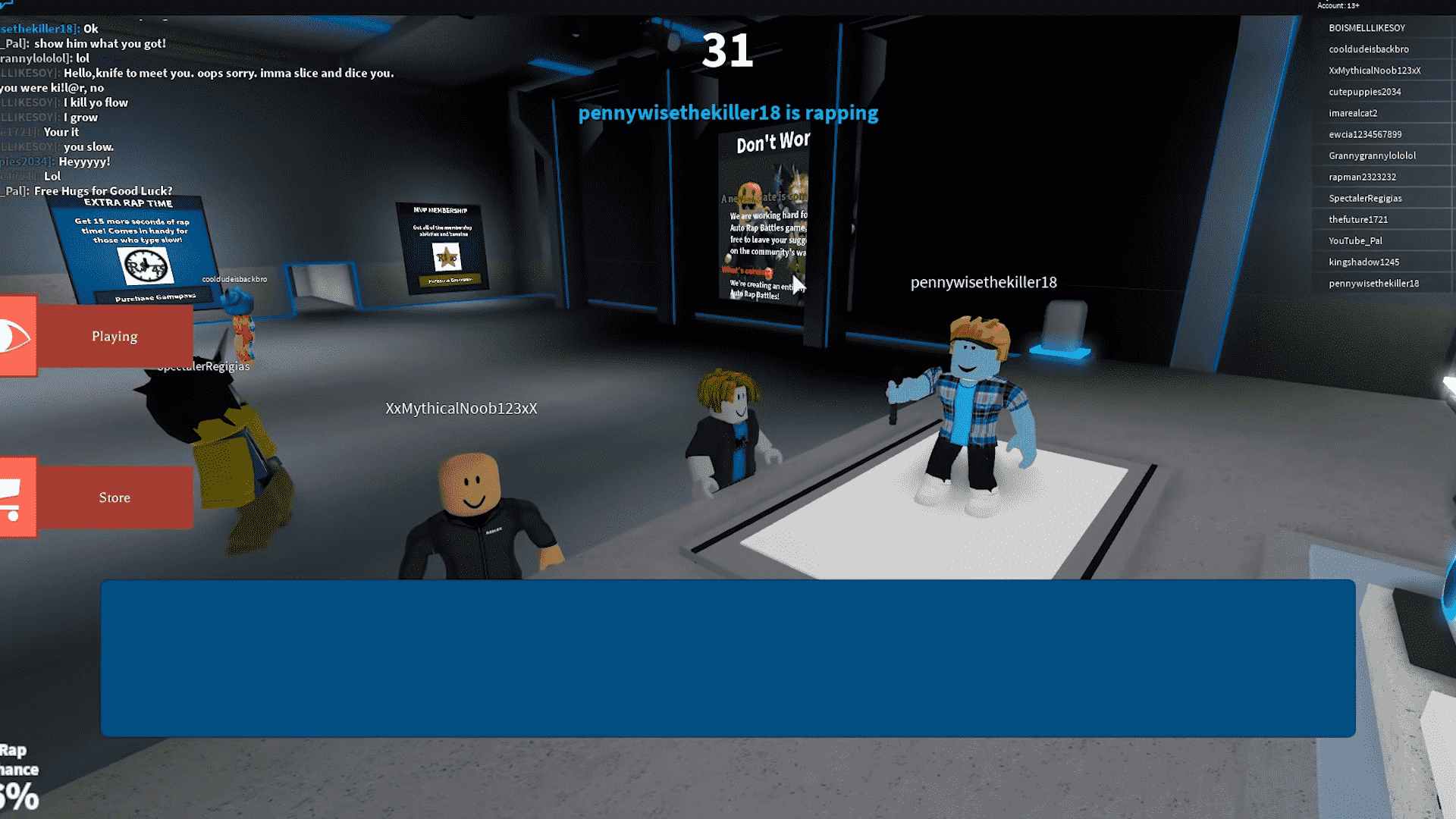
Ro Ghoul Script Autofarm Rap Farm Roblox Scripter Yoyo Simulator Script. Slay The Mic The Ultimate Guide To Roblox Rap Battles . NEW FULL RAP ROBLOX MUSIC CODES IDS JULY 2024 WORKING YouTube . Prepare For 2026 With Roblox Trends TikTok Img. Awesome Roblox Rap Battles Explained With Lyrics Game Roblox Rap Battles 1