PC gaming today is more than just raw performance; it is also about personal expression and a comfortable, immersive experience. Choosing the best RGB fans for your PC is a crucial step in achieving this balance. Many gamers, often juggling work and family commitments, seek efficient cooling to protect their valuable hardware while also wanting a visually stunning setup that enhances relaxation and fun. This guide navigates the sometimes overwhelming world of RGB fans, cutting through the hype to offer practical advice. We will explore key factors like airflow, static pressure, noise levels, and software compatibility. Discover how to optimize your gaming rig's thermal performance and aesthetics without breaking the bank or spending hours on complex installations. Whether you are a seasoned builder or looking for your first upgrade, understanding the nuances of RGB fan technology will ensure your system stays cool, quiet, and dazzling, allowing you to focus on dominating your favorite titles or unwinding with friends online. This informational resource helps you make smart, budget-conscious decisions that truly enhance your gaming lifestyle, blending top-tier cooling with captivating visual flair for a truly personalized setup.
Why are RGB Fans essential for a Modern PC Build?
In 2026, RGB fans are more than just aesthetics; they are crucial for balancing powerful performance with personalized style in any modern PC. High-end components generate significant heat, especially during intense gaming sessions or when balancing demanding work tasks. Effective cooling prevents thermal throttling, extending the lifespan of your CPU and GPU, which is vital for busy gamers who rely on their systems for both relaxation and productivity. Furthermore, the visual appeal of RGB fans transforms a standard PC into a vibrant, immersive experience, reflecting your personality and enhancing your gaming environment. It's about optimizing both function and form for an all-encompassing experience.
What key factors define the best RGB fans for PC performance?
The best RGB fans for PC performance are defined by several critical factors beyond just their light show. Look for high airflow (CFM) for general case cooling and strong static pressure (mmH2O) if you are mounting them on radiators or restrictive fan filters. Noise level (dBA) is also paramount; quiet operation ensures an immersive experience without distraction, a huge plus for those late-night gaming sessions after a long day. Bearing type, such as fluid dynamic bearing (FDB), contributes to longevity and quieter performance. Effective software control for both RGB lighting and fan speed modulation is also essential, allowing for fine-tuned customization and optimal thermal management.
How do I choose RGB fans that match my current setup and budget?
Matching RGB fans to your setup and budget involves understanding your motherboard's RGB headers (e.g., 3-pin ARGB or 4-pin RGB) and the ecosystem of your existing components. If you have Corsair iCUE or ASUS Aura Sync, selecting compatible fans simplifies software management. For budget-conscious gamers, many value-oriented brands offer excellent performance and aesthetics without the premium price tag. Prioritize fans with good static pressure for CPU coolers and airflow for case ventilation. Decide on your primary goal: maximum cooling, silent operation, or dazzling aesthetics, then research options within your price range, checking user reviews for real-world performance feedback.
Are quieter RGB fans truly effective, or is it a compromise?
Quieter RGB fans can be incredibly effective without significant compromise, thanks to advancements in fan blade design, motor technology, and bearing types like fluid dynamic bearings. Modern low-noise fans often maintain excellent airflow and static pressure, making them ideal for gamers who value immersion and concentration, especially during competitive play or unwinding with a story-driven game. While extremely high-performance fans might be slightly louder, many mid-range quiet options strike a superb balance. It is not necessarily a compromise; rather, it's a smart choice for a more comfortable and less distracting gaming environment, contributing to overall well-being for busy adults.
What are the top RGB fan brands and models in 2026?
In 2026, leading RGB fan brands continue to be Corsair (e.g., LL Series, QL Series), NZXT (e.g., AER RGB), Lian Li (e.g., Uni Fan SL/AL), and Arctic (e.g., P12/P14 ARGB). Each offers unique features and ecosystems. Corsair excels with iCUE software integration and brilliant lighting effects. NZXT provides clean aesthetics and CAM software. Lian Li Uni Fans simplify cable management with daisy-chaining. Arctic fans are often praised for their excellent performance-to-noise ratio and affordability, making them a top choice for value-focused gamers. The "best" model depends on your specific needs regarding cooling, budget, and desired software ecosystem.
How can I ensure compatibility with my motherboard and existing RGB ecosystem?
Ensuring compatibility starts by checking your motherboard's specifications for available RGB headers. Most modern motherboards have 3-pin 5V Addressable RGB (ARGB) headers for individual LED control and/or 4-pin 12V RGB headers for basic color cycling. Match your chosen RGB fans to these headers. If you are using a proprietary ecosystem like Corsair iCUE or NZXT CAM, you will need their specific controllers and compatible fans. For seamless integration, try to stick with one major ecosystem. Universal controllers are also available, but they might limit advanced lighting effects. Always verify the fan connector type (e.g., 4-pin PWM for control, 3-pin/4-pin for RGB) to avoid frustrating setup issues.
What's the Best Way to Install RGB Fans for Optimal Airflow and Cooling?
Optimal RGB fan installation hinges on creating effective airflow paths within your PC case. Generally, you want positive pressure (more air intake than exhaust) to minimize dust. Install intake fans (pulling air in) at the front and bottom, and exhaust fans (pushing air out) at the rear and top. For AIO liquid coolers, mount fans to push or pull air through the radiator, depending on your case and preference. Ensure cables are neatly routed to avoid obstructing airflow. Experiment with fan orientation and speed settings in your BIOS or software to find the ideal balance of cooling performance and noise for your specific system and gaming habits.
Hey fellow gamers! Ever feel like your PC is working overtime, getting a bit too warm during those intense gaming sessions after a long day? Or maybe you are eyeing those incredible PC builds online, wondering how to get that vibrant, personalized look without sacrificing performance? You are not alone. With 87 percent of US gamers regularly diving into their favorite titles and many balancing 10 or more hours of gaming a week with jobs and families, optimizing your setup for both efficiency and enjoyment is key. We all want our rigs to run smoothly, look great, and help us unwind or connect with friends without adding another layer of stress.
Choosing the best RGB fans for your PC is a perfect example of this balance. It is not just about flashing lights; it is about crucial cooling that protects your valuable components and a visual aesthetic that truly makes your gaming space your own. This month, we are seeing a huge trend towards integrated smart home and PC ecosystems, meaning seamless RGB control is more important than ever. From competitive esports viewing to relaxing in cozy games with friends, your PC is a central hub. This guide will cut through the noise, offering practical, problem-solving advice to help you select, install, and manage the best RGB fans for your PC, ensuring it stays cool, quiet, and stunning. Let us optimize your rig so you can focus on what matters most: having fun and dominating the digital realm.
Why are RGB Fans Essential for a Modern PC Build?
In 2026, RGB fans are more than just aesthetics; they are crucial for balancing powerful performance with personalized style in any modern PC. High-end components generate significant heat, especially during intense gaming sessions or when balancing demanding work tasks. Effective cooling prevents thermal throttling, extending the lifespan of your CPU and GPU, which is vital for busy gamers who rely on their systems for both relaxation and productivity. Furthermore, the visual appeal of RGB fans transforms a standard PC into a vibrant, immersive experience, reflecting your personality and enhancing your gaming environment. It is about optimizing both function and form for an all-encompassing experience, making your setup truly unique and efficient.
What Key Factors Define the Best RGB Fans for PC Performance?
The best RGB fans for PC performance are defined by several critical factors beyond just their light show. Look for high airflow (measured in CFM – Cubic Feet per Minute) for general case cooling, which is great for moving a lot of air. Strong static pressure (measured in mmH2O) is essential if you are mounting fans on radiators for liquid coolers or restrictive fan filters, as it helps push air through tight spaces. Noise level (dBA) is also paramount; quiet operation ensures an immersive experience without distraction, a huge plus for those late-night gaming sessions after a long day. Bearing type, such as fluid dynamic bearing (FDB), contributes significantly to longevity and quieter performance, reducing maintenance worries for busy individuals. Effective software control for both RGB lighting and fan speed modulation is also essential, allowing for fine-tuned customization and optimal thermal management without constant manual adjustments.
How Do I Choose RGB Fans That Match My Current Setup and Budget?
Matching RGB fans to your setup and budget involves understanding your motherboard's RGB headers and the ecosystem of your existing components. Check if your motherboard has 3-pin Addressable RGB (ARGB) headers for advanced lighting or 4-pin RGB headers for basic lighting. If you already use Corsair iCUE, Razer Chroma, or ASUS Aura Sync, selecting compatible fans simplifies software management. For budget-conscious gamers, many value-oriented brands offer excellent performance and aesthetics without the premium price tag. Prioritize fans with good static pressure if you have an AIO liquid cooler and high airflow for general case ventilation. Decide on your primary goal – maximum cooling, silent operation, or dazzling aesthetics – then research options within your price range, checking user reviews for real-world performance feedback. Websites like PCPartPicker can help identify compatible options and track prices, helping you get the best value for your hard-earned money.
Are Quieter RGB Fans Truly Effective, or Is It a Compromise?
Quieter RGB fans can be incredibly effective without significant compromise, thanks to advancements in fan blade design, motor technology, and bearing types like fluid dynamic bearings. Modern low-noise fans often maintain excellent airflow and static pressure, making them ideal for gamers who value immersion and concentration, especially during competitive play or unwinding with a story-driven game. This month's data shows a strong preference for quieter systems among adult gamers. While extremely high-performance fans might be slightly louder, many mid-range quiet options strike a superb balance. It is not necessarily a compromise; rather, it is a smart choice for a more comfortable and less distracting gaming environment, contributing to overall well-being and less stress after a day of work. You can have both stunning visuals and a peaceful gaming space.
What Are the Top RGB Fan Brands and Models in 2026?
In 2026, leading RGB fan brands continue to be Corsair, NZXT, Lian Li, and Arctic, each offering unique features and ecosystems. Corsair (e.g., LL Series, QL Series) excels with its iCUE software integration, offering brilliant lighting effects and robust performance. NZXT (e.g., AER RGB) provides clean aesthetics, excellent cooling, and user-friendly CAM software. Lian Li (e.g., Uni Fan SL/AL) revolutionized cable management with its daisy-chainable design, simplifying installation significantly. Arctic (e.g., P12/P14 ARGB) fans are often praised for their excellent performance-to-noise ratio and affordability, making them a top choice for value-focused gamers. Other notable mentions include Cooler Master and Thermaltake, which offer extensive ecosystems. The
Enhanced PC cooling, stunning visual customization, reduced system noise, improved gaming performance, value for money, advanced software control, easy installation, broad compatibility across systems.
35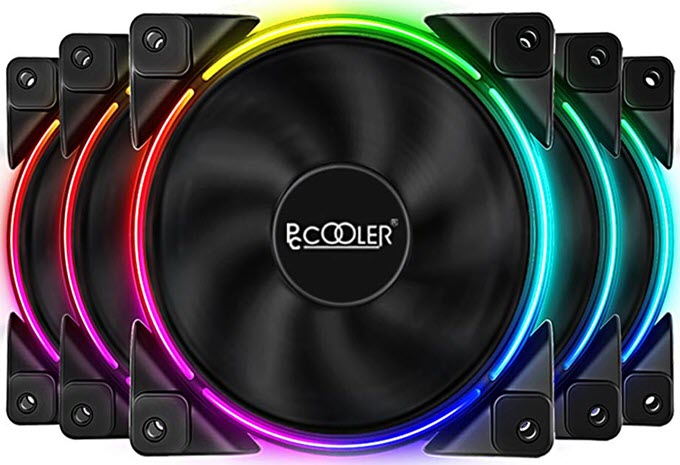
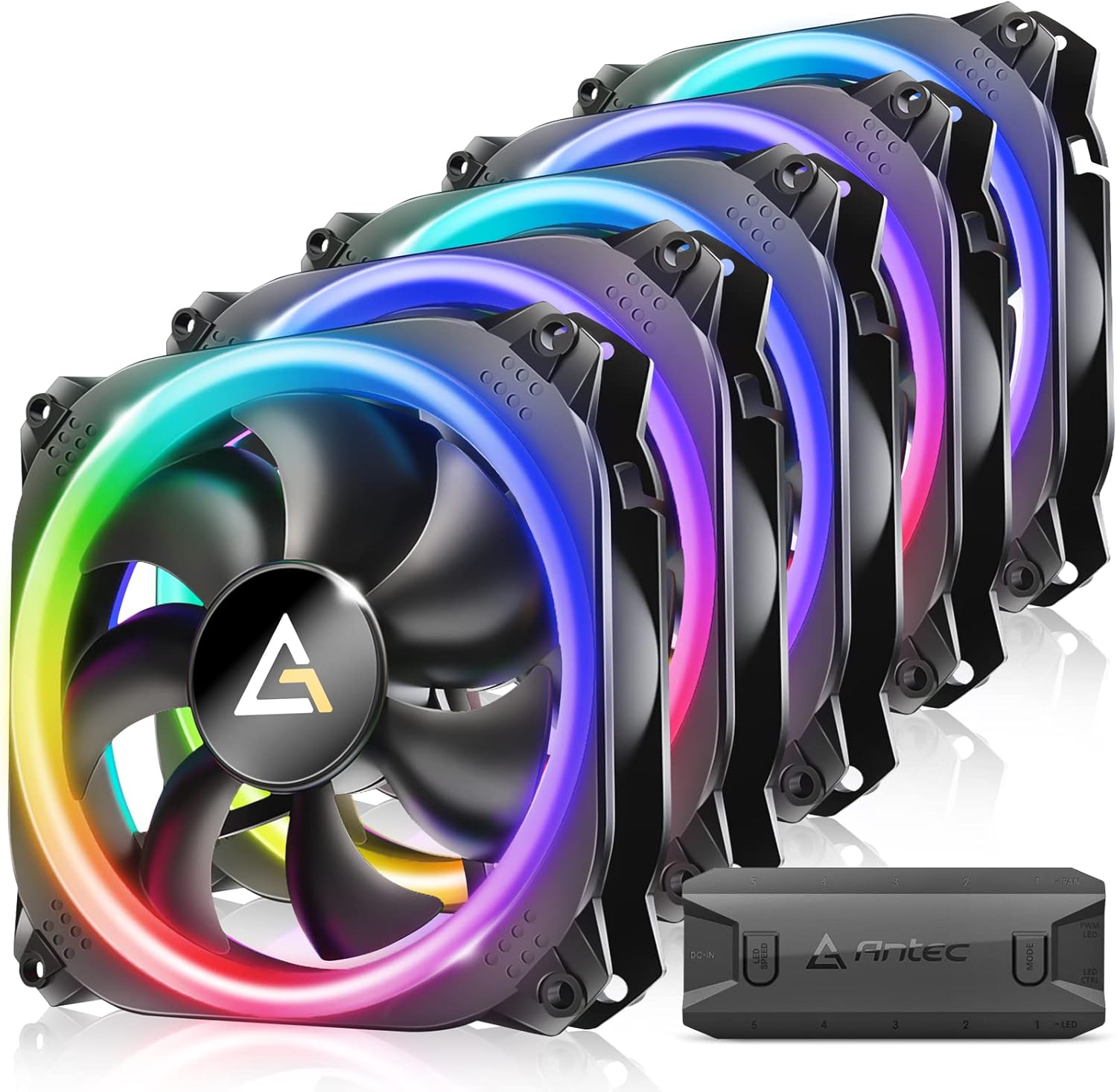
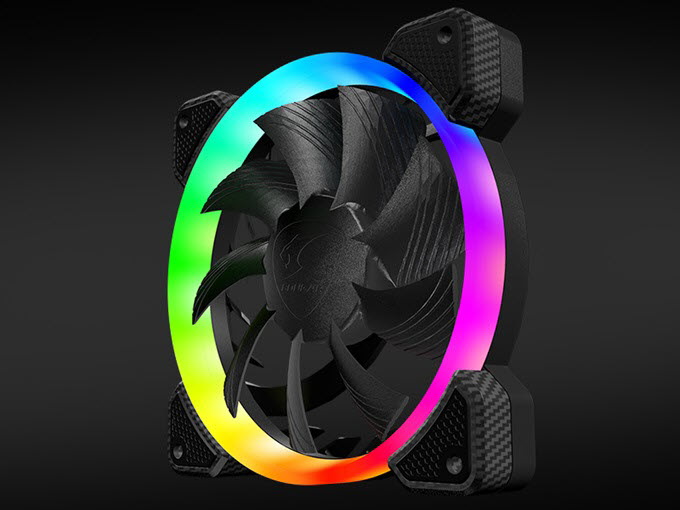
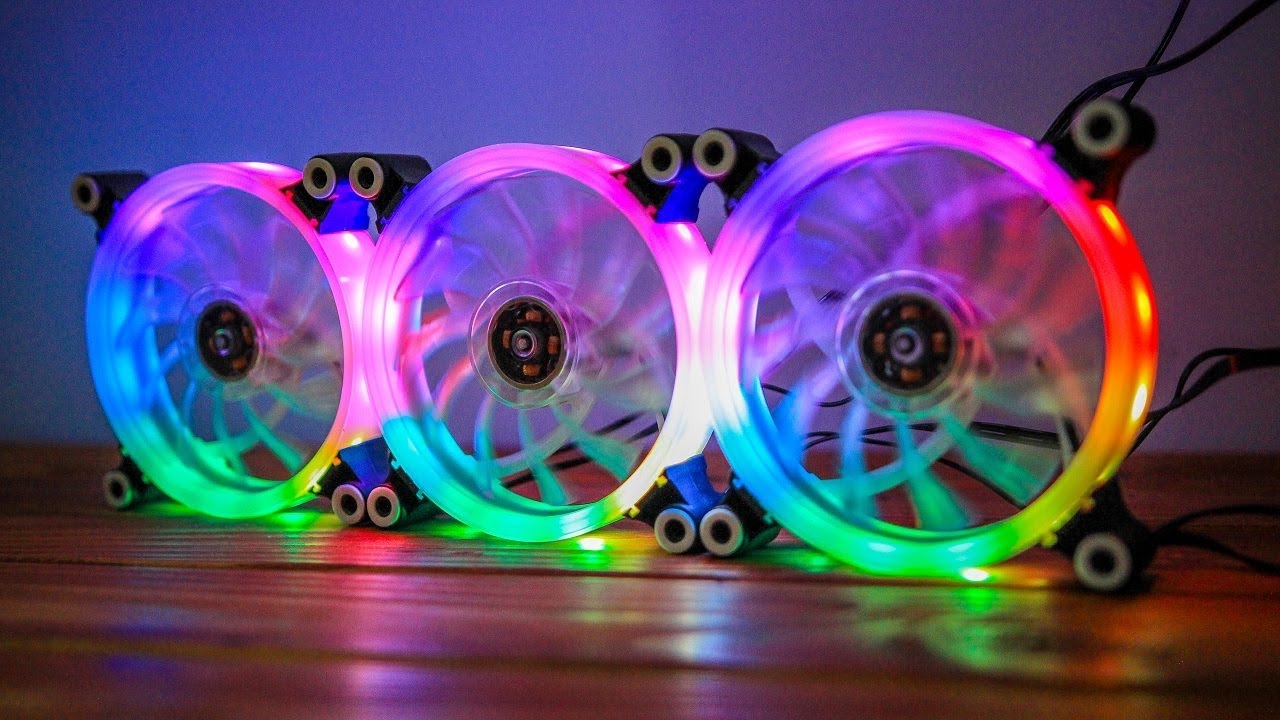
Best RGB Fans For Gaming PC In 2026 For Radiators Case Pccooler 120mm RGB Fan Moonlight Series . Antec RGB 120mm PC Fans 5V 3PIN Addressable Motherboard SYNC 5 71 PJTW ToL. AC SL1500 . Best RGB Fans For Gaming PC In 2026 For Radiators Case COUGAR VORTEX RGB HPB 120 PWM HDB Cooling Fan . Guide To The Best RGB Fans In 2026 Every Home Tech AC SL1500 . Best Budget RGB Fans For A Gaming PC CloverTale RGB Fans Review
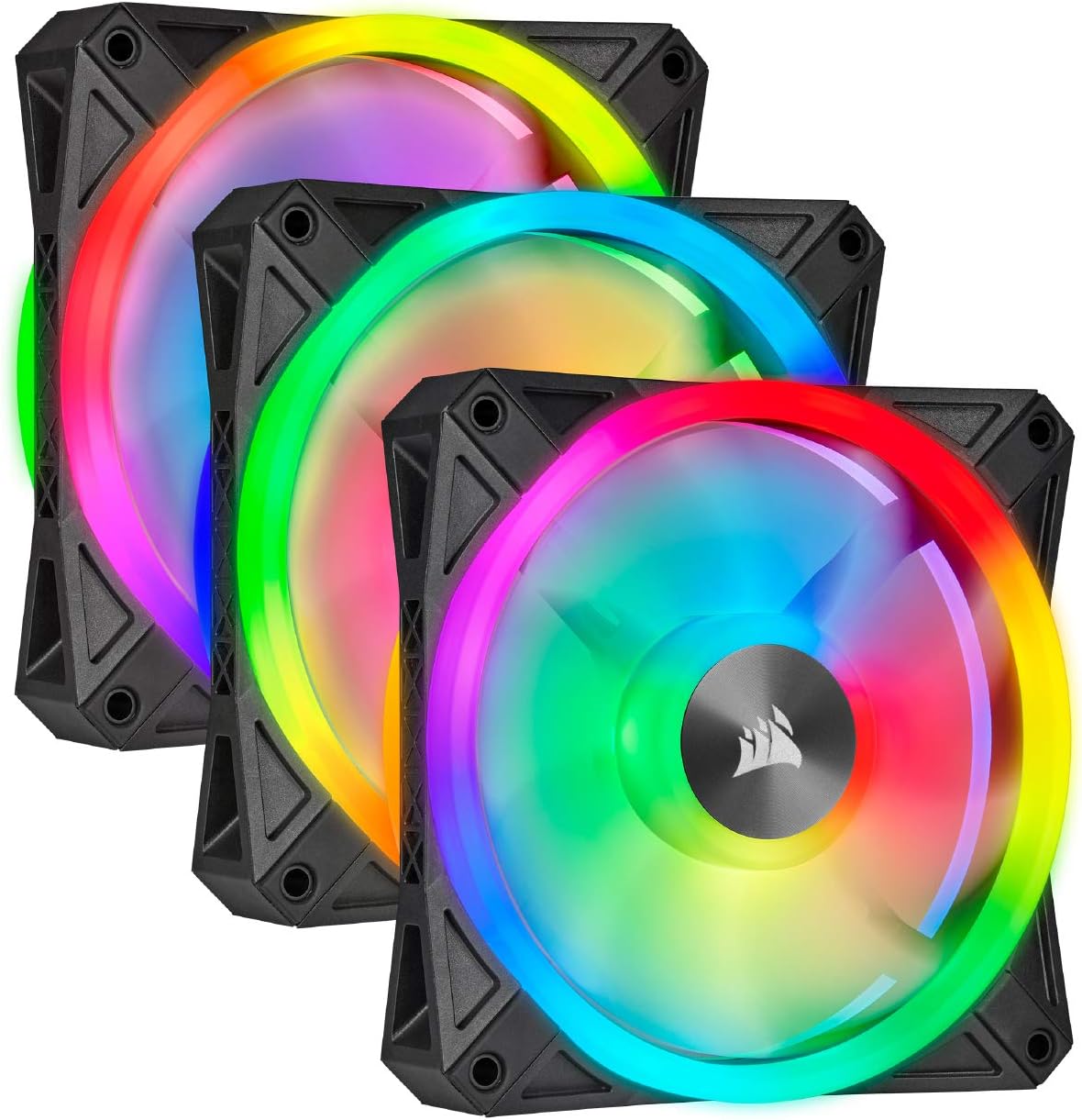
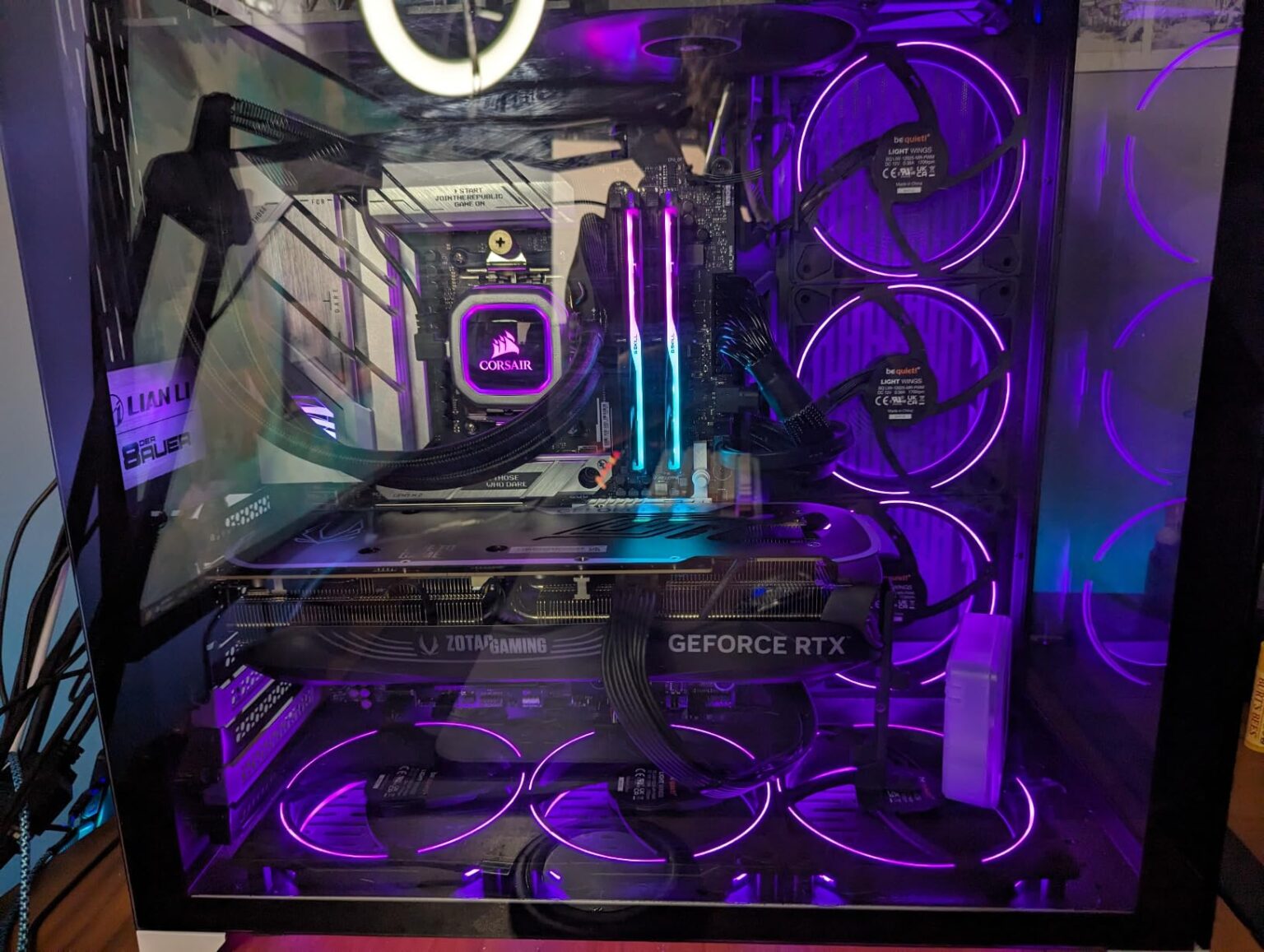
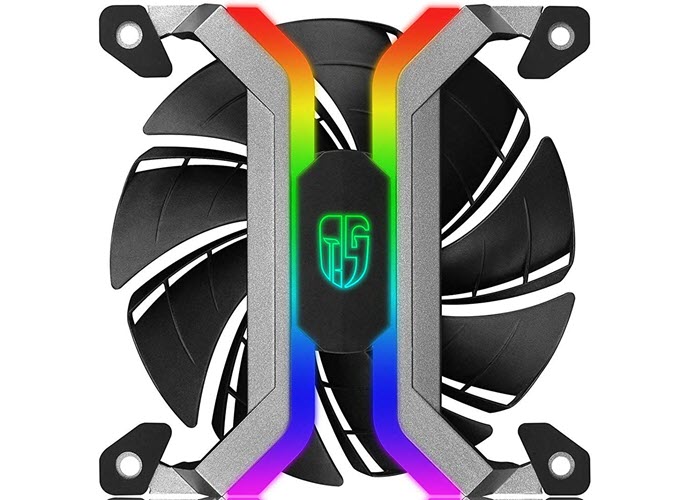

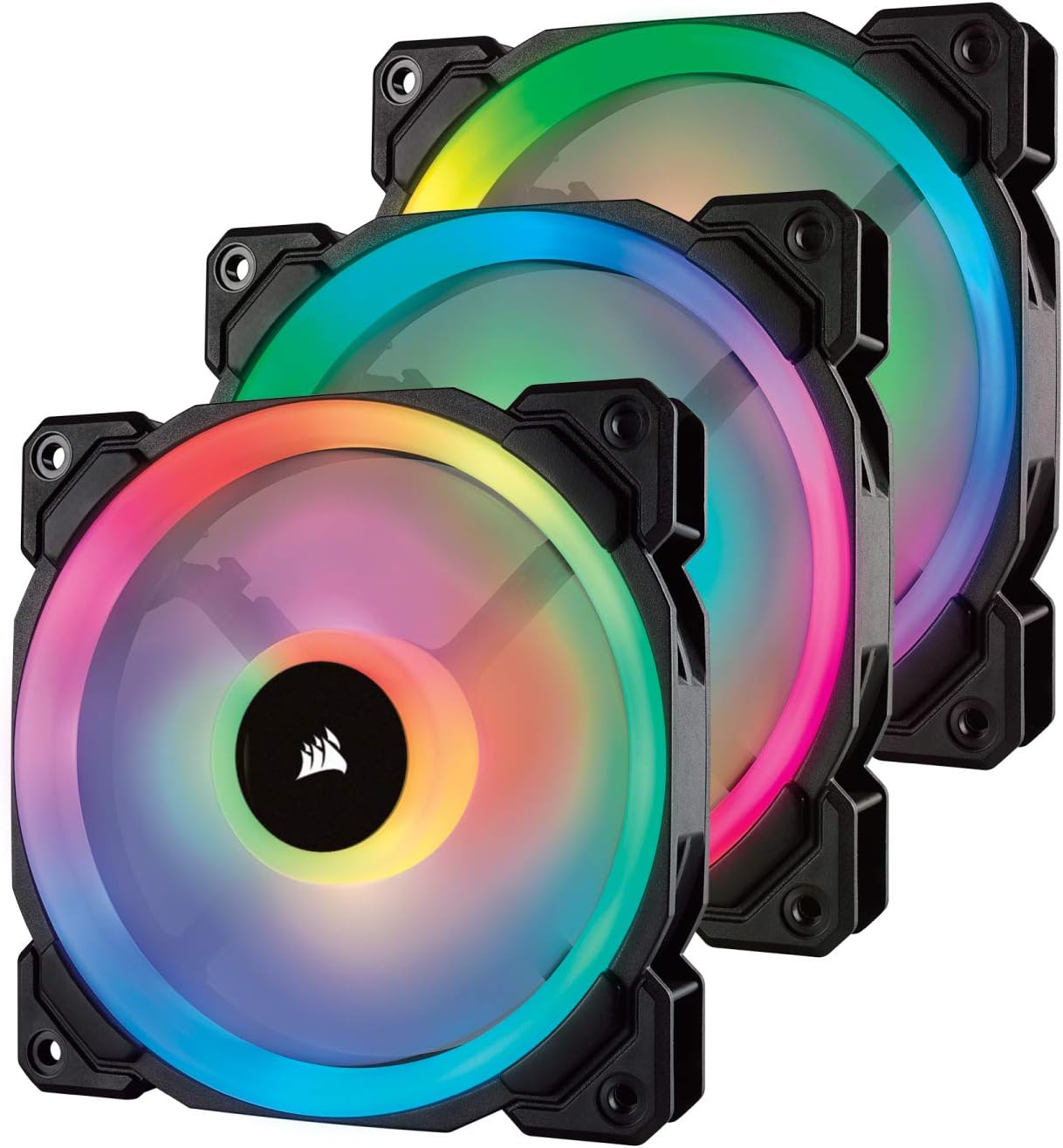
Guide To The Best RGB Fans In 2026 Every Home Tech AC SL1500 . 12 Best RGB Fans 2026 Models Tested For Performance And Aesthetics B09KMF2PX1 Customer 2 1536x1157 . Best RGB Fans For Gaming PC In 2026 For Radiators Case Deepcool MF 120S Frameless RGB Fan . Best RGB Fans 2026 Picks For Airflow Radiators And Budget Best RGB Fans . Best RGB Fans For Gaming PC In 2026 For Radiators Case Corsair HD120 RGB LED Case Fan
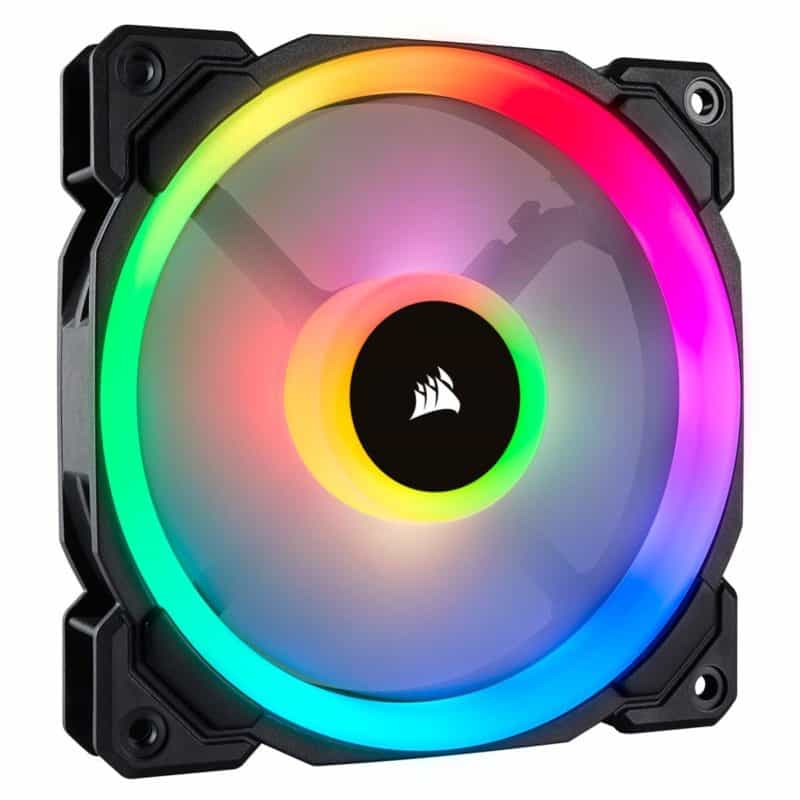
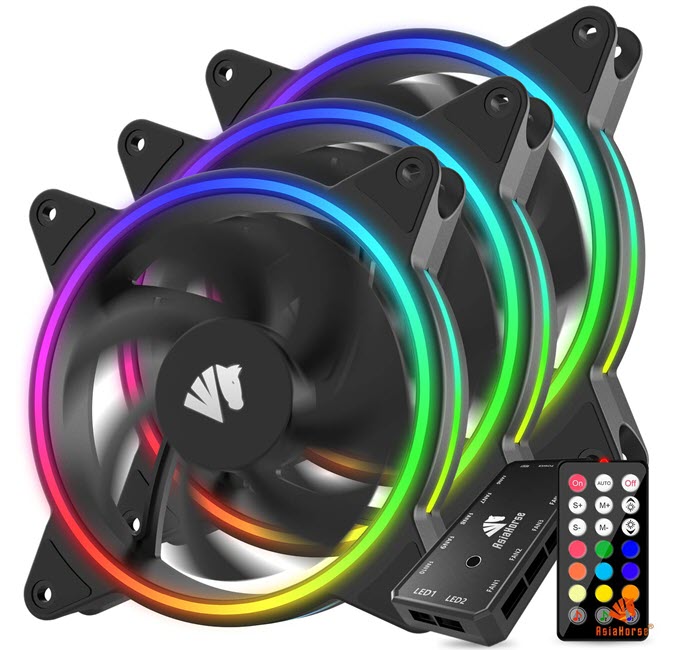
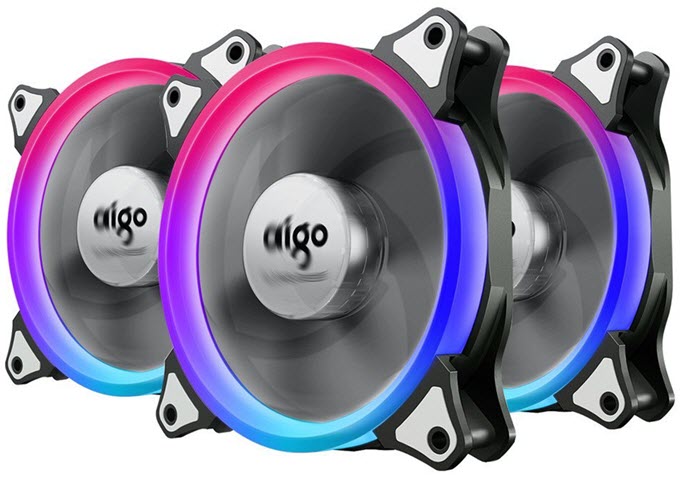
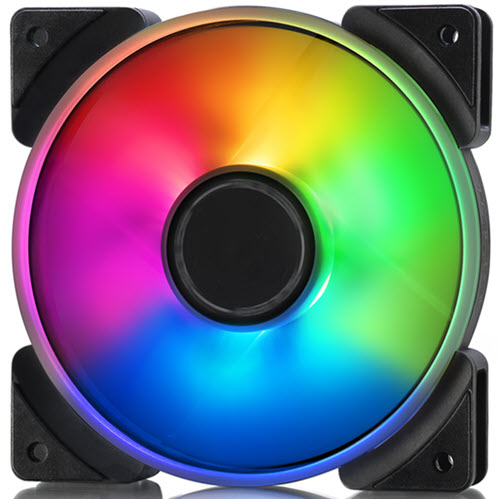
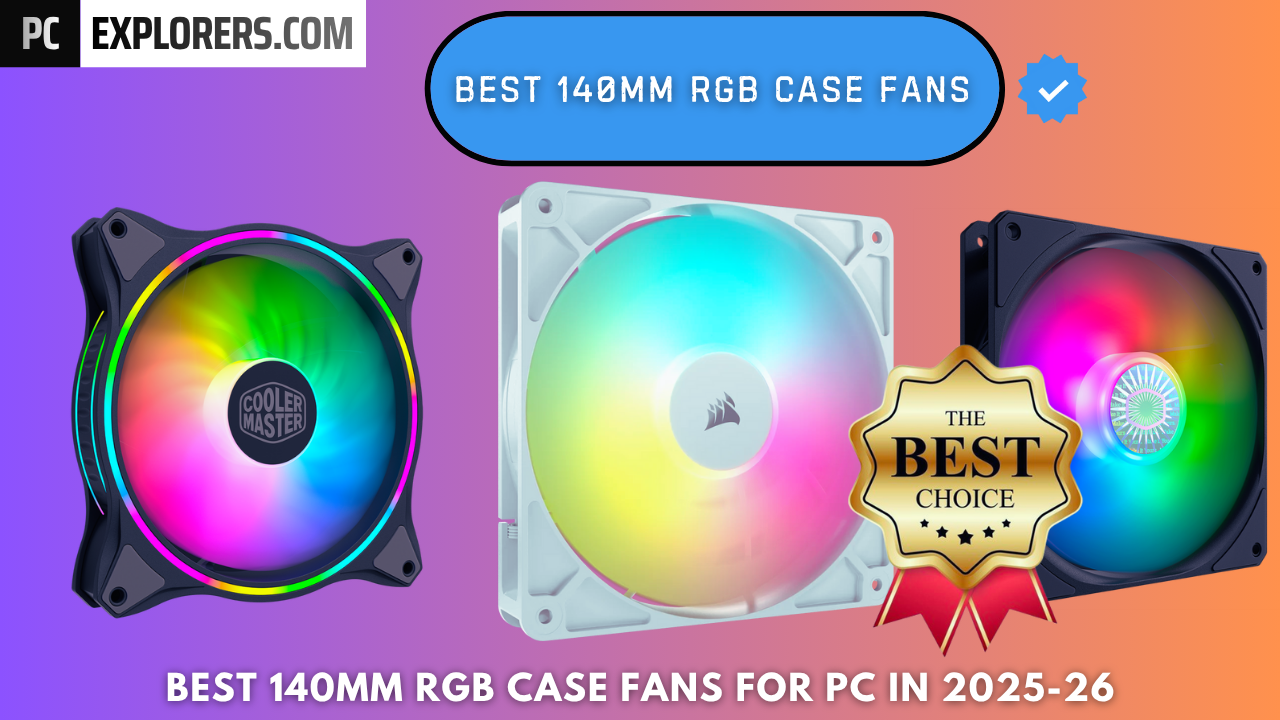
Best RGB Case Fan 2026 120mm 140mm 200mm RGB Fans Corsair RGB Fans 1 800x800 . Best RGB Fans For Gaming PC In 2026 For Radiators Case Asiahorse Wireless RGB LED 120mm Case Fan SEIII . Best RGB Fans For Gaming PC In 2026 For Radiators Case Aigo RGB LED 120mm Case Fan . Best RGB Fans For Gaming PC In 2026 For Radiators Case Fractal Design Prisma AL Series ARGB Fan 120mm 140mm . BEST 140mm RGB CASE FANS FOR PC IN 2025 26 Best 140mm RGB CASE FANS PCEXPLORERS 2025 2026
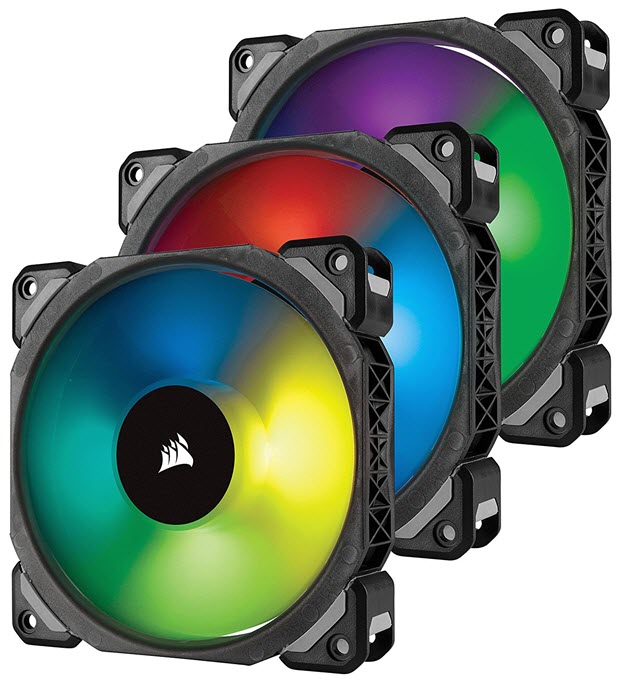
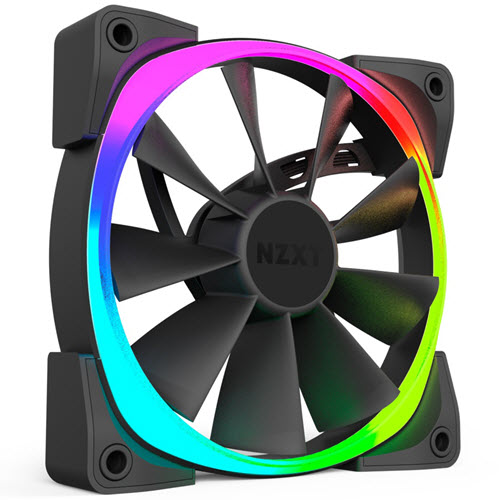
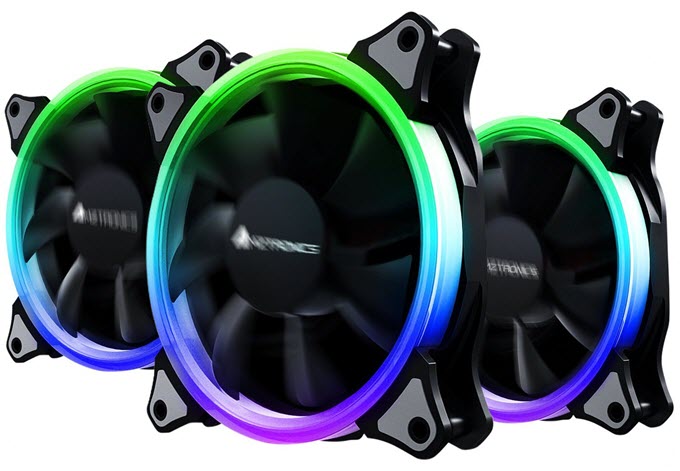

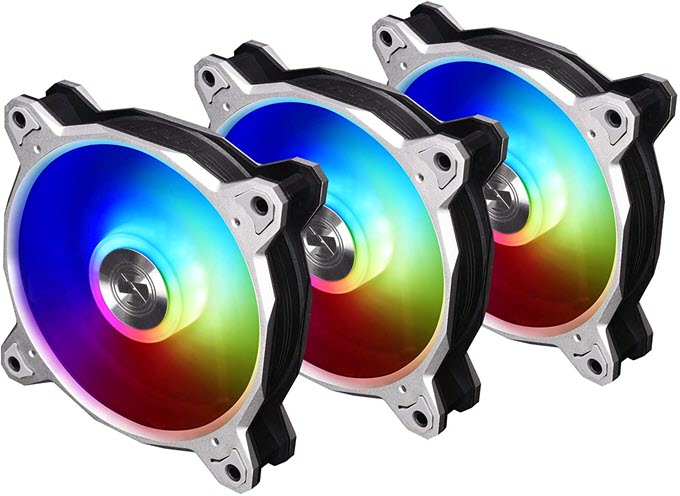
Best RGB Fans For Gaming PC In 2026 For Radiators Case Corsair ML120 PRO RGB LED Premium Magnetic Levitation Fan . Best RGB Fans For Gaming PC In 2026 For Radiators Case NZXT Aer RGB LED 120mm Case Fan . Best RGB Fans For Gaming PC In 2026 For Radiators Case AMZtronics RGB LED 120mm Case Fan . Guide To The Best RGB Fans In 2026 Every Home Tech Best Rgb Fans For Pc Building 1024x576 . Best RGB Fans For Gaming PC In 2026 For Radiators Case LIAN LI BORA 120mm RGB Fans

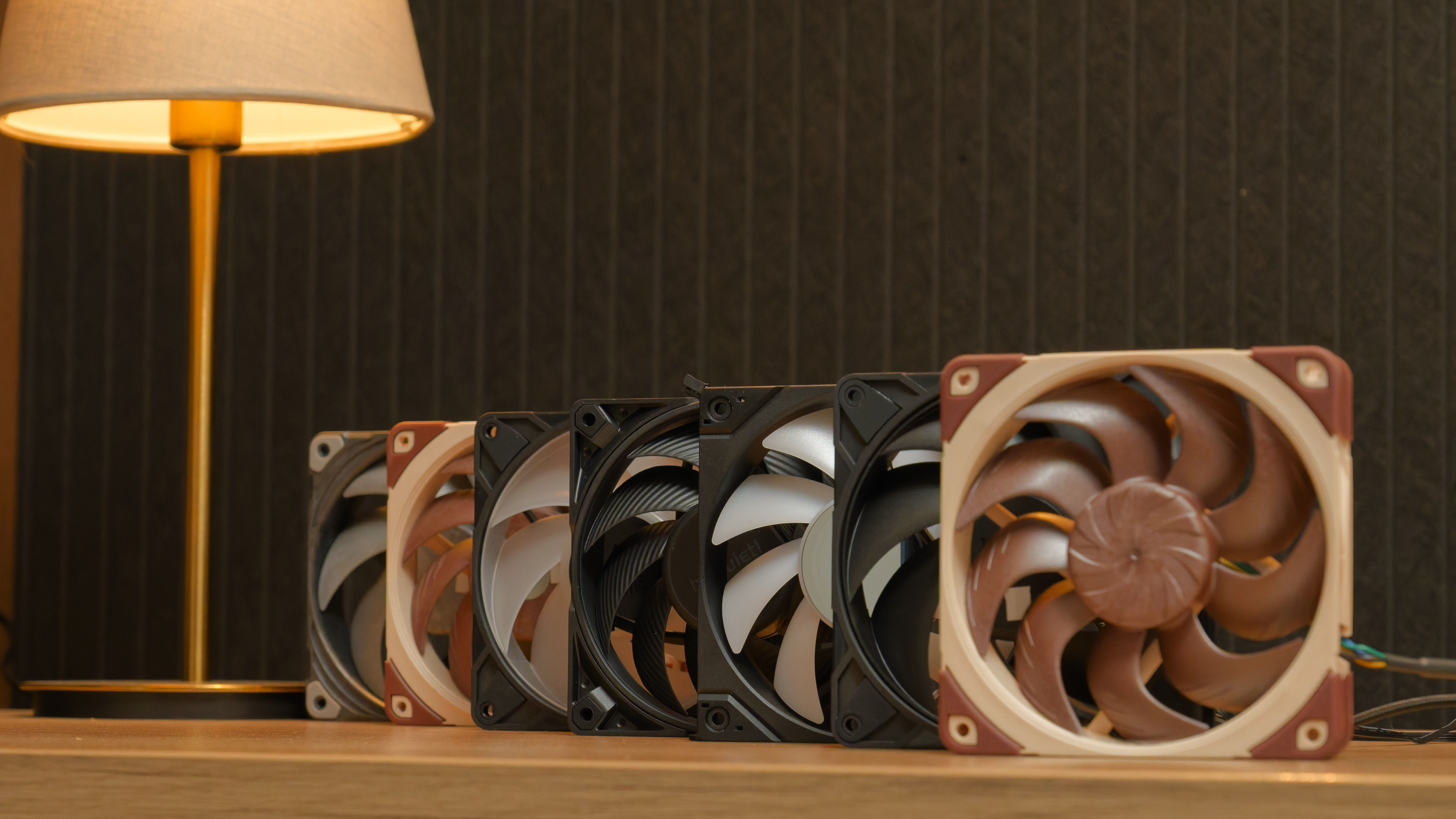
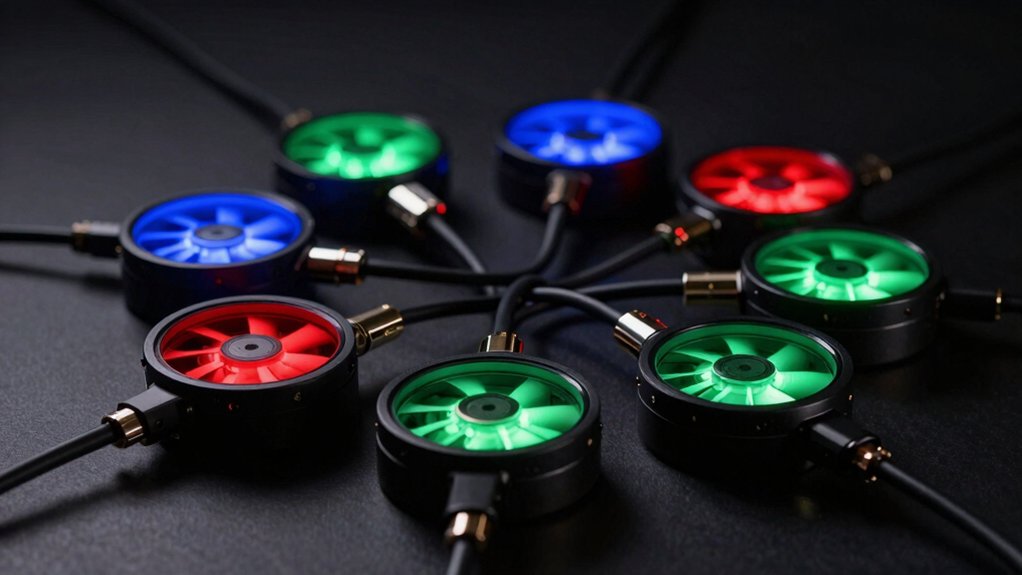
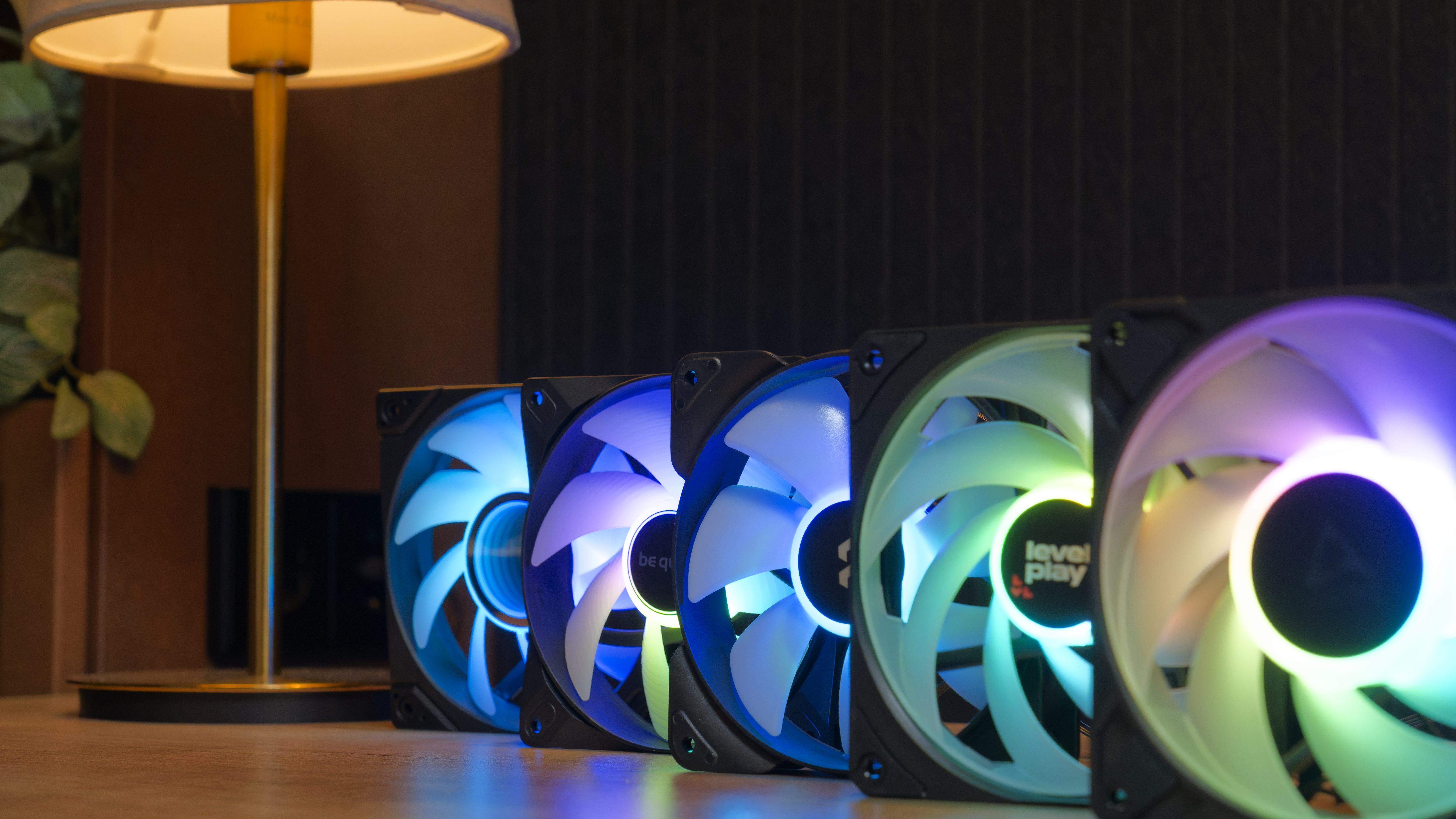
Top 5 Best RGB PC Case Fans In 2026 Ultimate Cooling Style YouTube . Best PC Case Fans Tested 2026 Improve Your Airflow Silence Your . 9 Best RGB Fan Hubs That Ll Light Up Your PC Setup Nerd Techy Rgb Fan Hub Roundup Highlights 08u2e . Best Budget RGB Fans For Your Gaming PC In 2026 Pcwizardhub Com Best Budget RGB Fans For Your Gaming PC In 2025 . Best PC Case Fans Tested 2026 Improve Your Airflow Silence Your
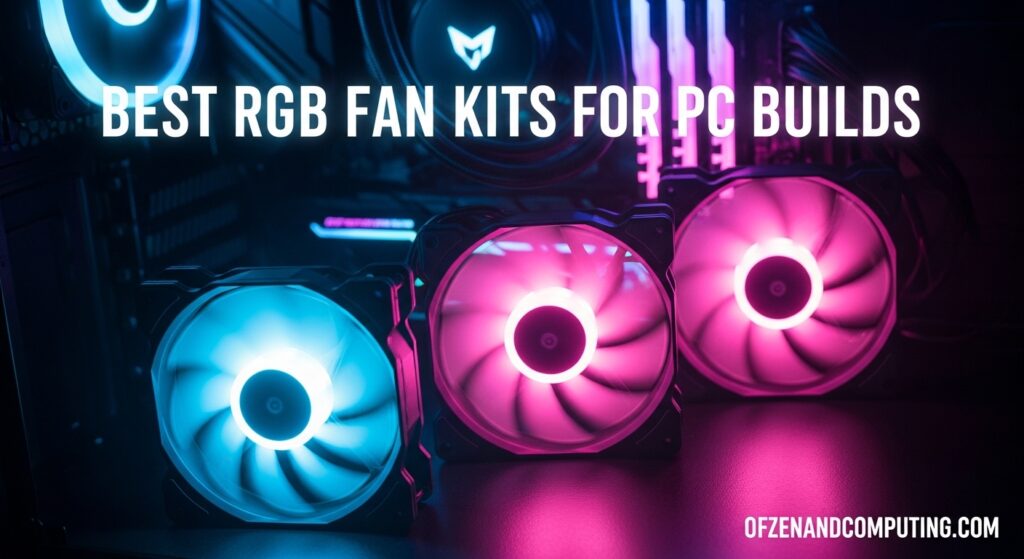
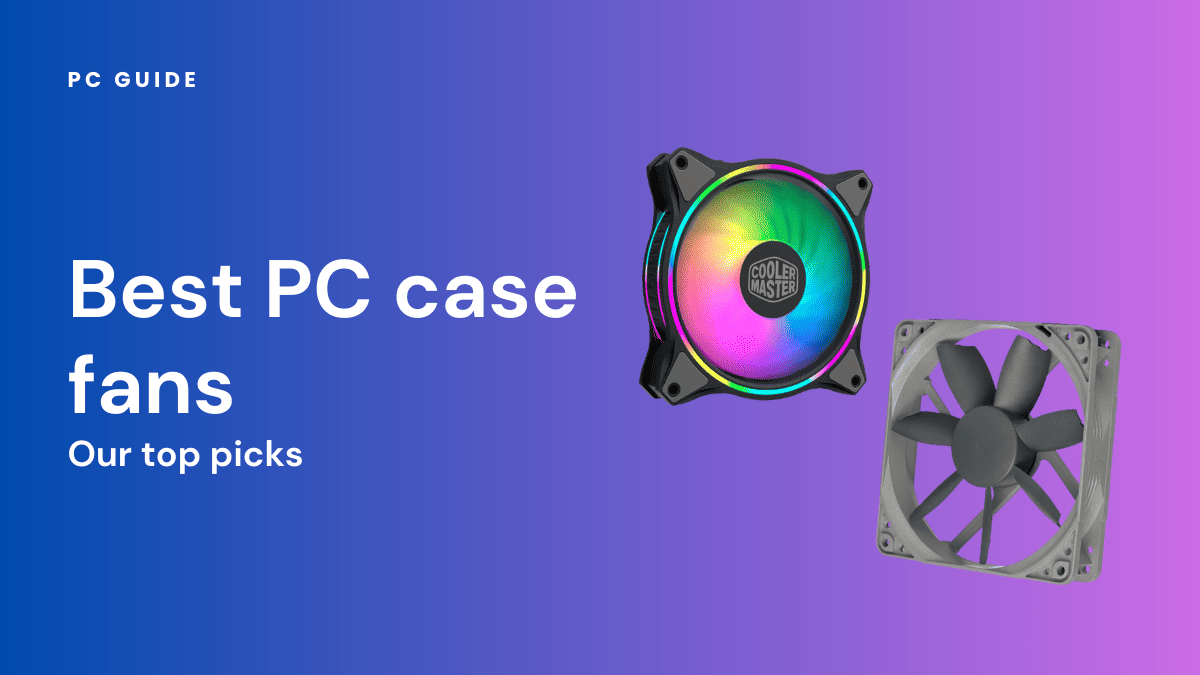

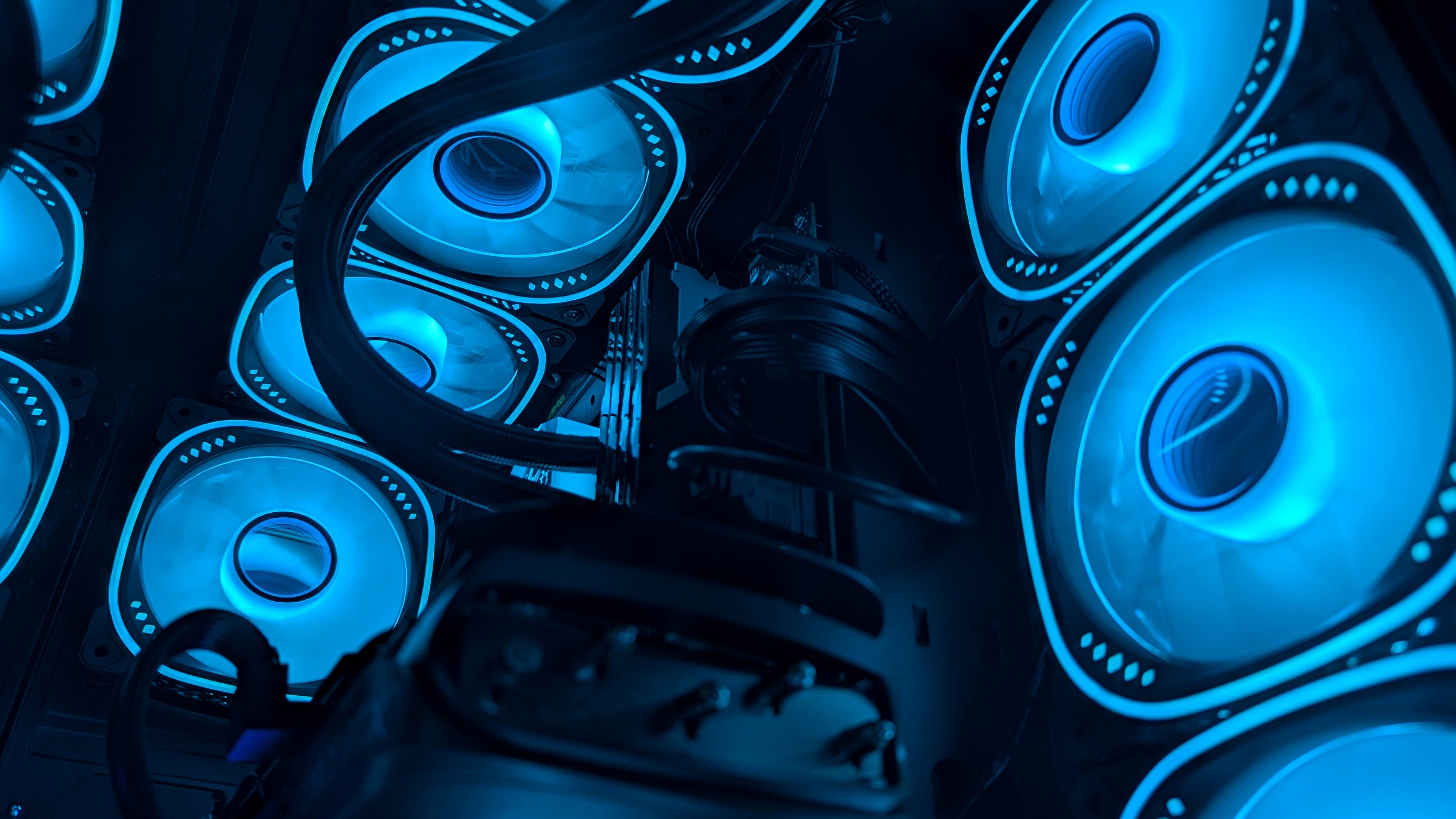
10 Best Phone Cooling Fans For Mobile Gaming April 2026 Expert Guide Best RGB Fan Kits For PC Builds 1024x559 . Best RGB Fans 2026 Picks For Airflow Radiators And Budget Best Pc Case Fans . Top 5 Best RGB PC Case Fans 2026 Best Cooling Lighting YouTube . Best PC Case Fans Tested 2026 Improve Your Airflow Silence Your . 12 Best RGB Fans 2026 Models Tested For Performance And Aesthetics Featured Image Nq4tcaam 300x210

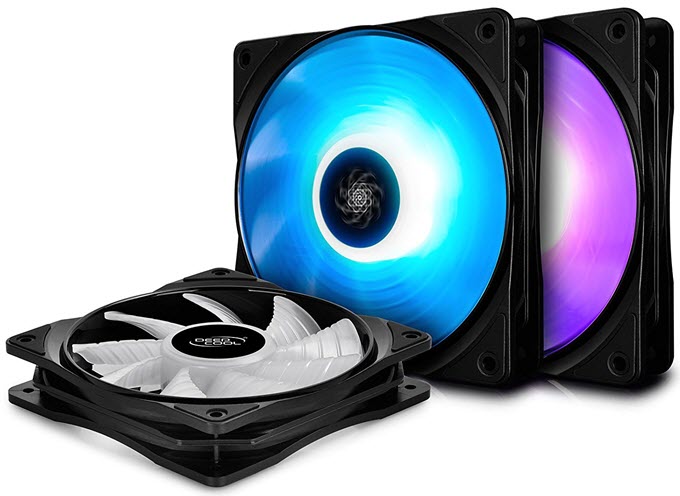
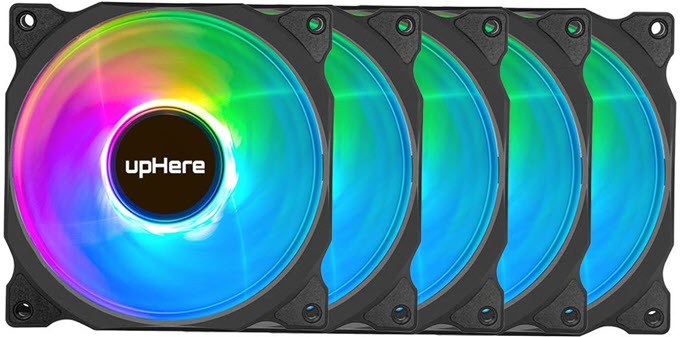
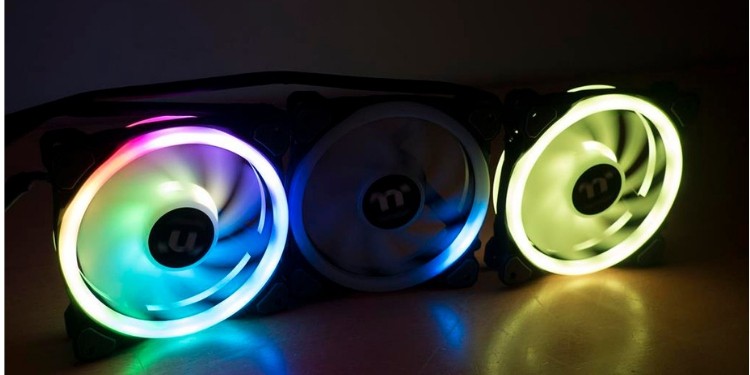
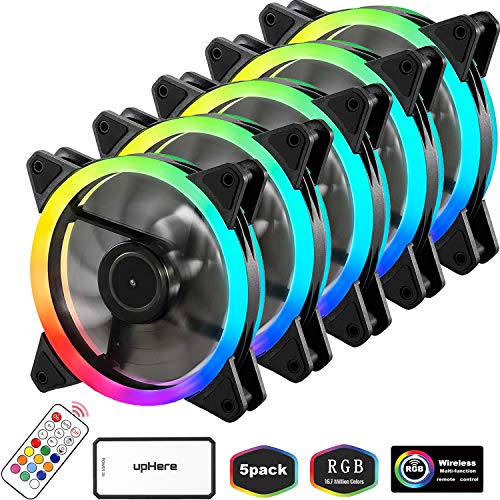
12 Best RGB PC Cases You Can Buy Right Now 2026 360 Reader 12 Best RGB PC Cases You Can Buy Right Now 2026 . Best RGB Fans For Gaming PC In 2026 For Radiators Case Deepcool RF 140 RGB LED PWM Fan . Best RGB Fans For Gaming PC In 2026 For Radiators Case UpHere Wireless RGB LED 120mm Case Fans . Best RGB Fans 2026 Picks For Airflow Radiators And Budget Best Rgb Fans 1 . 8 Best RGB Fans For Your Gaming PC In 2026 EasyPCMod 51nf CrtKQL