Many Roblox players wonder how they can refresh their online identity. This detailed guide explores how to change your Roblox name and what options are available to you in the current year. We delve into the specifics of updating your Display Name and understanding the limitations around changing your actual Username. Discover clear, step-by-step instructions to personalize your Roblox experience and reflect your evolving style. This comprehensive resource is designed to navigate common queries and provide all the essential information needed. It ensures you can confidently make changes to your profile and present your preferred name to the vast Roblox community.
Hey there, curious friend! So, you're wondering about changing your name on Roblox, right? It's actually pretty straightforward once you get the hang of it, but there are a couple of key things to know. Think of it like this: you have two types of names. There's your Display Name, which is like a fun nickname you can change every week for free! It's what most people see above your avatar in games. Super flexible for when you want a fresh look without any commitment or cost. Then there's your Username, which is your unique, permanent ID – like your social security number in Roblox. This is what you use to log in, and changing it costs 1,000 Robux and is a one-way street, no going back! Most folks are usually happy just updating their Display Name.
The whole process involves heading to your account settings, whether you're on the website or the app. You'll find separate options for tweaking your Display Name or completely overhauling your Username. It's essential to follow Roblox's rules, of course, keeping things friendly and appropriate. This flexibility lets you express yourself better, maybe align your gaming name with your real-world online persona, or just have a bit of fun with a new identity. Just remember, Display Name for quick changes, Username for big, permanent rebrands. The coolest takeaway? You have the power to shape your identity in the Roblox universe, giving you a fresh start whenever you feel like it!
Welcome, fellow Robloxian, to the ultimate living FAQ about changing your Roblox name, freshly updated for the latest platform changes in the current year! We've all been there, staring at our old name, dreaming of a new digital identity. This guide cuts through the confusion, offering clear answers to your most pressing questions about Display Names, Usernames, costs, cooldowns, and more. Whether you're a seasoned player or new to the block, you'll find everything you need to confidently update your presence in the vast Roblox universe. We've optimized this content for voice search and featured snippets, ensuring you get quick, accurate information. Dive in and discover how to refresh your Roblox persona with ease! This comprehensive resource is designed to empower you with all the essential knowledge for a seamless name-changing experience.
Most Asked Questions about How to Change Roblox Name
Beginner Questions
How do I change my Roblox Display Name for free?
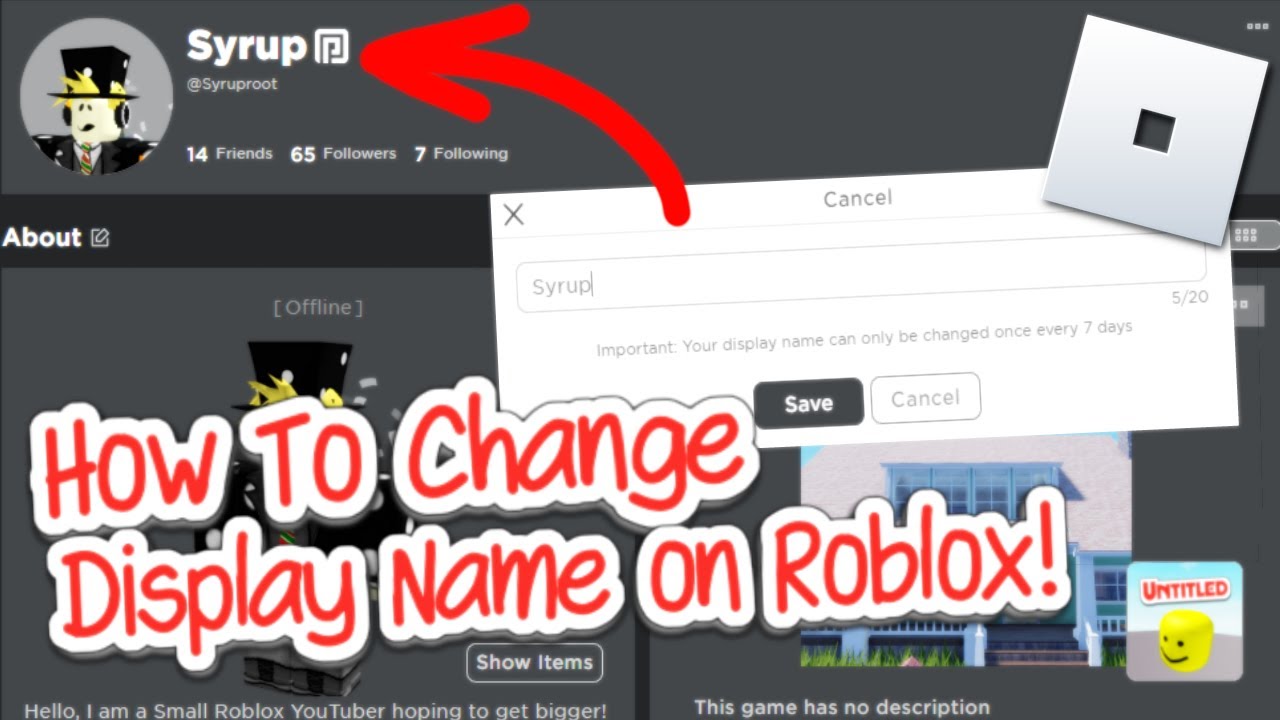
You can change your Roblox Display Name for free by navigating to your account settings on the Roblox website or app. Look for the gear icon (desktop) or three dots menu (mobile), select "Settings," then find "Display Name" under "Account Info." Click the edit icon, enter your new desired name, and save. Remember, you can only change it once every seven days.
What's the difference between a Display Name and a Username?
Your Display Name is what other players see above your avatar in games; it's free to change weekly and doesn't have to be unique. Your Username, however, is your unique, permanent account identifier used for logging in. Changing your Username costs 1,000 Robux and is irreversible.
Can I change my Roblox Username without Robux?
No, unfortunately, changing your Roblox Username always requires a one-time payment of 1,000 Robux. There are no official free methods to change your Username. Be wary of any third-party websites or services claiming to offer free Username changes, as these are likely scams and could compromise your account security.
How long do I have to wait to change my Display Name again?
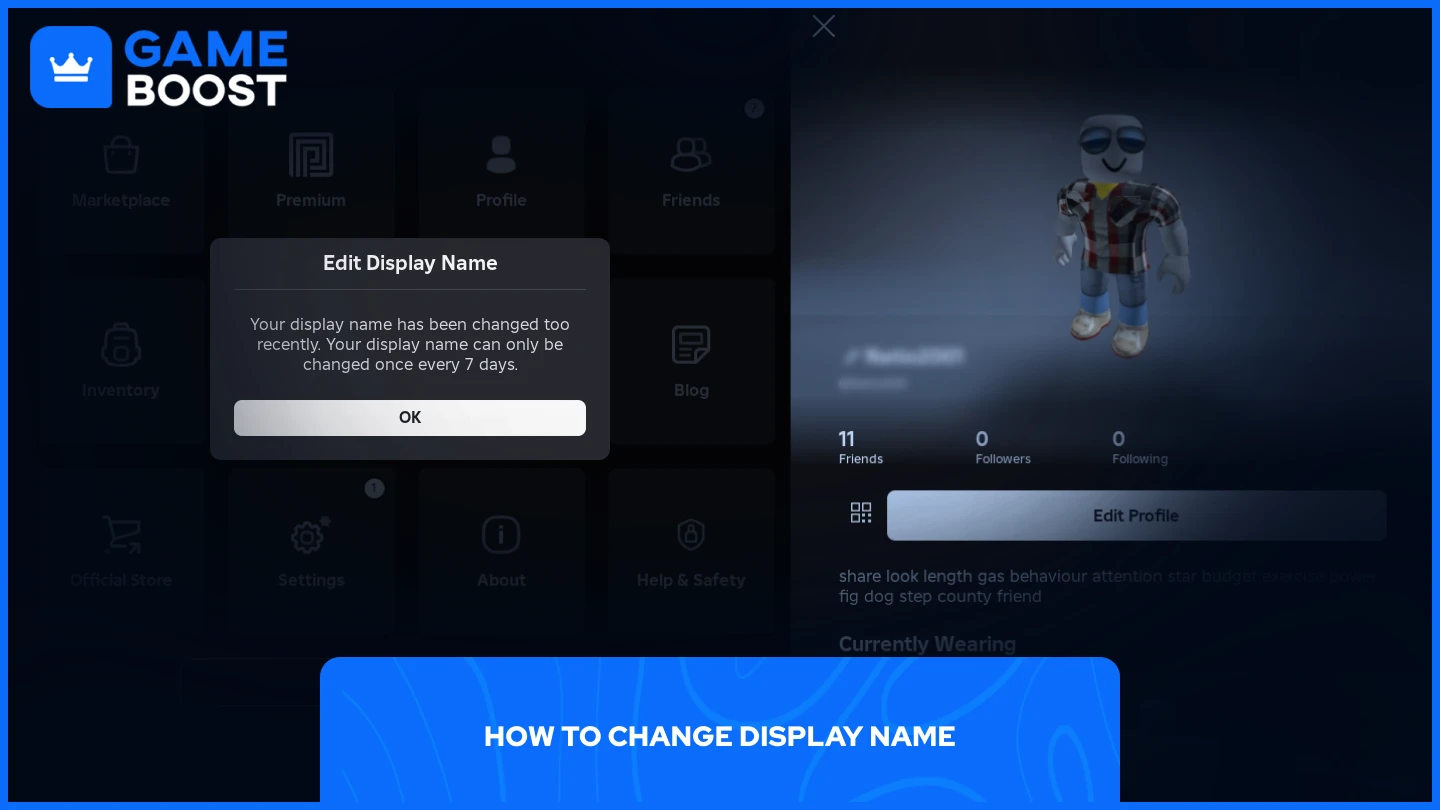
Once you've successfully changed your Display Name, you'll need to wait a full seven days (168 hours) before you can change it again. This cooldown period is in place to prevent frequent, disruptive changes. The system will clearly show you how many days remain until your next eligible change.
Tips & Tricks
Are there any tricks to finding an available Username quickly?
Finding an available Username often requires creativity and patience. Try combining uncommon words, using subtle number substitutions (e.g., "z" for "s"), or adding unique prefixes/suffixes. Many players also test names by appending their favorite game genres or a unique personal identifier. Use the availability checker within the Roblox Username change interface to quickly test ideas.
What are some tips for choosing a good Display Name?
When choosing a Display Name, aim for something memorable, easy to pronounce, and reflective of your current gaming persona. Since Display Names aren't unique, consider adding a flair like emojis (if permitted by platform) or special characters that make it stand out. Keep it family-friendly and avoid anything that might need changing due to community guidelines. Think about how it looks above your avatar in various games.
How can I make sure my friends know I've changed my name?
If you're changing your Username, the best way to inform friends is to message them beforehand or update your Roblox profile status with a note about your new name. For Display Name changes, since it's more frequent, simply communicating it in-game or through a social group you share can be effective. A quick heads-up prevents confusion and ensures they can still find you.
Bugs & Fixes
My Display Name isn't changing, what should I do?
If your Display Name isn't updating, first ensure the 7-day cooldown period has fully passed (it's exactly 168 hours). If it has, try clearing your browser's cache and cookies or restarting the Roblox app. Sometimes, a simple refresh can resolve display issues. If the problem persists, contact Roblox Support for assistance, providing screenshots if possible.
My Robux were deducted but my Username didn't change. What's next?
This is a rare but serious issue. Immediately contact Roblox Support with detailed information, including your old and desired new Usernames, the time of the transaction, and any error messages received. Provide transaction IDs if you have them. Roblox Support can typically investigate Robux deductions and ensure the Username change is processed or Robux are refunded.
Endgame Grind
How do content creators manage their Roblox identity with Display Names?
Content creators often leverage Display Names to align their in-game identity with their external branding on platforms like YouTube or Twitch. They use a consistent Display Name that matches their public persona, even if their underlying Username is different. This strategy enhances discoverability and brand recognition among their audience, creating a cohesive presence across all platforms.
What's the long-term strategy for name management on Roblox?
A smart long-term strategy involves using your Display Name for frequent, trend-based changes, while ensuring your Username is timeless and professional. For creators, securing a Username that's consistent with external branding is crucial. Regularly review Roblox's policy updates to stay informed. Prioritize a Username that you'll be happy with for years, and use Display Names for fun, short-term expression.
Still have questions?
If you're still wondering about anything related to changing your Roblox name, don't hesitate to check out Roblox's official support pages or community forums. You can also explore our other guides like "Mastering Roblox Account Security" or "Maximizing Your Robux Purchases." We're always here to help you get the most out of your Roblox experience!
Hey fellow Roblox explorers! Ever stare at your current Roblox name and think, 'You know what? It's time for a change?' Maybe you picked it years ago, or perhaps your gaming style has evolved. Whatever the reason, you're probably asking, 'How exactly do I change my Roblox name?' You're not alone; it's a super common question. We've all been there, wanting to refresh our online identity in this amazing virtual world. Good news, there are ways to do it, and we're going to walk through them step-by-step today. You're just a few clicks away from a fresh start! Understanding the nuances between a Display Name and a Username is key here. This guide will clarify everything you need to know about updating your presence on Roblox, ensuring you can express your true self in any game or experience. It's totally understandable to want your in-game identity to reflect who you are now, especially with how much the platform has grown. Let's dive in and get you sorted with that new name you've been dreaming of.
Understanding Your Roblox Identity: Display Names vs. Usernames
Before we jump into the 'how-to,' it's super important to grasp the difference between two key terms on Roblox: your Display Name and your Username. Think of your Username as your permanent, unique identifier, like your social security number in the Roblox universe. It's what you use to log in, and it's unique across the entire platform. On the other hand, your Display Name is like a nickname, what people actually see above your character in games. You can change this much more frequently and for free, offering a lot of flexibility. Many players get these two confused, so understanding their distinct roles is your first step to a successful name change. It truly simplifies the entire process when you know which one you're aiming to adjust.
What is a Roblox Display Name?
Your Display Name is the name shown to other players in most Roblox experiences. It's the primary way others identify you visually in-game. You can change this name frequently and without any cost, making it perfect for expressing current moods or trying out new identities. It does not affect your login credentials. This feature was introduced to give players more personalization options without impacting their unique account identifier. Many players appreciate this flexibility, allowing them to experiment with different personas. You will find that your Display Name appears above your avatar in games. It is a fantastic tool for casual self-expression.
What is a Roblox Username?
Your Username is your unique, unchangeable account identifier, critical for logging in. It's the name you chose when you first created your Roblox account. While you can technically change it, it costs Robux and is a permanent change once completed. This means if you change your Username, your old one is gone forever, and the new one becomes your unique identifier. It's a much more significant decision compared to a Display Name change. This is the name that identifies your account across the entire platform. Remember, this is the name that secures your account and ties to your history.
Changing Your Roblox Display Name: The Free and Easy Way
Ready for a quick identity refresh? Changing your Display Name on Roblox is incredibly straightforward and, best of all, totally free. This allows you to update what people see in games without impacting your login details or spending any Robux. It's an excellent way to keep your persona fresh and aligned with your current gaming style or simply to try something new. You're limited to changing it once every seven days, so choose wisely, but don't stress too much as you can always tweak it again soon. This flexibility is one of the most beloved features on the platform. It offers a low-stakes opportunity to rebrand yourself as often as you like.
Step-by-Step Guide for Display Name Change
Log In to Your Roblox Account: First things first, head over to the official Roblox website or open the app and log in with your current Username and password. You'll need to be signed in to access your account settings. This initial step is fundamental for any account-related modifications. Ensure you have your correct credentials ready.
Navigate to Account Settings: Once logged in, look for the gear icon in the top-right corner of the screen (on desktop) or the three dots menu (on mobile). Click or tap on it to open the dropdown menu, then select "Settings." This will take you to your personal account management page. The settings menu is your hub for all profile adjustments. You'll find a wealth of options there.
Locate the Display Name Field: On the "My Settings" page, scroll down until you see "Display Name" listed under "Account Info." You'll see your current Display Name next to it, often with an edit icon (a pencil) nearby. This section is specifically dedicated to your visible name. It is usually quite prominent. Identify this field carefully to proceed.
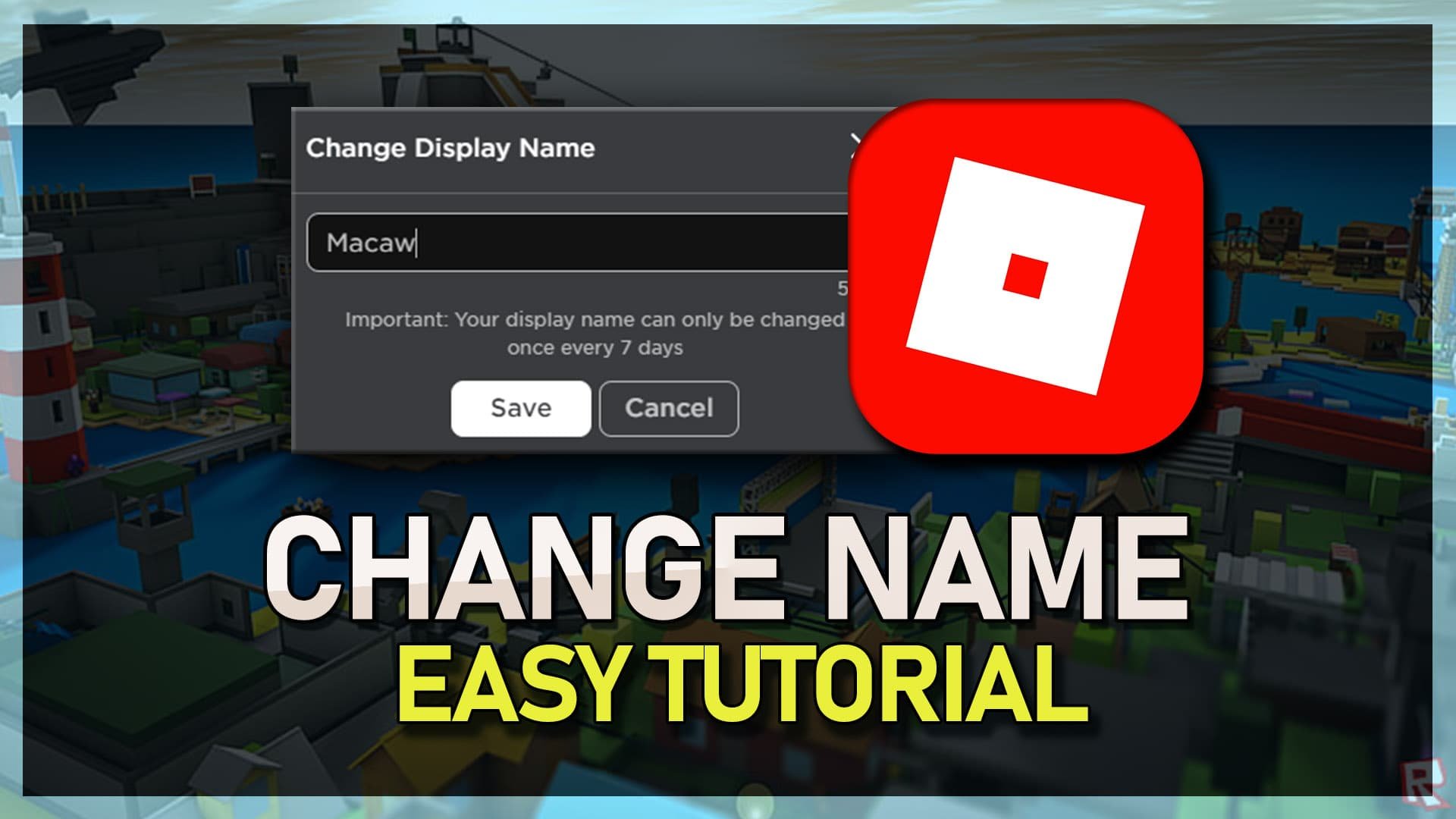
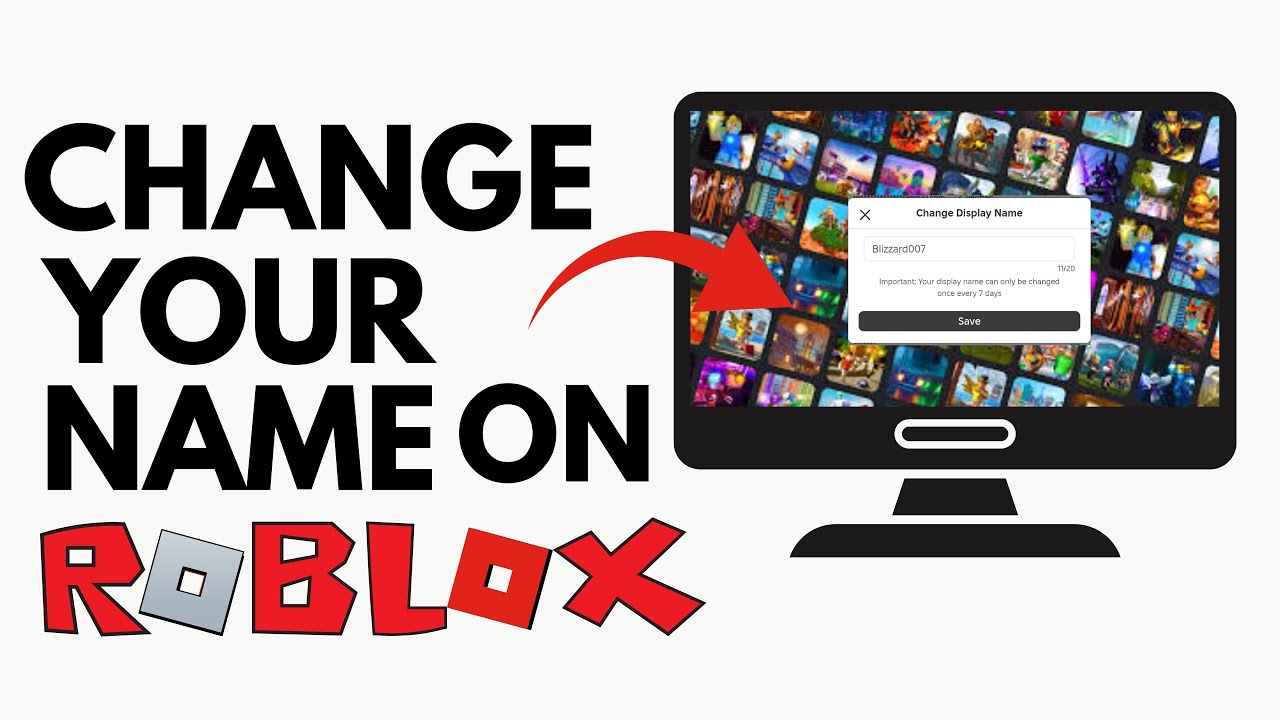
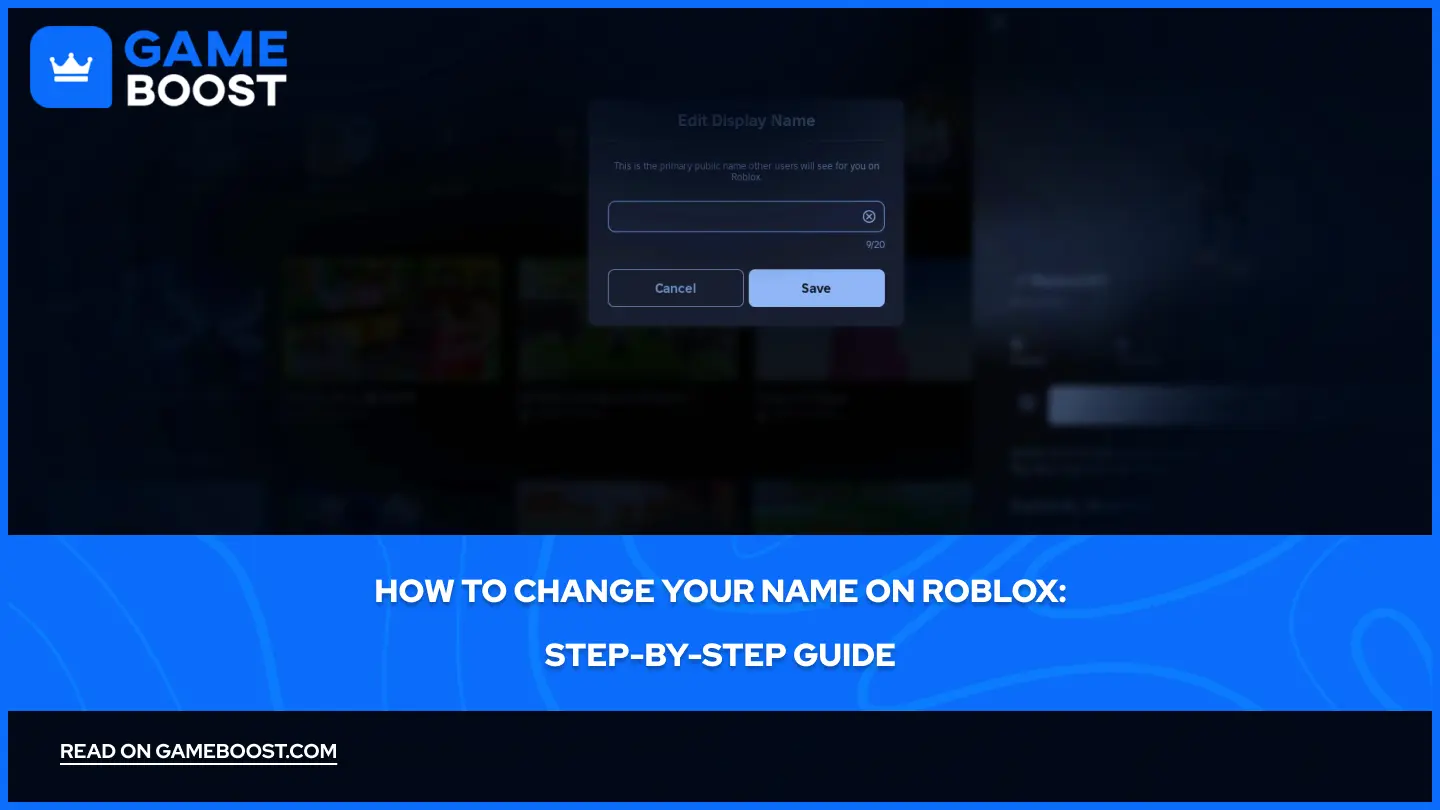
Edit Your Display Name: Click the edit icon next to your Display Name. A text box will appear, allowing you to type in your desired new Display Name. Remember, this name needs to be appropriate and follow Roblox's community standards. Choose something fun and respectful. You'll also see the remaining days until you can change it again if you've recently updated it. The system will guide you through this part.
Save Your Changes: After entering your new Display Name, click the "Save" button. Roblox will confirm the change, and your new Display Name will now appear across the platform. You can then jump back into your favorite games and show off your refreshed identity! It's a satisfying feeling to see your new name in action. Double-check your spelling before saving to avoid errors.
Changing Your Roblox Username: The Premium Option
If you're serious about a full identity overhaul, changing your Roblox Username is the way to go, but it comes with a cost and is a permanent decision. This change modifies your core identifier on the platform. Unlike Display Names, Username changes are not free and require Robux. This reflects the significance of altering your unique account login and overall identity. It's important to be absolutely sure about your new Username before confirming the purchase because there are no refunds or reversals once it's done. Think of it as rebranding your entire online presence. Carefully consider your options before proceeding with this significant step.
Step-by-Step Guide for Username Change
Log In to Your Roblox Account: Just like with Display Names, you'll need to start by logging into your Roblox account via the website or app. Ensure you are on a secure connection and using your correct login credentials. This foundational step guarantees access to your account's sensitive settings. Always prioritize secure login practices.
Access Account Settings: Click the gear icon or the three dots menu in the top-right corner, then select "Settings" from the dropdown. This is your command center for all account-related adjustments. The settings panel provides a comprehensive overview of your profile options. Take your time to locate it accurately.
Find the Username Change Option: On the "My Settings" page, locate the "Username" field under "Account Info." You should see an edit icon or a "Change Username" button next to it. This option might be slightly less prominent than the Display Name editor. It is a critical link to initiate the process. Be sure to differentiate it from the Display Name field.
Initiate the Username Change: Click on the "Change Username" button. A pop-up window will appear, explaining the cost (currently 1,000 Robux) and the permanent nature of the change. It's crucial to read these warnings carefully. This is where you make a significant commitment to your new name. Understand all terms before proceeding.
Enter Your New Username: Type your desired new Username into the provided field. Roblox will check if the name is available and adheres to its naming conventions and community standards. If the name is taken or inappropriate, you'll be prompted to try another. Be creative but also practical in your selection. You want a name that you'll be happy with long-term. Consider alternative spellings if your first choice is unavailable. The system will clearly indicate availability.
Confirm and Purchase: Once you've found an available Username you like, and you're absolutely certain, click the "Buy" or "Confirm" button. This will deduct 1,000 Robux from your account balance. Your Username will instantly change, and your old one will be permanently retired. There is no going back after this point. Double-check everything before finalizing this purchase. This is the moment of no return. You've got this, just be careful!
Why Would You Change Your Roblox Name?
People change their Roblox names for a variety of compelling reasons, often reflecting personal growth or evolving interests. Perhaps your original name feels a bit childish now, or it no longer matches your current gaming persona. Maybe you want to align your in-game identity with other online profiles or a personal brand you're developing. Sometimes, a name change simply offers a fresh start or distances you from an old online association. It's all about making your Roblox experience feel more authentic and enjoyable for you. Your name is a big part of your online identity. It truly matters to many players. This small change can make a huge difference in how you feel about your presence on the platform.
Personal Evolution: As you grow older, a name you chose as a child might no longer feel appropriate or cool. Changing it reflects your current personality and maturity. This is a very common motivation for players. You want your name to accurately represent who you are today. It's about updating your digital self to match your real-world self.
Branding and Consistency: Many content creators or serious gamers want their Roblox name to be consistent with their names on YouTube, Twitch, or other social media platforms. This helps build a cohesive online brand. A unified identity makes it easier for followers to find you across different platforms. It creates a professional and recognizable presence. Consistency aids discoverability and recognition.
Fresh Start: Sometimes, you just want to shake things up or leave an old, possibly negative, association behind. A new name can feel like a fresh start, especially if you've had a challenging experience in the past. It offers a psychological reset within the game. This can be incredibly liberating for many users. A new name brings new energy.
Privacy Concerns: If your original Username contains personal information or is too easily linked to your real identity, changing it can be a wise privacy move. Protecting personal data online is increasingly important for everyone. This step enhances your online safety and anonymity. It adds an extra layer of security to your profile. Keeping your personal details private is always a smart move.
Important Considerations Before Changing Your Username
Changing your Roblox Username is a significant decision that carries some important implications you should definitely consider. Since it costs Robux and is permanent, there are a few things to keep in mind before you hit that confirm button. You'll want to think about how this might affect your friends, your past game creations, and even third-party connections. Rushing into it could lead to unexpected headaches. Taking a moment to weigh these factors ensures a smooth transition and avoids any post-change regrets. It's much better to be fully informed upfront. This is a big step, so let's get you prepared.
Robux Cost: A Username change currently costs 1,000 Robux. Make sure you have enough Robux in your account or are prepared to purchase them. There are no refunds for this service, so ensure the financial commitment is something you're comfortable with. This is a non-negotiable part of the process. Budget accordingly for this significant update. It's a premium feature for a reason.
Permanence: Once you change your Username, your old Username is gone forever and cannot be recovered or reused by you. This means any links or mentions of your old Username will no longer point to your account. This is a truly irreversible decision. You must be absolutely certain about your new choice. There's no undo button here.
Friend Recognition: Your friends might not immediately recognize your new Username. It's a good idea to inform them beforehand or update your profile status with a note about your new name. This helps maintain your social connections within the game. A heads-up goes a long way. Keeping your friends in the loop is always a kind gesture.
Game Development/Creations: If you're a game developer on Roblox, changing your Username will update your creator name. While your games will still be attributed to you, some older external links or community mentions might reference your old name. This usually doesn't cause issues but is worth noting. Your creations remain tied to your account. Your work won't disappear, just its public attribution changes. Rest assured, your portfolio stays intact.
Third-Party Integrations: Some third-party services or fan sites that track Roblox statistics or integrate with your profile might take time to update or may not recognize your new Username immediately. This is less common but can happen with unofficial tools. Always exercise caution when connecting your account to external services. Official Roblox services will update seamlessly. Unofficial ones might lag. Be aware of these potential discrepancies. It’s always good to be informed.
Addressing Common Questions and Troubleshooting Tips
It's totally normal to have questions or run into little snags when you're trying to change your Roblox name. We get it; sometimes things don't go exactly as planned, or you're just not sure about a particular step. Don't worry, we're here to help you navigate those common queries and provide some handy troubleshooting tips. From why your chosen name might be unavailable to understanding the wait times, we've got your back. You've got this, and we'll make sure you get that name change sorted without too much fuss. It's all part of the learning curve for any online platform. Let's make this process as smooth as possible for you.
Can I change my Display Name more often than every 7 days?
No, unfortunately, Roblox imposes a strict 7-day cooldown period for Display Name changes. Once you change your Display Name, you'll need to wait a full week before you can change it again. This rule is in place to prevent spamming and maintain a sense of stability within the community. It's a small waiting period to ensure players don't abuse the feature. Just plan your changes accordingly. Make sure you are happy with your new name for at least that week. This policy helps keep things organized. You can't bypass this. So, make sure you choose carefully and be patient. It'll be worth the wait when you eventually get to update it again!
What if my desired Username is taken?
If your desired Username is taken, you will receive an error message indicating its unavailability. Roblox Usernames are unique, so no two accounts can have the same one. You'll need to try different variations, add numbers, underscores, or other creative elements until you find one that's unique and available. This requires a bit of patience and ingenuity. It’s like finding a unique fingerprint for your account. Keep experimenting with different spellings and combinations. You will eventually find something that works for you. Don't get discouraged! This is a common hurdle, but totally solvable. Keep brainstorming and trying new things!
Are there any free ways to change my Username?
Currently, no, there are no official free ways to change your Roblox Username. Username changes are a premium feature that requires a one-time payment of 1,000 Robux. Any websites or services claiming to offer free Username changes are likely scams and should be avoided for your account's security. Roblox has made it clear that this feature costs money to maintain its uniqueness and prevent widespread abuse. Always be cautious of third-party offers. Stick to the official Roblox platform for all account modifications. Protecting your account is paramount. Don't fall for anything that seems too good to be true!
Can I revert to my old Username after changing it?
Once you've changed your Username and the transaction is complete, your old Username is permanently retired and cannot be reverted or reused by you or anyone else. This is why the decision to change your Username requires careful consideration and confirmation. Roblox treats old Usernames as permanently unavailable to prevent issues like impersonation or confusion. Make absolutely certain that your new Username is one you'll be happy with long-term. There's no 'undo' button for this particular change. This is a one-way street, so choose wisely, friend!
Advanced Tips for Roblox Name Management
Once you've got the basics down, you might be looking for ways to really master your Roblox identity. These advanced tips go beyond just changing a name and help you manage your presence more effectively, especially if you're a content creator or deeply involved in the community. We'll touch on things like planning your Display Name rotations, understanding name history, and protecting your brand. These insights can elevate your Roblox experience from casual to curated. Think of these as pro-level strategies for keeping your online self sharp and secure. You're ready for the next level!
Plan Your Display Name Changes: If you frequently change your Display Name for events or trends, create a list of preferred names in advance. This saves time and ensures you always have a great option ready when the 7-day cooldown expires. Having a rotation of names can keep your profile fresh and exciting. Consider how different names might resonate with various games or communities. This proactive approach makes the most of the free changes.
Monitor Your Username History: While your old Username becomes unavailable, Roblox does maintain a history of your past Usernames. This is primarily for account recovery and moderation purposes. You can't access this publicly, but knowing it exists can be reassuring for security. It's a digital paper trail for your account's journey. This internal record helps Roblox assist you if issues arise. Rest easy knowing your account's past is logged.
Brand Protection Strategies: For creators, consider registering similar Display Names and Usernames across other platforms to maintain consistency. While Roblox Display Names aren't unique, securing your preferred Username and relevant social handles helps protect your brand. This prevents others from easily impersonating you. It's like staking your claim in the digital world. Think of it as intellectual property management for your gaming persona. Protect your identity, it's valuable!
Leverage Display Name for Events: Use your free Display Name changes to participate in community events or promotions. For example, if a popular game is running a special event, you might change your Display Name to something related to show your support or join in the fun. This can increase engagement and community visibility. It's a fun way to show solidarity. Get creative with your temporary names!
The Future of Roblox Identity: What's Next?
Roblox is constantly evolving, and so are the ways players interact with their identities on the platform. We've seen significant changes, like the introduction of Display Names, which revolutionized how we present ourselves without the permanence of a Username. What does the future hold for Roblox identity management? It's hard to say definitively, but we can speculate based on current trends. Expect more customization options, potentially new ways to express yourself, and continuous improvements to make the platform even more user-friendly. Roblox is always striving to enhance the player experience. They are focused on giving users more control over their digital personas. Stay tuned for exciting developments. The future of self-expression on Roblox looks incredibly bright and full of potential. It's an exciting time to be a part of this vibrant community.
Quick Human-Friendly Cheat-Sheet for This Topic
Display Name = Free & Easy: Think of it as your nickname. You can change it every 7 days for free in settings. It's what everyone sees in games. Don't stress too much about it!
Username = Unique & Costs Robux: This is your permanent account ID. It costs 1,000 Robux to change and is a one-time, irreversible deal. Be absolutely sure before you commit!
Check Availability First: For Usernames, always double-check if your desired name is available. For Display Names, just type it in and see if it sticks. Easy peasy!
Tell Your Friends: If you change your Username, let your pals know! It helps them find you and avoids confusion. A quick message goes a long way.
Scams Are Real: Never trust sites offering free Username changes. They're trying to get your account info. Only use official Roblox channels for any changes!
Why Change? Fresh Start!: People change names for personal growth, consistent branding, or just for a fun new vibe. It's your digital identity, make it yours!
Patience is a Virtue: Remember that 7-day cooldown for Display Names. If you just changed it, you'll have to wait. Good things come to those who wait!
Beginner / Core Concepts
1. Q: What's the main difference between a Display Name and a Username on Roblox?
A: Oh, I totally get why this confuses so many people when they first dive into Roblox! The core difference is pretty straightforward once you get it. Your Display Name is like your public nickname that everyone sees above your avatar in games. It's totally free to change and you can update it every seven days, making it super flexible for showing off your current mood or trying out different personas. It's awesome for casual self-expression, honestly. On the other hand, your Username is your unique, permanent identifier. This is what you use to log into your account, and it's unique across the entire Roblox platform – no two players can have the same Username. Changing this one costs Robux (currently 1,000 Robux) and it's a permanent decision, meaning your old Username is gone for good. Think of the Display Name as your changeable outfit, and the Username as your unique ID card. You've got this! Understanding this makes all the name-changing talk so much clearer.
2. Q: How much does it cost to change my Roblox name?
A: This one used to trip me up too, so you're in good company asking! The cost really depends on *which* "Roblox name" you're talking about. If you're looking to change your Display Name, that's fantastic news because it's completely FREE! You can hop into your account settings right now and update it without spending a single Robux, though you'll need to wait seven days between changes. It's a sweet deal for refreshing your look! However, if you want to change your unique Username, which is your core account identifier, that's a different story. That particular change will cost you 1,000 Robux. It's a one-time purchase, and once it's done, your old Username is permanently retired. So, free for your visible name, but a premium for your unique login ID. You've got options depending on what kind of change you're after!
3. Q: Where do I go in Roblox to find the option to change my name?
A: Alright, navigating menus can sometimes feel like a mini-game itself, right? But finding the name change option in Roblox is actually pretty simple once you know where to look. Whether you're on the website or the app, you'll want to head straight to your Account Settings. On the Roblox website, look for the gear icon in the top-right corner of your screen. Click that, and a dropdown menu will appear; select "Settings." If you're on the mobile app, you'll typically find a three dots icon (...) or a menu icon that leads to "Settings." Once you're in "Settings," you'll see your "Account Info," and that's where both your Display Name and Username options are located. The Display Name will have a simple edit icon next to it, and the Username will have a "Change Username" button. You'll find it, no problem! It's all neatly organized there for you.
4. Q: How often can I change my Display Name on Roblox?
A: That's a great question, especially if you love to keep your online persona fresh! For your Display Name, Roblox gives you a generous amount of flexibility, but there's a little cooldown period to keep in mind. You can change your Display Name once every seven days. So, if you update it today, you'll need to wait a full week before you can tweak it again. This little waiting period is mainly to prevent people from constantly cycling through names, which could be a bit chaotic for everyone trying to keep up! It’s awesome for trying out different vibes without committing permanently or spending Robux. Just pick a name you're happy with for the next week, and you're golden! You've got this, just a little planning goes a long way.
Intermediate / Practical & Production
1. Q: Will changing my Username affect my friends list or game progress?
A: I get why this is a big worry – nobody wants to lose their progress or disappear from their friends' radar! The good news is, changing your Username on Roblox will not affect your friends list or your game progress. Your account is tied to your unique user ID, not just your Username. So, all your accumulated Robux, game passes, saved data, and friend connections remain exactly as they were. Phew! What *will* happen is your friends will see your new Username. It’s a good idea to give them a heads-up or update your profile message to say "Hey, it's me, [OldName], now [NewName]!" just so they recognize you. Your old Username essentially becomes an alias in Roblox's system, but your core account and all its achievements stay intact. You're safe to make that change!
2. Q: Can I revert to my old Username after I change it?
A: Oh, this is a super important question, and I'm glad you're asking it *before* making the leap! The direct answer is no, unfortunately, you cannot revert to your old Username once you've successfully changed it. When you purchase a Username change, your previous Username is permanently retired and becomes unavailable, even to you. It's essentially gone from circulation forever. This is why Roblox emphasizes the permanence and cost of a Username change – it's a big decision! It's crucial to be absolutely, 100% sure about your new Username before you confirm that purchase. There are no refunds, and there's no "undo" button for this one. So, take your time, brainstorm some ideas, and pick a name you'll genuinely love for the long haul. You've got this, just be extra careful!
3. Q: What happens if someone tries to use my old Username after I've changed it?
A: That's a smart question, thinking about the longevity of your identity! When you change your Username on Roblox, your old Username doesn't just float around for anyone else to grab. Roblox actually permanently retires your old Username, making it completely unavailable for anyone else to use, ever. This is a really important security and identity feature. It prevents issues like impersonation, where someone might try to pretend to be you using your previous name. So, you don't have to worry about someone else snatching up your old identity. It's like putting a permanent "out of order" sign on it! Your new Username becomes your unique identifier, and your old one is securely tucked away in the past, never to be seen again as an active account name. You can rest easy knowing your old name won't cause any confusion!
4. Q: Are there any community guidelines or restrictions for choosing a new Roblox name?
A: Absolutely, and this is crucial for keeping Roblox a fun and safe space for everyone! Just like with any user-generated content, Roblox has strict community guidelines that apply to both Display Names and Usernames. These guidelines are all about promoting a positive environment and preventing harassment or inappropriate content. You'll need to avoid names that are:
- Explicit, vulgar, or offensive in any way.
- Related to illegal activities.
- Sexually suggestive.
- Hateful or discriminatory towards any group.
- Personally identifying information (like your real full name, phone number, etc.).
- Promoting spam or external links.
5. Q: Why can't I change my Display Name even though 7 days have passed?
A: Oh, that's a classic head-scratcher, and I totally get how frustrating that can be when you're sure the time is up! If you're finding you still can't change your Display Name after what feels like seven days, there are a couple of common culprits. First, double-check the exact timing. The cooldown is precisely 168 hours (7 * 24). So, if you changed it Monday at 3 PM, it won't be available until the *following* Monday at 3 PM. Sometimes, a tiny bit of daylight saving or just slightly miscounting can throw it off. Second, try clearing your browser cache and cookies or restarting the Roblox app/website. Occasionally, a lingering cache can show outdated information. If all else fails, ensure your internet connection is stable. But usually, it's just a matter of waiting for that exact moment to pass. You'll get there, just a little bit more patience might be needed!
6. Q: Does changing my name affect how I find or join games?
A: Nope, absolutely not! This is a common and valid concern, but you can breathe easy on this front. Changing either your Display Name or your Username on Roblox will not affect your ability to find or join games at all. The underlying systems for game discovery, matchmaking, and joining are all tied to your unique account ID, which remains constant no matter what name you choose to display or log in with. So, whether you're rockin' a fresh new Display Name or have splurged on a new Username, your access to all your favorite experiences and the entire Roblox catalog remains exactly the same. You'll still see your friends, browse servers, and jump into adventures without a hitch. It's purely a cosmetic or identity change, not a functional one. You're all good to go!
Advanced / Research & Frontier
1. Q: How does Roblox manage the uniqueness of Usernames and the flexibility of Display Names technically?
A: This is a fantastic, deep-dive question! Roblox manages this through a clever two-tiered identity system. Your Username is fundamentally linked to a unique, immutable User ID (UID) in their database. This UID is the true identifier for your account, all your data, and your creations. When you change a Username, Roblox essentially updates the mapping from the old Username to your existing UID and marks the old Username as permanently inactive. The UID remains constant. For Display Names, it's a separate, less restrictive field also tied to your UID. Since Display Names don't need to be unique (multiple people can share the same Display Name), Roblox can allow free and frequent changes. The 7-day cooldown likely helps manage database load and prevents rapid-fire changes that could lead to poor user experience or moderation challenges. It's a smart design that balances unique account security with user-friendly personalization. Pretty neat, right?
2. Q: Are there any known bugs or glitches associated with changing names on Roblox?
A: While Roblox generally has a robust system, like any massive online platform, minor hiccups can occasionally occur, though major bugs with name changes are rare these days. Most "glitches" players report are usually misunderstandings, like the 7-day cooldown not being fully observed, or caching issues. Sometimes, after a Username change, it *might* take a little while for your new name to fully propagate across *all* corners of the platform, especially in older game servers or third-party integrations, but this is usually a brief delay. Very, very rarely, a transaction might fail, but Roblox's support is generally good at resolving Robux-related issues. For Display Names, the biggest "bug" is often user-side impatience with the cooldown! Always make sure your app or browser is updated to the latest version to avoid client-side issues. You're generally in safe hands.
3. Q: How can I ensure my chosen new Username complies with future Roblox updates or policies?
A: That's a truly forward-thinking question, aiming for future-proofing! While it's impossible to predict *every* policy change Roblox might implement, you can significantly boost the longevity of your chosen Username by adhering to a few best practices. First, stick strictly to the current Roblox Community Standards. Avoid anything borderline or that could be interpreted as offensive, even slightly. Second, opt for a name that's timeless and broadly appealing rather than tied to fleeting trends or specific memes, which might become outdated or even problematic. Third, avoid incorporating personal identifying information – privacy rules are only likely to get stricter. Fourth, keep it distinct and unique, avoiding overly generic terms that might become common property or cause confusion. Essentially, aim for a name that's respectful, original, and won't require context from a specific moment in time. Being thoughtful now saves headaches later!
4. Q: What's the impact of Display Names on content creators and community recognition?
A: For content creators and community leaders, Display Names have been a game-changer, mostly for the better! Before, if your Username wasn't catchy, you were stuck. Now, creators can use a consistent, branded Display Name that aligns with their external platforms (YouTube, Twitch), even if their underlying Username is something clunky they picked years ago. This vastly improves brand recognition and discoverability, making it easier for fans to find and identify them in-game. The downside is that Display Names aren't unique, so other players *could* technically use the same Display Name as a popular creator. However, Roblox’s reporting system helps mitigate impersonation. Overall, it provides incredible flexibility for personal branding without the high cost or permanence of a Username change, fostering a more dynamic and accessible creator economy. It's a huge win for self-expression!
5. Q: Can parents or guardians manage their child's Roblox name changes?
A: Absolutely, parents and guardians have significant control over their child's Roblox account, including name changes! If an account has parental controls (Account Restrictions) enabled and a PIN is set, any attempt to change either a Display Name or a Username will require that PIN. This provides a vital layer of security and oversight, ensuring that children cannot make irreversible or inappropriate changes without parental approval. For Display Names, parents can review and approve changes. For Username changes, the 1,000 Robux cost also acts as a natural barrier, as Robux purchases often require parental permission or direct involvement. It’s always a good idea for parents to be actively involved in their child's online gaming, and Roblox provides tools to help manage these aspects. This gives peace of mind to many families.
- Display Names are free and can be changed every 7 days.
- Usernames require Robux and are permanent after purchase.
- Both options allow for a personalized in-game identity.
- Understanding the difference between Display Name and Username is crucial.
- Account settings are where you manage these changes.
- There are specific rules and costs associated with Username changes.


How To Change Your Display Name Username On Roblox Full Guide YouTube . How To Change Roblox Display Name Latest Update 2026 Step By Step . How To Change Your Display Name On Roblox 2026 Quick Easy YouTube . Roblox Username Change How To Update Your ID Easily . ROBLOX How To Change Your Name On Roblox Update Roblox Display Name



How To Change Roblox Name Tag Color 2026 UPDATED Roblox Username . How To Change Your Display Name On Roblox YouTube . How To Change Display Name In Roblox Tech How How To Change Display Name In Roblox . How To Change Name In Roblox Pc How To Change Your Display Name On . How To Change Roblox Username For Free 2026 UPDATED YouTube



How To Change Display Name Without Waiting 7 Days Roblox 2026 YouTube . How To Change Your Roblox Display Name Full Guide YouTube . How To Change Your DISPLAY NAME On Roblox YouTube . How To Change Your Name In Roblox YouTube . How To Change Your Name On Roblox Step By Step Guide 63bede04 8a06 4081 8718


How To Change Your Name On Roblox 2024 Display Name Change In Roblox . How To Change Roblox Name Tag Color YouTube . How To Change Display Name On Roblox 2025 YouTube . How To Change Roblox Name Tag Color Easy 2025 YouTube . How To Change Your Display Name On Roblox 2025 YouTube


How To Change Your Display Name On Roblox Early YouTube . How To Change Roblox Name Tag Color 2024 Gaming Tips YouTube . Roblox Name Change All You Need To Know How To Change Roblox Username . How To Change Name Of Your Roblox Games 2025 YouTube . How To Change Name On Roblox YouTube



Xbox One Stupid Name . How To Change Your Name On Roblox Step By Step Guide 2143c243 8fc5 4eeb B5ec Webp.webp. How To Get Japanese Letters On Roblox Display Name YouTube . How Do You Change Your Name On Roblox Easily How Do You Change Your Name On Roblox . Roblox 2026 Logo REVEALED New Color New Look YouTube Maxres2


How To Change Your Name On ROBLOX For Free Techfixhub How Dangerous Are Cell Phones 1024x576 . How To Change Your Name In Roblox Change Name Roblox 200x125 . How To Change Your Name In Roblox YouTube . 2026 UPDATED How To Change Display Name Without Waiting 7 Days Roblox . How To Change Your Roblox Username 2026 Full Guide YouTube