Embark on an exciting journey to build a powerful yet budget-friendly 700 dollar gaming PC in 2026. This comprehensive guide caters to the modern gamer who balances life responsibilities with their passion for digital worlds. Discover expert tips on component selection performance expectations for popular titles and smart upgrade paths ensuring maximum value for your investment. Learn how to achieve smooth gameplay socialize with friends online and enjoy a fulfilling gaming experience without breaking the bank. We address common setup challenges performance optimization and game recommendations helping you stay current with the latest trends and maximize your enjoyment. This guide is your trusted resource for navigating the budget gaming landscape of 2026.
Q: What kind of performance can I expect from a 700 dollar gaming PC in 2026?
A: In 2026, a 700 dollar gaming PC is surprisingly capable, delivering solid 1080p gaming. You can typically expect 60+ frames per second (FPS) on medium to high settings in most modern AAA titles, and often significantly higher frame rates for popular esports games like Valorant or Fortnite. It is a fantastic entry point for enjoying a wide range of PC games.
Q: Which CPU and GPU combo offers the best bang for my buck in a $700 budget?
A: For a $700 budget in 2026, a strong CPU and GPU pairing often includes an AMD Ryzen 5 5600 or an Intel Core i3-12100F. For the graphics card, an AMD Radeon RX 6600 or an Nvidia GeForce RTX 3050 are the top contenders, with the RX 6600 often providing a slight edge in raw gaming performance for the price.
Q: Do I really need 16GB of RAM for a 700 dollar gaming PC, or is 8GB enough?
A: While 8GB of RAM might get you by in some older or less demanding games, 16GB is highly recommended and almost essential for a 700 dollar gaming PC in 2026. It ensures smoother performance in modern titles, allows for better multitasking (like running Discord and a browser), and significantly reduces stuttering for a more enjoyable experience.
Q: What are the essential storage components for a budget-friendly gaming build?
A: For a 700 dollar gaming PC, the best storage strategy is a fast NVMe SSD for your operating system and a few primary games (250-500GB), paired with a larger 1TB SATA SSD for your broader game library and other files. This combination offers quick boot times, fast game loading, and ample space for your expanding digital collection.
Q: Can I build a $700 gaming PC that I can upgrade later without replacing everything?
A: Absolutely! Building a 700 dollar gaming PC with future upgrades in mind is a smart move. Focus on a modern motherboard socket (like AM4 or LGA1700), a power supply unit (PSU) with enough wattage (550W-650W) for a future GPU, and a good quality case. This foundation allows you to swap out components like the CPU or GPU down the line to extend your PC's lifespan.
Q: What are the biggest challenges when building a budget PC for the first time?
A: First-time budget PC builders often face challenges with component compatibility, driver installation, and initial troubleshooting if the system does not boot. Always use resources like PCPartPicker.com to check compatibility, download the latest drivers from manufacturer websites, and patiently double-check all connections if you encounter issues. YouTube build guides are also incredibly helpful.
Q: What kind of games are best for someone with limited gaming time and a $700 PC?
A: For gamers with limited time, a $700 PC handles a wide array of enjoyable games. Focus on titles with strong drop-in/drop-out mechanics or engaging social/co-op experiences like Rocket League, Among Us, or quick sessions in your favorite esports title. Many compelling story-driven games can also be enjoyed in shorter bursts, allowing you to maximize your precious gaming moments.
Hey fellow gamers! Ever feel like the world of PC gaming is a constant race for the latest and greatest hardware, leaving your wallet feeling a bit light? You are not alone. Many of us, especially those juggling careers, families, and life's endless to-do lists, often wonder if you can truly enjoy modern gaming without dropping a fortune. The good news is, absolutely! In 2026, building a solid 700 dollar gaming PC is not just a dream; it is a very achievable reality that delivers excellent performance for most popular titles.
You might be an experienced player looking to upgrade on a budget or a newcomer dipping your toes into PC gaming for the first time. Either way, finding that sweet spot between cost and capability is key. This guide is designed for the savvy gamer who values smart spending, efficient performance, and making the most of their gaming time. We will walk through everything you need to know about assembling a formidable 700 dollar gaming PC, covering components, performance expectations, and tips to ensure you are ready to jump into your favorite games, whether it is a quick session after work or a dedicated social night with friends. Let us cut through the hype and get down to building a rig that truly works for your life and your budget.
What Can a 700 Dollar Gaming PC Do in 2026?
A 700 dollar gaming PC in 2026 is surprisingly capable. You can expect to comfortably play most modern AAA titles at 1080p resolution with medium to high settings, achieving smooth frame rates of 60 frames per second or more. For popular competitive games like Valorant, Apex Legends, or Fortnite, you will likely hit even higher frame rates, often exceeding 100 frames per second, crucial for that competitive edge. Indie games and less graphically demanding titles will run flawlessly. This budget allows for a solid foundation that handles current games well and offers a decent upgrade path for the future.
Which CPU and GPU Offer the Best Value for a $700 Build?
For a 700 dollar gaming PC, striking a balance between CPU and GPU is vital. A popular combination this month involves pairing an AMD Ryzen 5 5600 or an Intel Core i3-12100F with a dedicated graphics card like the AMD Radeon RX 6600 or an Nvidia GeForce RTX 3050. The Ryzen 5 5600 offers excellent multi-core performance for gaming and multitasking, while the i3-12100F is a fantastic budget option focusing on single-core speed. The RX 6600 typically provides superior raw gaming performance at this price point, often outperforming the RTX 3050 in many titles, though the RTX 3050 does offer DLSS and better ray tracing support, albeit with a performance hit. Always check current deals as prices fluctuate rapidly in the PC hardware market.
How Much RAM is Necessary for a $700 Gaming PC?
For optimal gaming performance in 2026, 16GB of RAM is the sweet spot for a 700 dollar gaming PC. While 8GB might suffice for some older or less demanding titles, 16GB ensures smoother multitasking, better performance in modern games, and allows you to keep background applications like Discord or a web browser open without performance dips. Opt for DDR4 RAM with a speed of at least 3200MHz, especially if you are using an AMD Ryzen processor, as Ryzen CPUs benefit significantly from faster memory. Dual channel memory (two 8GB sticks) is always preferred over a single 16GB stick for improved bandwidth.
What Storage Solutions are Best for Performance and Budget?
A combination of a fast NVMe SSD for your operating system and primary games, coupled with a larger SATA SSD or traditional HDD for mass storage, offers the best balance in a 700 dollar gaming PC. An NVMe SSD (250GB-500GB) dramatically reduces boot times and game loading screens, which is a huge quality-of-life improvement. For your expanding game library and media, a 1TB SATA SSD is ideal if the budget allows. If not, a 1TB or 2TB HDD can serve as secondary storage for less frequently played games or files. With game sizes constantly increasing, having ample storage is crucial for managing your digital collection without constant juggling.
Can I Build a $700 Gaming PC That is Also Future-Proof?
While truly future-proofing any PC is challenging given the rapid pace of technology, a 700 dollar gaming PC in 2026 can be built with future upgrades in mind. Focus on selecting a motherboard with a modern socket (like AM4 for Ryzen 5000 series or LGA1700 for Intel 12th/13th gen) that supports future CPU generations if possible, or at least allows for a significant CPU upgrade within the same platform. Ensure your Power Supply Unit (PSU) has enough wattage (550W-650W) to handle a more powerful GPU down the line. Investing in a quality case with good airflow also helps protect your components and makes future maintenance easier. This forward-thinking approach means you can extend the life of your initial investment.
What are the Common Pain Points During a Budget PC Build and How to Solve Them?
Building a budget PC can present a few common hurdles. Firstly, compatibility: always use PCPartPicker.com to check if all your chosen components work together before purchasing. Secondly, driver issues: after building, ensure you install the latest drivers for your GPU, motherboard chipset, and other peripherals from the manufacturer websites. Thirdly, cable management: while not performance critical, neat cabling improves airflow and aesthetics. Watch some build guides on YouTube; they are invaluable. Finally, troubleshooting: if it does not boot, double-check all power connections, RAM seating, and monitor input. Remember, patience is your best tool during a build.
What Games are Best for a 700 Dollar Gaming PC and Limited Play Time?
For the busy gamer balancing work and family, a 700 dollar gaming PC handles a fantastic range of games perfectly. Consider titles with strong drop-in/drop-out mechanics or compelling co-op experiences. Social games like Among Us, Phasmophobia, or Rocket League are great for quick, fun sessions with friends. Story-driven games like Cyberpunk 2077, Starfield, or Baldur's Gate 3 can be enjoyed in shorter bursts, while competitive esports titles like League of Legends or CS2 run flawlessly and offer endless skill-building. Free-to-play options like Genshin Impact or Call of Duty Warzone are also excellent choices, allowing you to stay current without extra game purchases. The average US gamer spends over 10 hours a week gaming, with 87% regularly engaging, so even with limited time, quality experiences are very much within reach.
How Can I Optimize Performance Without Spending More Money?
Maximizing performance on your 700 dollar gaming PC without further investment is all about smart software and settings management. Keep your operating system and drivers up to date. Disable background applications and unnecessary startup programs. In-game, adjust graphical settings: reducing shadows, anti-aliasing, and volumetric effects often yields significant frame rate gains with minimal visual impact. For Nvidia users, leverage GeForce Experience; for AMD, use Radeon Software to optimize game settings. Ensure your PC has good airflow to prevent thermal throttling. Consider overclocking your CPU or GPU cautiously if you are comfortable, but research thoroughly before attempting. Regular disk cleanups and defragmentation (for HDDs) also help maintain system responsiveness.
Is a 700 Dollar Gaming PC a Good Investment in 2026?
Absolutely! A 700 dollar gaming PC in 2026 offers incredible value, especially for gamers who prioritize performance on a budget. It allows you to access the vast library of PC games, engage in social online experiences, and enjoy modern titles without feeling left behind. Given that a significant portion of US gamers are adults balancing life, this price point is ideal for getting into or staying in PC gaming without financial strain. It is an investment in relaxation, entertainment, and a platform for skill-building and social connections, providing a robust gaming experience that punches well above its weight class.
We hope this guide empowers you to build or choose the perfect 700 dollar gaming PC for your needs in 2026. This budget segment truly delivers a fantastic experience, proving that you do not need to spend a fortune to enjoy the best of PC gaming. Whether you are chasing frame rates in an esports title or exploring a vast open world, your budget rig will be ready.
What is your biggest gaming challenge with a budget PC? Comment below!
FAQ Section
Is a $700 gaming PC worth it?
Yes, a $700 gaming PC in 2026 is definitely worth it. It provides excellent 1080p performance for most modern games at medium-high settings and is a solid entry point into PC gaming without overspending.
Can a $700 PC run AAA games?
A $700 PC can run many AAA games at 1080p resolution. Expect good frame rates (60+ FPS) on medium to high settings for most titles, making current blockbusters enjoyable.
What GPU should I get for a $700 build?
For a $700 build, the AMD Radeon RX 6600 or an Nvidia GeForce RTX 3050 are excellent GPU choices, offering the best performance-per-dollar in this budget category as of 2026.
How important is the power supply in a budget PC?
The power supply (PSU) is very important. Do not skimp on it. A reliable 550W-650W 80+ Bronze rated PSU ensures system stability and provides headroom for future upgrades without causing issues.
Can I stream games with a $700 PC?
You can stream less demanding games with a $700 PC, especially titles like League of Legends or Valorant. For more intensive AAA games, you might need to adjust game settings or use CPU-based encoding if your CPU is strong enough, like a Ryzen 5 5600.
Is it better to build or buy a pre-built for $700?
Generally, building your own PC for $700 offers better value and component quality than a pre-built system at the same price point. However, pre-builts can sometimes have good sales or save you assembly time.
Build a powerful 700 dollar gaming PC for 2026 optimized for value performance and future upgrades. Component selection guide for CPU GPU RAM storage and PSU. Performance expectations for popular games at 1080p. Tips for balancing gaming with daily life and budget-friendly hardware upgrades. Best practices for setup and troubleshooting common issues. Maximizing your gaming experience without overspending.
35
Ultimate 700 Dollar Gaming PC Build YouTube . 5 Best Gaming PCs Under 700 Dollars In 2026 Best Gaming Pc Under 700 . 5 Best Gaming PCs Under 700 Dollars In 2026 News Fb Image 8802 . 5 Best Gaming PCs Under 700 Dollars In 2026 Pc Skytech Shadow . Best Gaming PC Under 700 Update 05 2026 Best Gaming Pc Under 700 Img


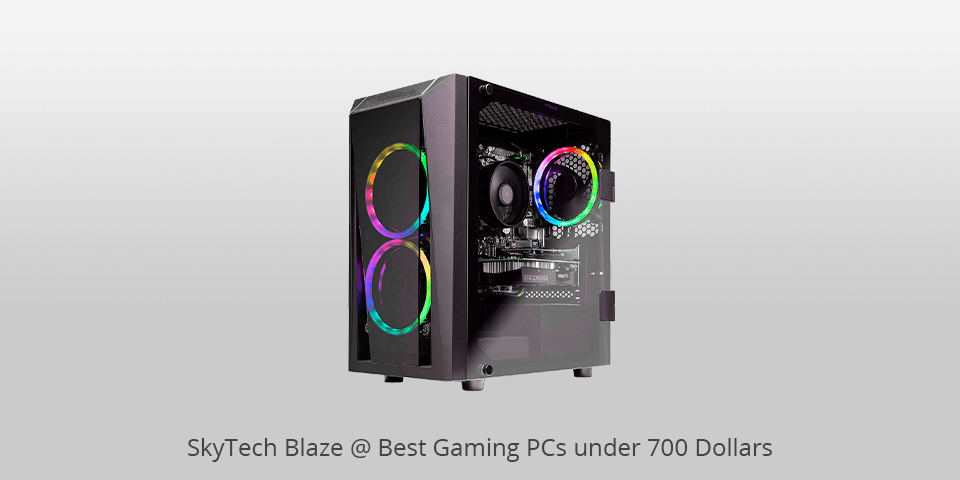

BEST 700 Streaming Gaming PC Build Tutorial YouTube . A POWERFUL 700 Gaming PC Build Guide For Mid 2024 12600KF RX 7600 . BEST 700 Gaming PC Build Tutorial W Benchmarks YouTube . 5 Best Gaming PCs Under 700 Dollars In 2026 Pcskytech Blaze . Your Next 700 Budget PC Gaming Setup YouTube
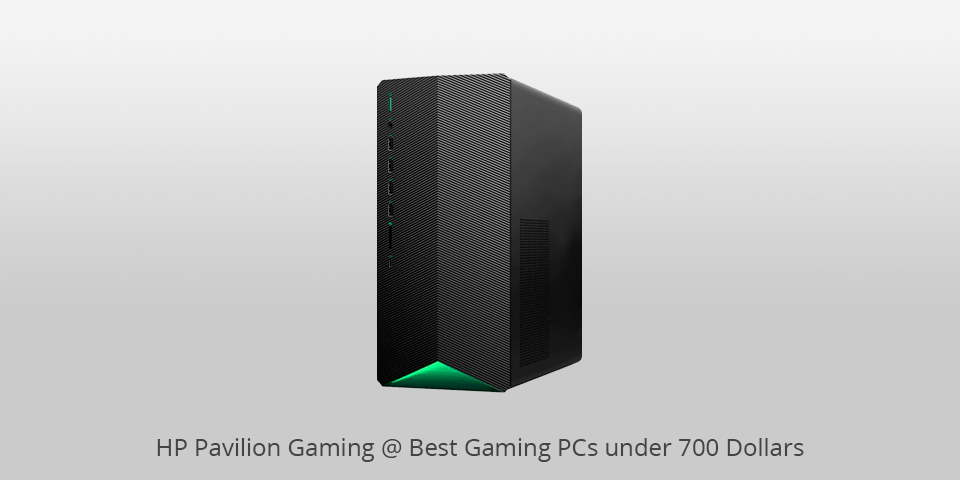


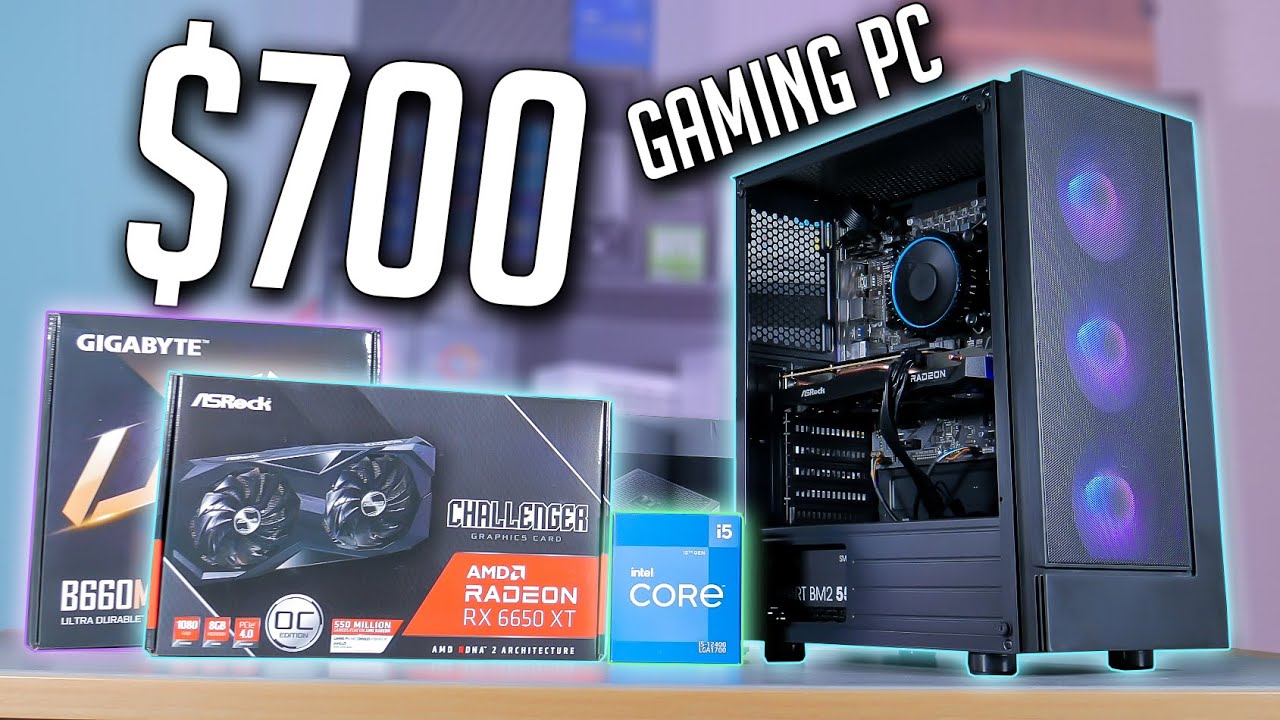
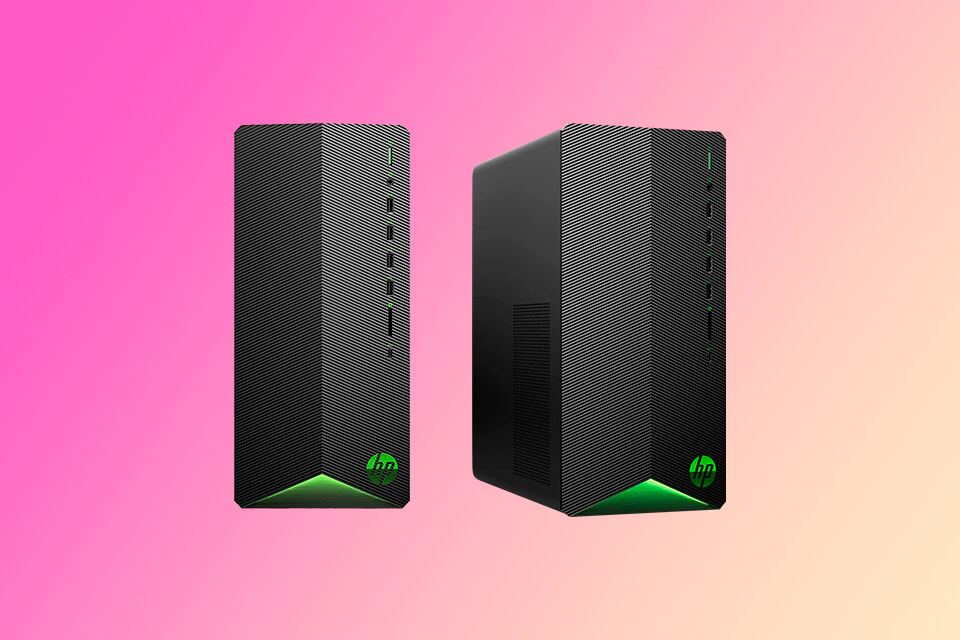
5 Best Gaming PCs Under 700 Dollars In 2026 Pc Hp Pavilion Gaming . Two Ways To Build A 700 Gaming PC TODAY YouTube . Product Guide Archives Tech Guided . 700 Gaming PC Build Guide 2023 YouTube . 5 Best Gaming PCs Under 700 Dollars In 2026 700 Dollar Gaming Pc


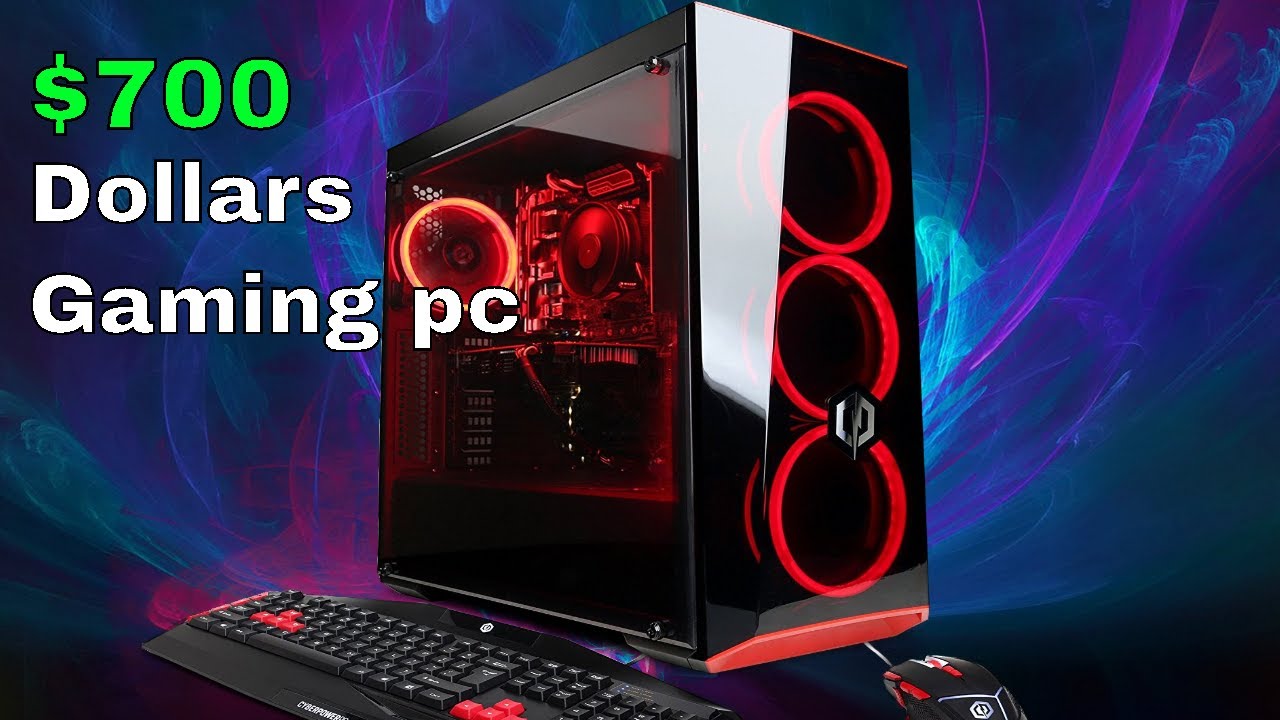
Would Y All Consider This PC For 700 Dollars USD Trying To Look For Would Yall Consider This Pc For 700 Dollars Usd Trying To V0 . 700 Gaming PC Build Guide 2022 YouTube . How To Build A Budget Gaming Pc In 2022 At Hunter Wang Blog . Best Gaming PC Under 700 In 2025 . Gaming Pc Under 700 Prebuilt At Rachel Fairweather Blog


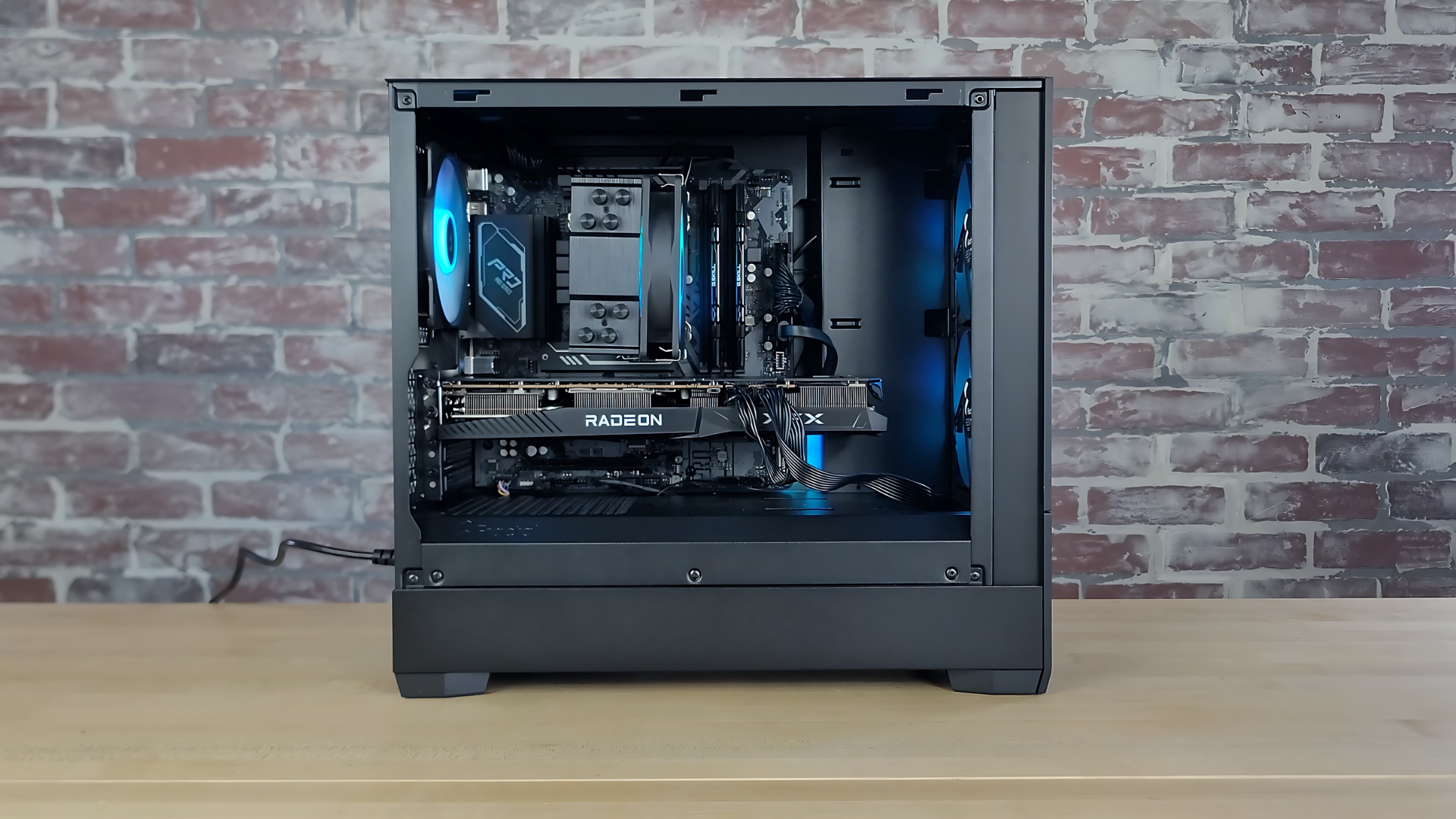
17 Stellar Picks For A 700 Dollar Gaming Computer 700 Dollar Gaming. Best 700 Gaming PC Build In 2024 Tested Reviewed Best 700 Dollar Gaming Pc 1024x576 . The BEST 700 Gaming PC Build For 2024 YouTube . 700 Dollar GAMING PC 2020 Build Guide YouTube . Best 700 Gaming PC Build For 2025 700 Gaming PC Build 2025


Best Gaming Pc Build 2023 At Brenda Limon Blog . Best Gaming PC Build Under 700 In 2025 Custom Pre Built 700 Pc . Best Gaming PC Build Under 700 In 2026 Updated For January 2 768x512 . Our Best Gaming PC Under 700 In 2026 Best Gaming PC Under 700 . Best 700 Dollar Gaming PC Plays ALL Games 2022 700



Gaming Pc Under 700 Pounds At James Marts Blog . Best Gaming PC Build Under 700 In 2026 Updated For January Best Gaming PC Build Under 3000 768x513 . Gaming Pc Under 700 Pounds At James Marts Blog . The ULTIMATE 5000 Gaming PC Build 2022 RTX 3090Ti I9 12900K HAF . Best 1200 Gaming PC Build To Dominate 1440p In 2026 Best High End Gaming Pc Build 1500 Dollars 1