Many gamers balancing life and passion often wonder Can you use normal headphones for gaming The answer is a resounding yes You absolutely can This comprehensive guide dives into optimizing your existing headphones for a top-tier gaming experience without needing to invest in expensive dedicated gaming headsets Discover how to get excellent audio quality clear communication and comfort crucial for those longer gaming sessions whether you are unwinding after work or connecting with friends online We cover everything from essential adapters and software settings to microphone alternatives ensuring you make the most of what you already own Get ready to transform your regular headphones into a powerful gaming tool and enhance your enjoyment of favorite titles and social interactions within the gaming community
Can I connect my regular headphones to any gaming console
Yes, you absolutely can connect most regular headphones to nearly any modern gaming console. PlayStation and Xbox controllers universally feature a 3.5mm jack for direct plug-and-play. For older Xbox One controllers without this jack, a simple Stereo Headset Adapter is all you need. The Nintendo Switch also has a 3.5mm jack, and can support Bluetooth headphones for wireless convenience, though wired is often preferred for minimal latency.
Do regular headphones provide good positional audio for gaming
Many high-quality regular headphones, especially those with good stereo separation and soundstage, can provide excellent positional audio for gaming. While they are stereo, your brain is incredibly adept at interpreting sound cues to determine direction. Additionally, software-based virtual surround sound solutions like Windows Sonic or Dolby Atmos for Headphones can be applied to any stereo headphones, enhancing directional awareness and helping you pinpoint enemy locations with impressive accuracy.
What if my regular headphones don't have a mic how do I communicate
If your regular headphones lack a built-in microphone, you have several fantastic options for crystal-clear communication. The most popular choice is a clip-on microphone, like the Antlion ModMic, which easily attaches to your headphones. Alternatively, a dedicated desktop USB microphone offers superior voice quality, perfect for streaming or serious competitive play. You can also use the microphone from your webcam or laptop as a basic, temporary solution.
Will I experience latency when using regular Bluetooth headphones for gaming
Using regular Bluetooth headphones for gaming can introduce noticeable audio latency, meaning there's a slight delay between an in-game event and when you hear it. This delay can be particularly problematic in fast-paced or competitive games where sound cues are critical. For the best experience, especially on PC and consoles, wired connections are generally recommended to eliminate latency. Some newer Bluetooth headphones with low-latency codecs (like aptX Low Latency) can mitigate this issue, but a wired connection remains superior for gaming.
Are there any software settings to improve gaming audio with regular headphones
Absolutely, optimizing software settings can significantly enhance gaming audio with regular headphones. On PC, explore your sound settings to enable features like Windows Sonic or Dolby Atmos for Headphones for virtual surround sound. Experiment with your operating system's equalizer settings to boost frequencies important for footsteps or gunshots, or use third-party software like Equalizer APO. Ensure your audio drivers are up-to-date for optimal performance and access to all sound enhancements. For consoles, check the audio output settings for headphone-specific options.
Should I invest in a DAC or AMP for my regular headphones for gaming
Investing in a Digital-to-Analog Converter (DAC) or amplifier (AMP) for your regular headphones can be a game-changer, but it's not always necessary. If you have higher-impedance headphones (50 ohms or more) or notice your current audio output lacks volume, clarity, or detail, a budget-friendly USB DAC/AMP combo can provide a substantial upgrade. It bypasses potentially weak or noisy onboard audio, delivering cleaner, more powerful sound that unlocks your headphones' full potential, making subtle in-game sounds more audible.
Can I use my smartphone headphones for gaming on PC or console
Yes, you can often use your smartphone headphones for gaming on PC or console, especially if they have an inline microphone. For consoles like PlayStation and Xbox, simply plug them into the controller's 3.5mm jack. For PCs, if they have a single TRRS jack (combined audio/mic), you might need a simple 3.5mm TRRS to dual TRS splitter to separate the headphone and microphone signals into your PC's dedicated audio and mic ports. While convenient, the audio quality might not match dedicated headphones, but it's a perfectly viable option for casual gaming.
Hey fellow gamers Ever found yourself staring at that expensive gaming headset you 'almost' bought but then thought, "Wait, can't I just use the good headphones I already own?" You're not alone. Many of us, especially those juggling jobs, family, and a precious few hours for digital adventures, want to optimize our setup without breaking the bank. The good news? The answer to "can you use normal headphones for gaming" is a resounding YES. In fact, many regular headphones offer superior audio quality for music and movies, which translates beautifully to gaming, often surpassing dedicated 'gaming' headsets in fidelity and immersion. This guide is for the 87% of US gamers who regularly play, often averaging 10+ hours a week, and want to enhance their experience smart, not just spend more.
We understand the pain points: wanting clear comms without fuzzy audio, needing directional sound cues for competitive play, and balancing performance with value for money. This article will walk you through everything you need to know to transform your everyday headphones into a powerful gaming tool, addressing common setup issues, providing budget-friendly hardware upgrades, and ensuring you get the most out of your cherished gaming time. Let's dive into how you can level up your audio without buying new gear and focus on the fun, the skill-building, and the social connections that make gaming so rewarding in 2026, where mobile gaming dominates alongside consoles and PCs, and social interaction is key to the experience.
Can You Use Normal Headphones for Gaming Effectively
Absolutely, you can use normal headphones for gaming effectively, and in many cases, they can outperform dedicated gaming headsets. The primary difference often lies in marketing and bundled features like built-in microphones. High-quality stereo headphones designed for music playback typically offer a wider frequency response, better sound staging, and superior driver quality, which translates into richer, more detailed audio in games. This means you can hear subtle environmental cues, nuanced soundtrack elements, and crisp dialogue with greater clarity, enhancing both immersion and competitive edge. The key is understanding how to adapt them for gaming-specific needs, particularly communication.
What are the Main Differences Between Gaming Headsets and Regular Headphones
The main differences between gaming headsets and regular headphones primarily revolve around features and marketing rather than fundamental audio quality. Gaming headsets almost always include a built-in microphone, often detachable or retractable, and might feature virtual surround sound processing, RGB lighting, and aggressive aesthetics. They are designed for convenience, offering an all-in-one solution for audio and communication. Regular headphones, especially those in the audiophile category, focus purely on sound reproduction quality, using superior drivers, materials, and acoustic design. They typically lack an integrated microphone but excel in stereo imaging, detail retrieval, and overall sound fidelity, making them excellent candidates for gaming when paired with an external mic.
How Do I Connect Regular Headphones to My Gaming Setup PC Console Mobile
Connecting regular headphones to your gaming setup is straightforward across different platforms. For PCs, most headphones use a 3.5mm jack that plugs into your motherboard's audio out or a dedicated sound card. If you need a microphone, you'll either use a separate microphone plugged into the mic input or a Y-splitter if your headphones have a single TRRS jack (combining audio and mic) but your PC has separate ports. For consoles like PlayStation and Xbox, most controllers have a 3.5mm jack where you can plug in your headphones directly. Mobile gaming, which sees massive engagement with gamers on the go, often uses a 3.5mm jack or Bluetooth for wireless options. Bluetooth headphones pair directly with devices, while wired ones plug in. Ensure any necessary adapters are used for older phones without a headphone jack.
Here's a quick platform-specific breakdown:
- PC: Plug into the green audio out port. If using a single jack headphone with an inline mic for example, you might need a 3.5mm TRRS to dual TRS splitter for separate headphone and microphone inputs.
- PlayStation Consoles (PS4/PS5): Plug the 3.5mm jack directly into the controller. Audio and mic signals are handled through this single port.
- Xbox Consoles (Xbox One/Series X/S): Plug the 3.5mm jack into the controller. Older Xbox One controllers might require the Xbox One Stereo Headset Adapter if they lack a 3.5mm port.
- Nintendo Switch: Plug into the 3.5mm jack on the console itself, or connect via Bluetooth for compatible headphones. Note that Bluetooth audio often has latency on Switch.
- Mobile: Plug into the 3.5mm jack or USB-C port (with an adapter) or pair via Bluetooth.
What About Communication How Can I Use a Microphone with My Regular Headphones
Clear communication is vital for social gaming, which has seen a surge in popularity with games like Palworld and Helldivers 2. Since regular headphones typically lack a built-in mic, you'll need an external solution. There are several effective options:
- Clip-on Microphones: Affordable and discreet, these attach to your headphone cable or clothing. Brands like Antlion ModMic are popular, offering excellent voice quality and easy attachment to almost any headphone.
- Desktop Microphones: A standalone USB microphone (e.g., Blue Yeti, HyperX QuadCast) offers the best audio quality for streaming and competitive play. They sit on your desk and capture your voice clearly, freeing your headphones to focus solely on sound.
- Inline Microphones: Some regular headphones come with an inline microphone on their detachable cable, designed for smartphone use. If your headphones have a detachable cable, you might find an aftermarket cable with an inline mic that fits.
- Webcam or Laptop Mics: If budget is super tight, your webcam or laptop's built-in microphone can serve as a temporary solution, though quality will vary.
For gamers balancing work and family, a simple ModMic or a decent desktop mic can dramatically improve team communication without the need for a bulky gaming headset. This allows you to use your comfortable, great-sounding daily drivers for both gaming and work calls.
Do I Need a USB DAC or AMP for My Regular Headphones to Game Better
While not strictly necessary for all regular headphones, a USB Digital-to-Analog Converter (DAC) and/or amplifier (AMP) can significantly improve your gaming audio experience, especially with higher-impedance headphones (typically 50 ohms or more). A DAC converts the digital audio signal from your PC or console into an analog signal for your headphones, bypassing potentially noisy or low-quality onboard audio hardware. An AMP then boosts that signal, providing enough power for your headphones to perform at their best, resulting in louder, clearer, and more dynamic sound with better bass response. For the average gamer using standard consumer headphones (under 32 ohms), your existing device's audio output is often sufficient. However, if you notice low volume, distortion, or a lack of detail, a budget-friendly USB DAC/AMP combo can be a worthwhile upgrade, offering excellent value for money.
Can Virtual Surround Sound Enhance My Gaming with Stereo Headphones
Yes, virtual surround sound can definitely enhance your gaming experience even with regular stereo headphones. While true surround sound requires multiple physical speakers, virtual surround sound technologies (like Windows Sonic, Dolby Atmos for Headphones, or DTS Headphone:X) use advanced algorithms to simulate a 360-degree soundscape using just two headphone drivers. This processing creates the illusion of sound coming from specific directions (front, back, sides), which can be incredibly advantageous in games like competitive shooters where pinpointing enemy footsteps or gunfire locations is crucial. These software solutions are often built into operating systems or can be purchased as an app for a small fee, offering a cost-effective way to gain a competitive edge and deepen immersion with your existing headphones.
Are There Any Comfort Considerations When Using Regular Headphones for Long Gaming Sessions
Comfort is paramount for long gaming sessions, especially for adults who game to unwind after a demanding day. Many high-quality regular headphones are designed for extended listening, often featuring plush ear pads and comfortable headbands. However, gaming sessions can be even longer than typical music listening. If your regular headphones cause discomfort after a few hours, consider these points:
- Ear Pad Material: Velour or breathable fabric ear pads can be more comfortable than leatherette for long sessions, as they reduce heat and sweat buildup. Many headphones allow for easy ear pad replacement.
- Clamping Force: Some headphones have a tighter clamping force out of the box. Gently stretching the headband over a stack of books for a day or two can sometimes loosen them slightly.
- Weight Distribution: Ensure the headband distributes weight evenly across your head to prevent pressure points.
- Open-Back vs. Closed-Back: Open-back headphones generally breathe better and feel less fatiguing, but they leak sound in and out, so they are best for quiet environments. Closed-back headphones offer better isolation but can get warmer.
Prioritizing comfort means you can enjoy your gaming longer without distraction, enhancing your relaxation and immersion.
What are Some Tips for Optimizing Audio Settings for Gaming with Regular Headphones
Optimizing your audio settings is key to getting the best performance from your regular headphones for gaming. Here are some pro tips:
- Disable Enhancements: On your PC, in your sound control panel, disable all
Normal headphones work for gaming with proper setup Optimize audio with software EQ and virtual surround sound Use external or inline microphones for clear communication Comfort is key for long sessions consider ear pad upgrades Budget friendly way to achieve great gaming audio performance Adapt your existing gear for various platforms PC console mobile
35#1 Gallery can you use normal headphones for gaming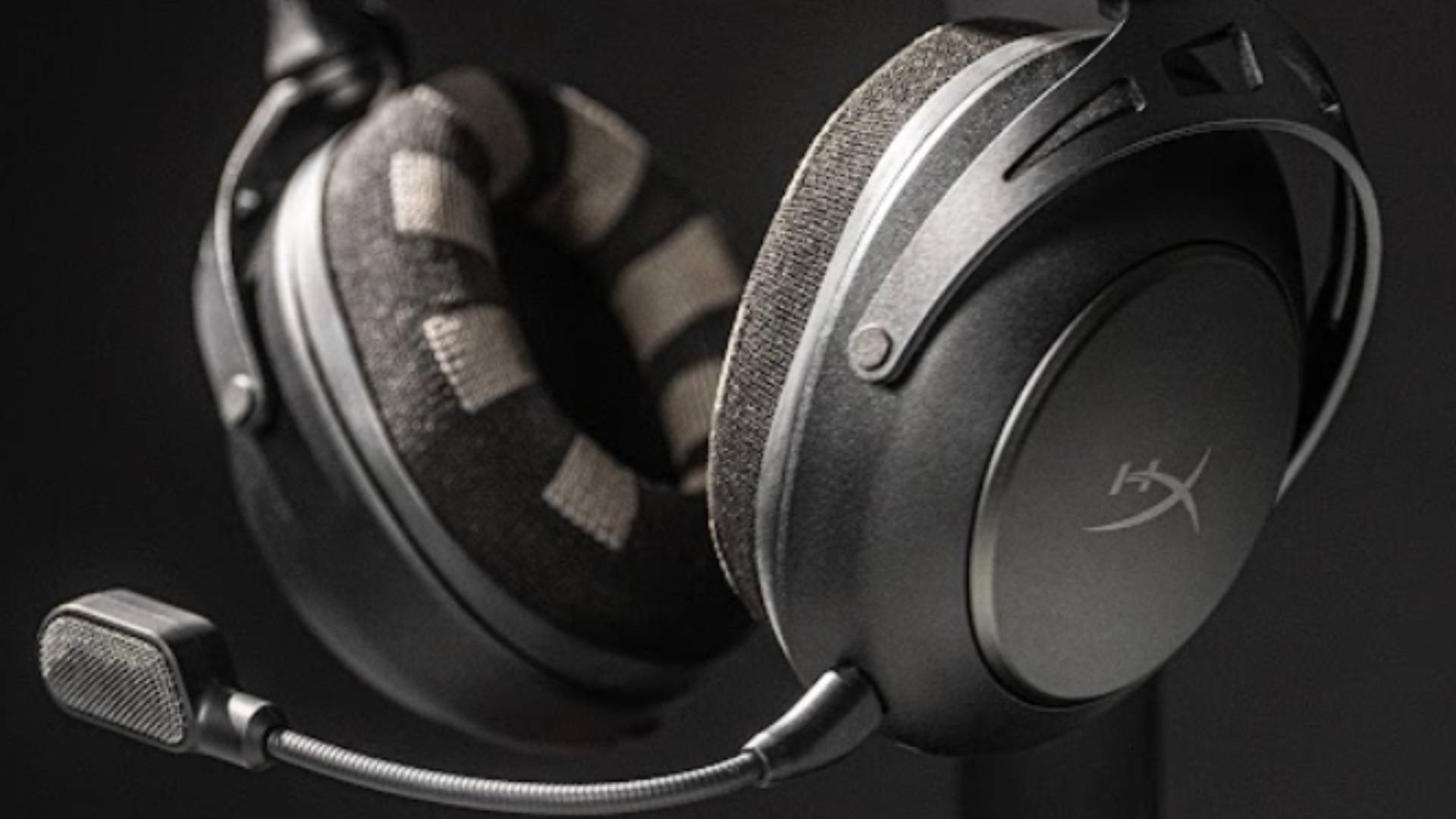

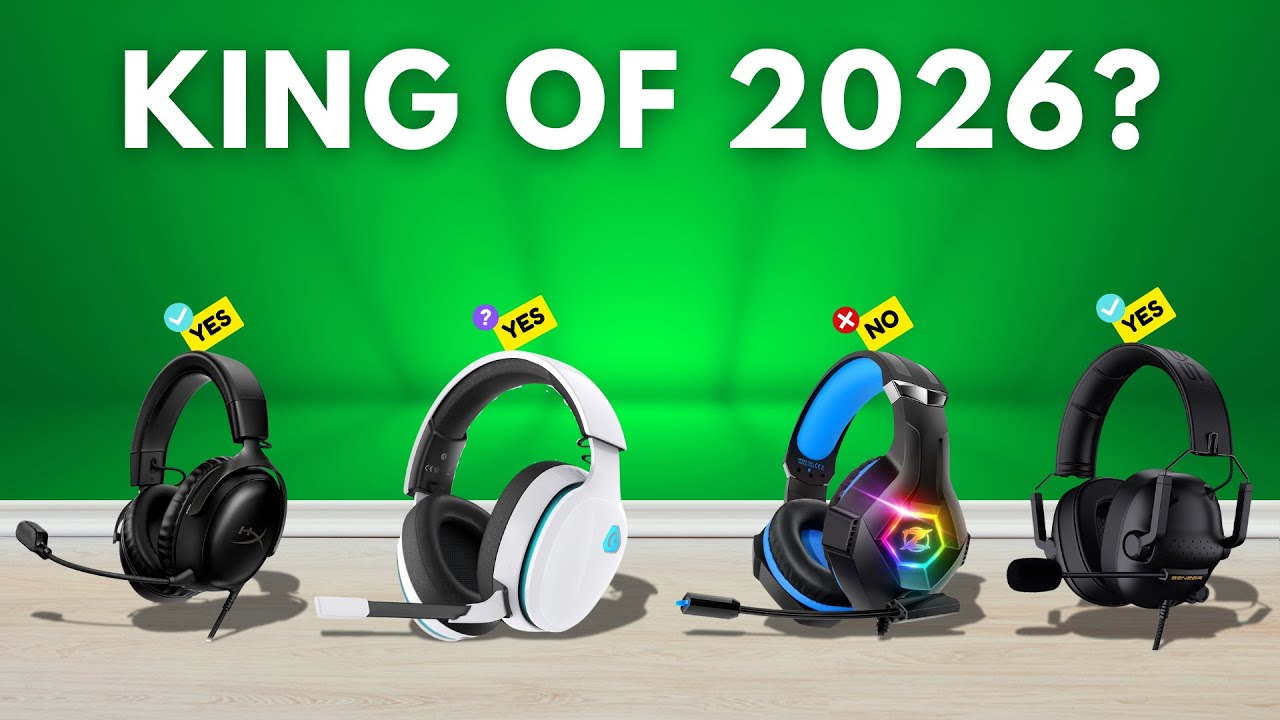

Neurable And HyperX Have Unveiled A Gaming Headset At CES 2026 That Can . The 3 Best Gaming Headsets Of 2026 Audio Comfort The 3 Best Gaming Headsets Of 2026 1024x576 . 9 Best Headphones For Gaming March 2026 Expert Tested Picks For Every Best Headphones For Gaming . Best Gaming Headsets 2026 Watch Before You Buy YouTube . 10 Best Headphones For FPS Gaming 2026 Audio Advantage Featured Image W2d20zry
#2 Gallery can you use normal headphones for gaming


Best Gaming Headset 2026 Top Picks For Competitive And Casual Gaming Best Gaming Headset 2026 . 9 Best Headphones For Gaming March 2026 Expert Tested Picks For Every Featured Image Lmygq7pz . CES 2026 I Tried A Gaming Headset That Can Read Your Mind Ces 2026 I Tried A Gaming Headset That Can Read Your Mind 3q6p.2048 . CES 2026 This Gaming Headset Tracks Your Focus Straight From Your HYperX . Best Headset For Gaming 2026 Wireless Wi Gaming PC Guru AC SL1500
#3 Gallery can you use normal headphones for gaming

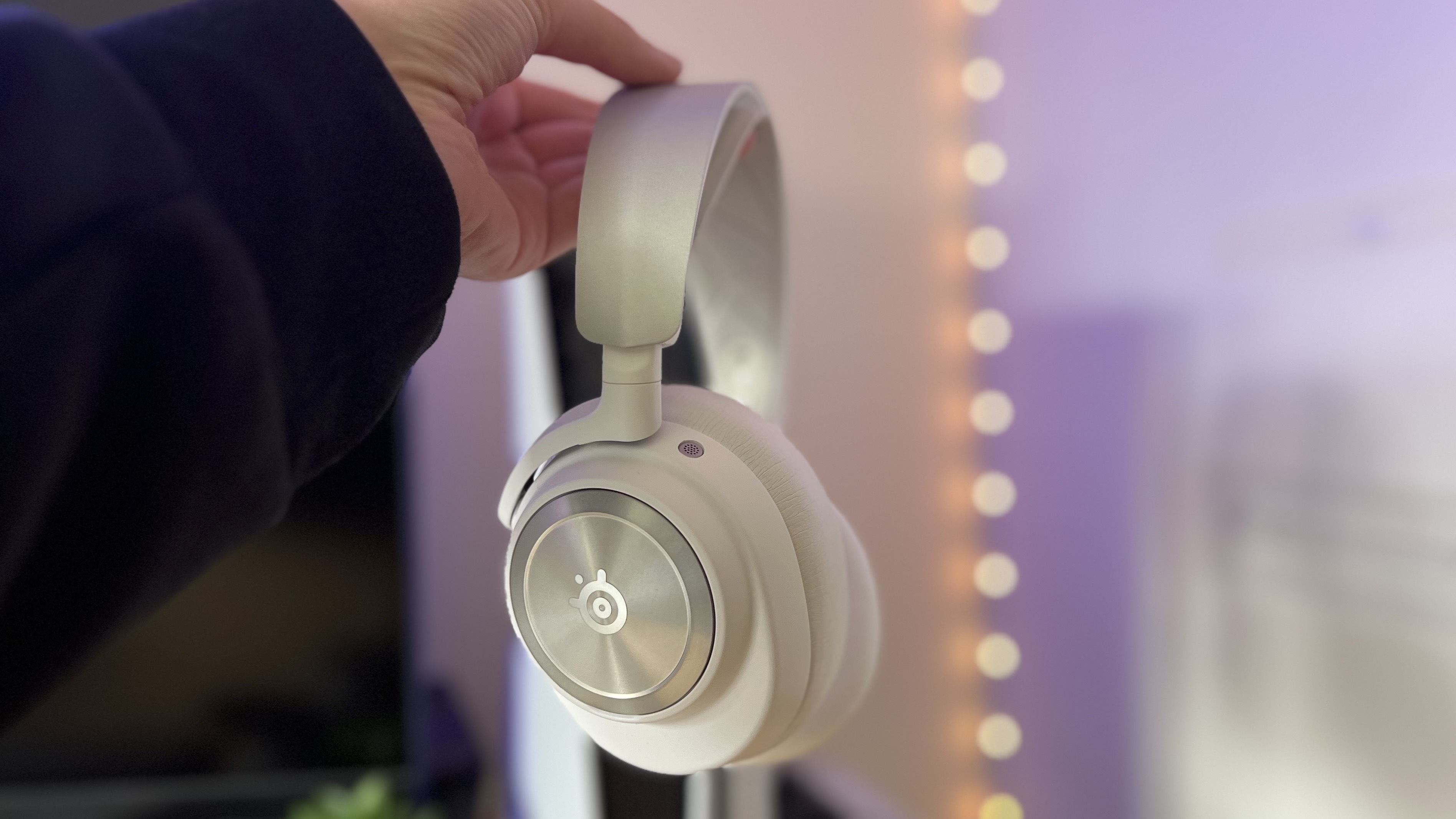
15 Best Gaming Headsets For Xbox In 2026 Top Picks For Immersive Play Top Xbox Gaming Headsets 2026 Ij8c7 . Best Gaming Headset 2026 Top Picks For Competitive And Casual Gaming Best Gaming Headset 2026 3 768x432 . Best Gaming Headsets For 2026 109QTM910 884MXWELLP 158WHG900 0205 1200x628 . Best Gaming Headset 2026 Top Picks For Competitive And Casual Gaming AC SL1000 . Best Gaming Headset 2026 My Go To Cups For Every Platform GamesRadar
#4 Gallery can you use normal headphones for gaming


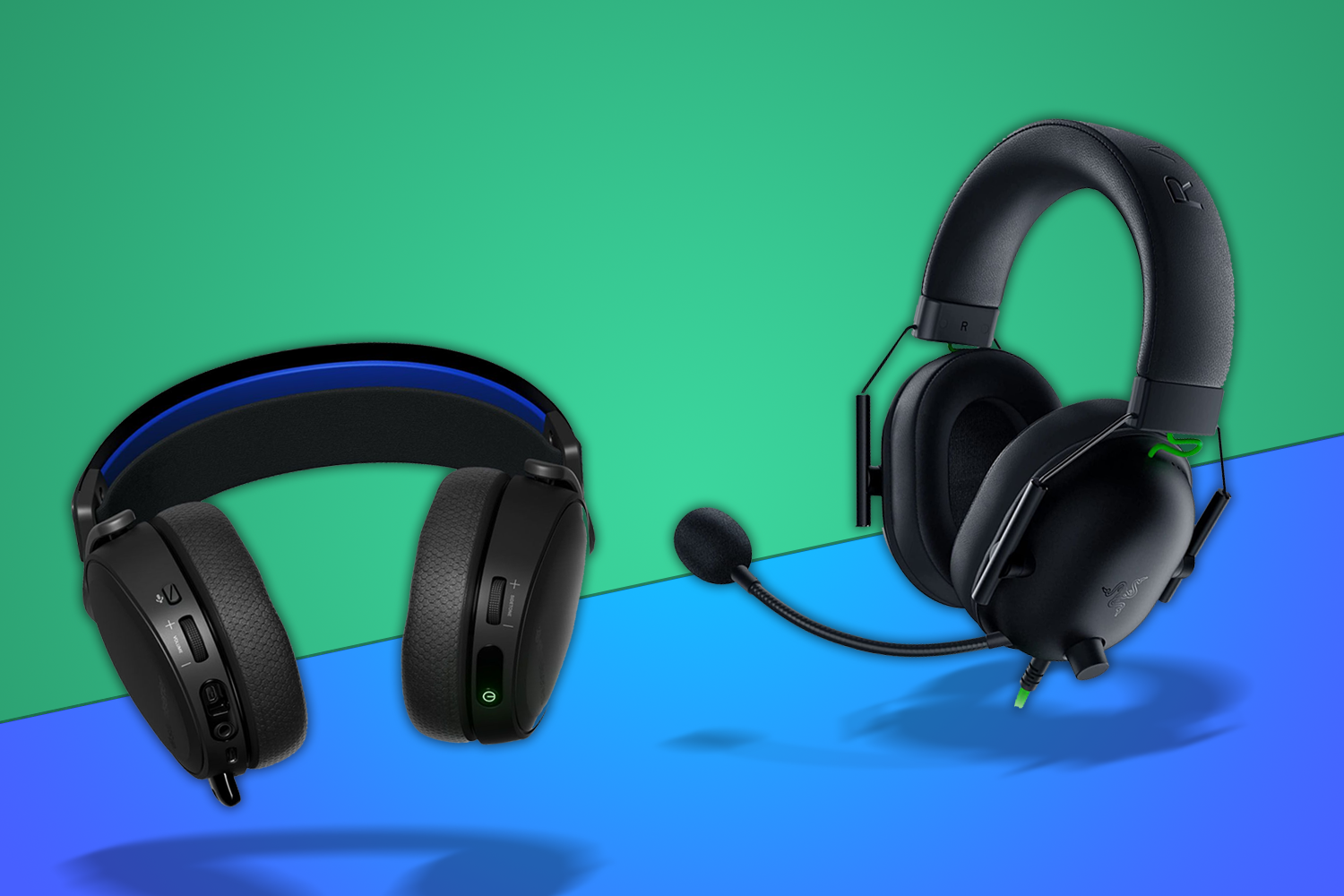

How To Choose A Gaming Headset In 2026 Competitive FPS Immersion And. Best Gaming Headsets Of 2026 From Budget Picks To Pro Audiophile . Best Gaming Headsets 2026 Wireless Low Latency Picks Gadjety Best Gaming Headsets 2026 1024x576 . Best Gaming Headsets In 2026 Reviewed And Rated Best Gaming Headset 2023 Lead . Can You Use Regular Headphones For Gaming Explained Can You Use Regular Headphones For Gaming
#5 Gallery can you use normal headphones for gaming


The 9 Best Headphones To Buy In 2026 Tested And Reviewed Ff6bbde0 Ab80 11f0 B2eb. 9 Best Sennheiser Headphones For Gaming In 2026 Eneba Hub Best Sennheiser Headphones For Gaming 768x430 . Gaming Headset Vs Headphones Which Should You Use For Gaming Gaming Headset Vs Headphones . Best Wireless Headset For Gaming 2026 Low Gaming PC Guru AC SL1500 . Best Gaming Headset 2026 Top Picks For Competitive And Casual Gaming AC SL1500
#6 Gallery can you use normal headphones for gaming


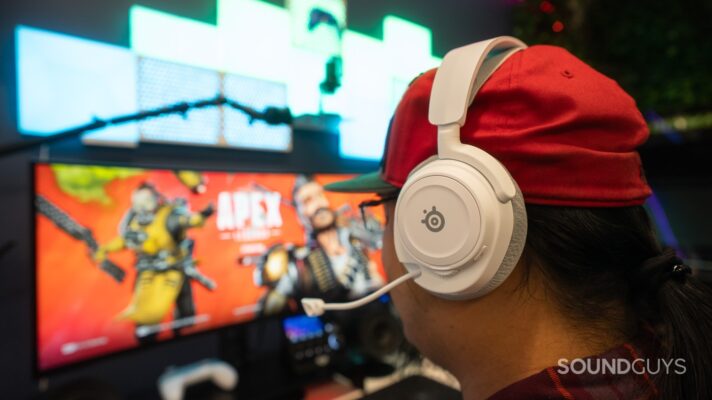
Best Headphones For Gaming And Travel 2026 Expert Reviews B0C4F9JGTJ Customer 2 1 1152x1536 . 11 Best Studio Headphones In 2026 Pro Sound At Any Budget Best Studio Headphones. Best Gaming Headset In 2026 Top Picks For Every Budget Best Gaming Headset 300x180 . Best Universal Gaming Headphones 2026 10 Headsets Tested B09DPR2LZW Customer 1 768x1024 . The Best Gaming Headsets 2026 Top Picks For Every Platform SoundGuys SteelSeries Arctis Nova 7 Gen 2 While Gaming 712x400
#7 Gallery can you use normal headphones for gaming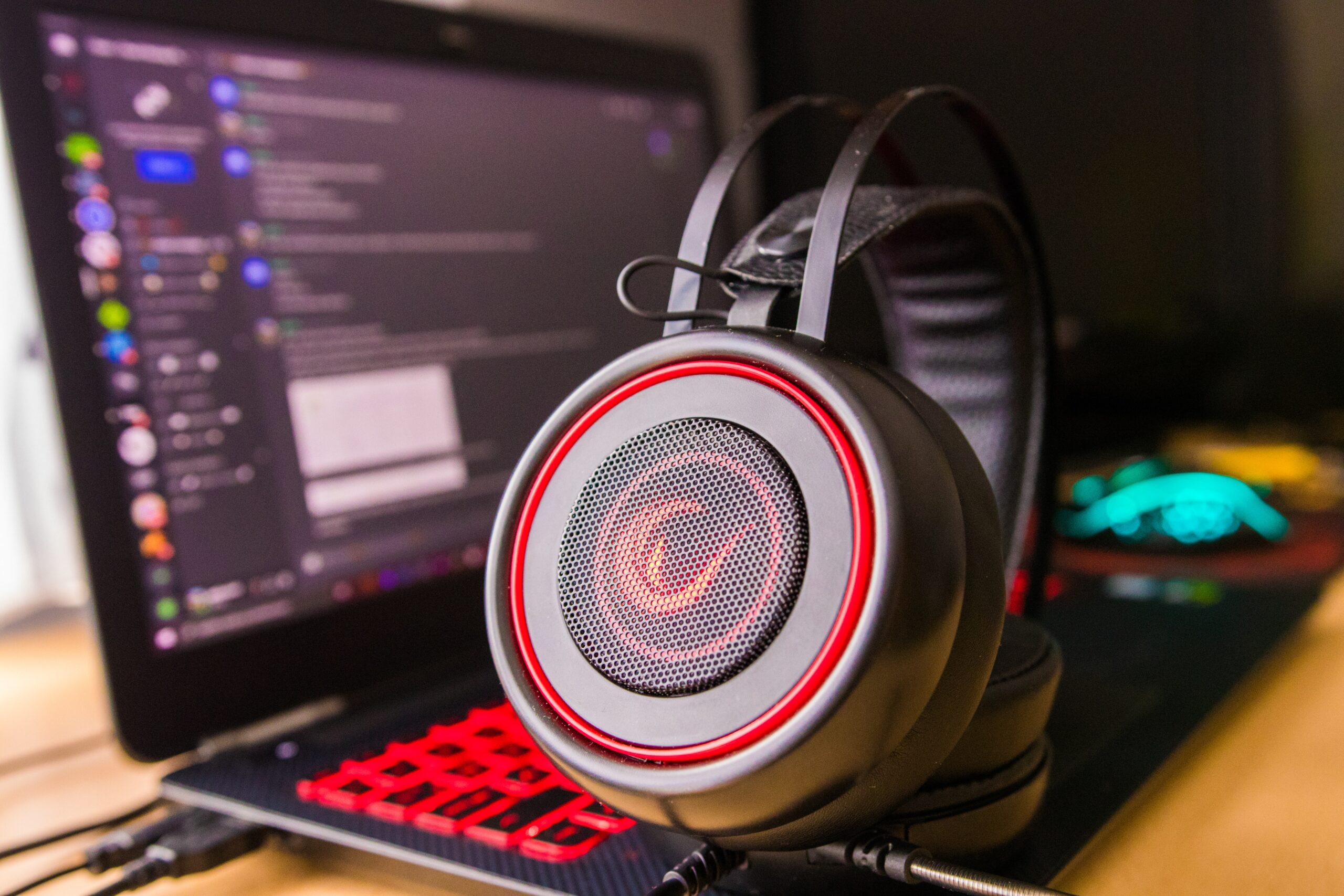

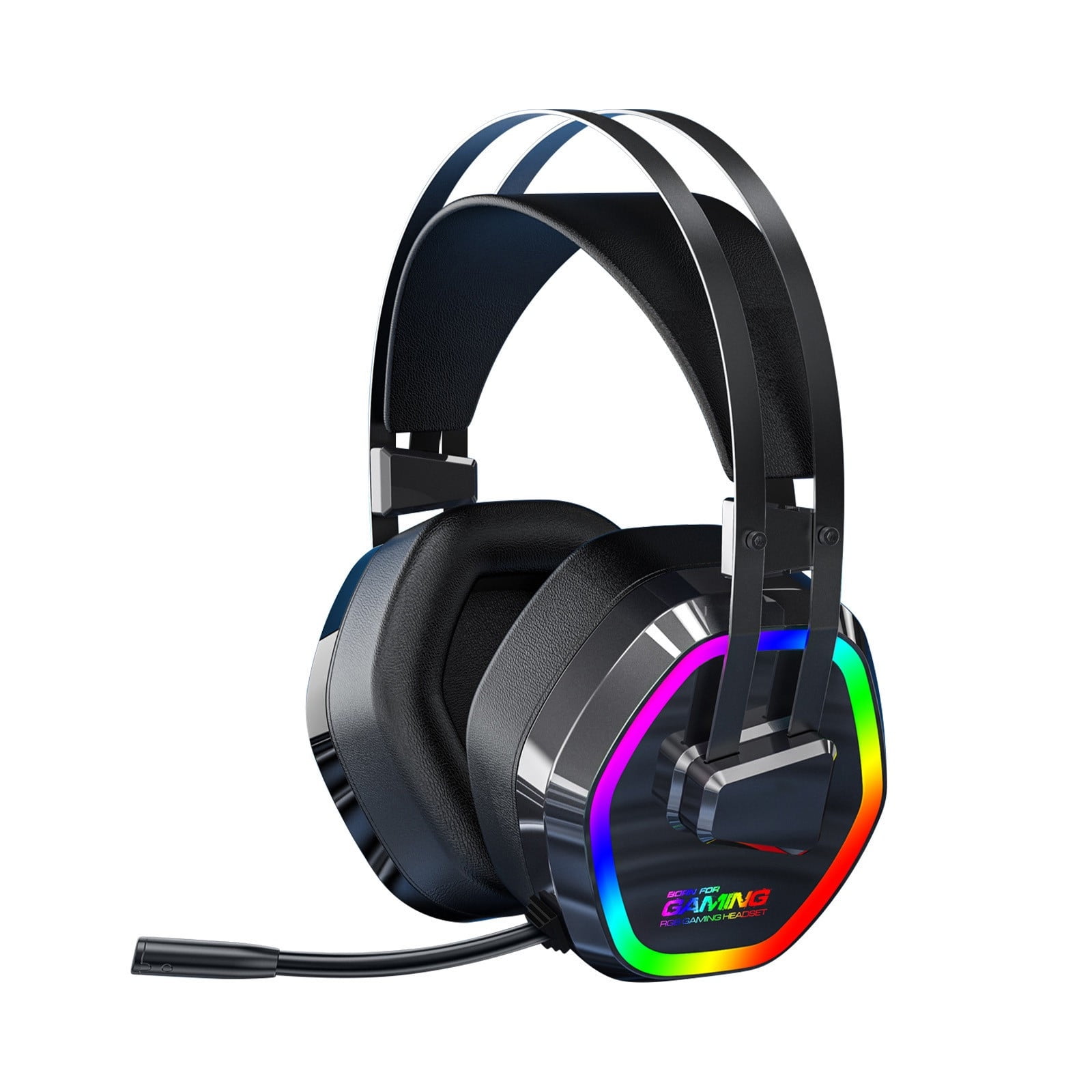

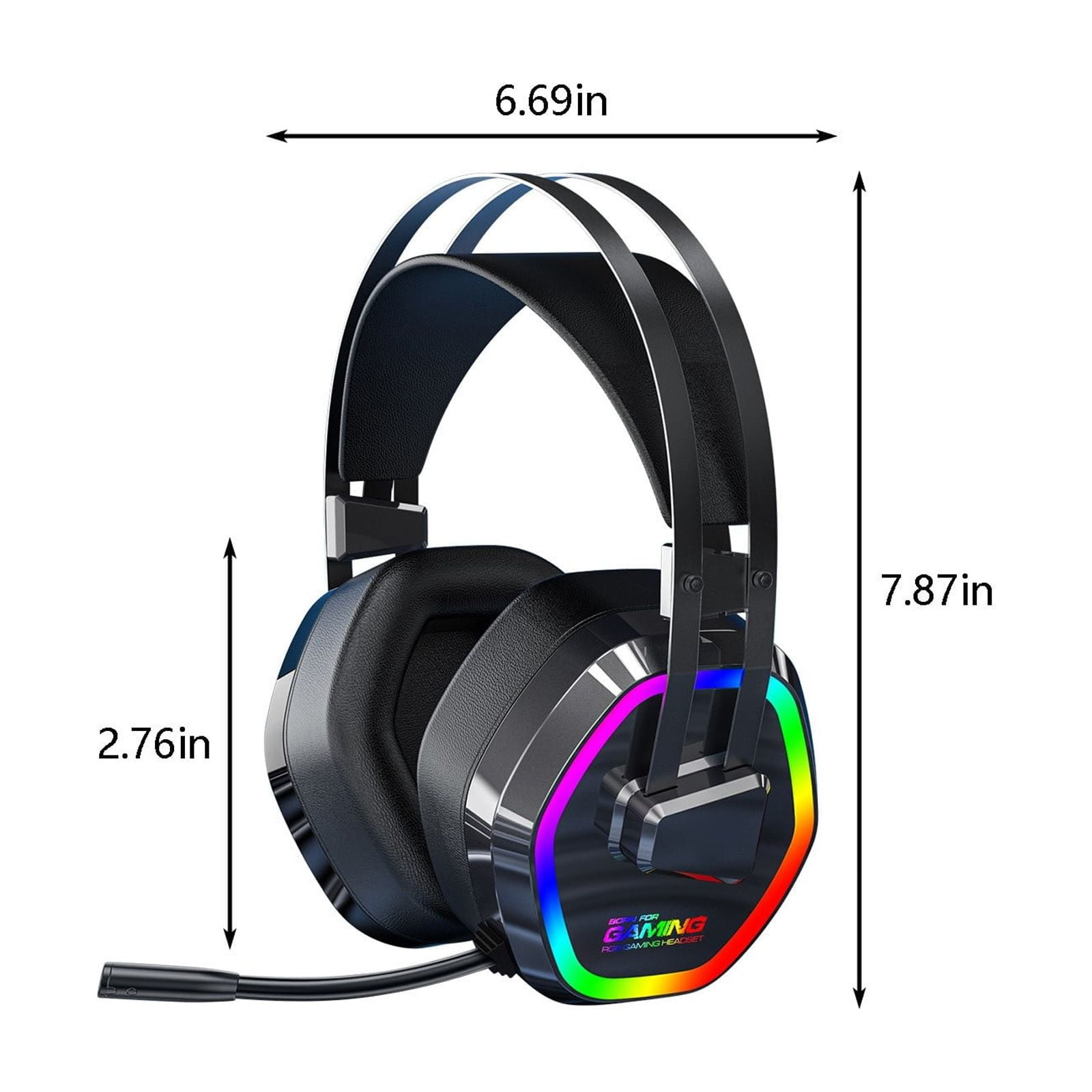
Gaming Headset Vs Headphones Which Should You Use For Gaming A Regular And Gaming Headset Scaled . Top 5 Best Gaming Headset Of 2026 Best Product Review Copy Of The Most Attractive Youtube Thumbnail 3 . 2026 Upgrade Gaming Headset With Microphone Stereo Wired Noise 2026 Upgrade Gaming Headset With Microphone Stereo Wired Noise Cancelling Over Ear Headphones With Mic For Pc Computer Laptop Gamer Black 2ce42e6b Bb93 4398 98b7 . Best Wired Gaming Headphones In 2026 Zero Gaming PC Guru Best Noise Cancelling Gaming Headphones Featured 400x250 . 2026 Upgrade Gaming Headset With Microphone Stereo Wired Noise D75b2759 Cc16 4bef A777