Mobile gaming continues its dominance with over 87 percent of US gamers regularly enjoying titles on the go For many busy adults the iPad has become the ultimate portable gaming hub offering a balance of screen size and accessibility perfect for unwinding after a long day or connecting with friends online A common question echoing through gaming communities is Is Roblox on iPad The good news is absolutely yes This comprehensive guide dives deep into everything you need to know about experiencing the vast user generated worlds of Roblox right from your Apple tablet We will explore setup performance tips for smoother gameplay how to connect with friends manage in game purchases responsibly and even leverage the iPad's capabilities for a premium Roblox experience Whether you are a seasoned player looking to optimize your mobile sessions or a curious newcomer eager to jump into the metaverse understanding how Roblox functions on the iPad is key to unlocking endless creative and social possibilities Stay ahead of 2026 gaming trends with expert insights on enjoying your favorite platform anytime anywhere
- Is Roblox on iPad free to download and play? - Yes, the Roblox application is completely free to download from the Apple App Store. You can create an account and access millions of games without any initial cost. While the core experience is free, optional in-app purchases for Robux, the virtual currency, are available for cosmetic items and game passes.
- Does Roblox on iPad support game controllers? - Yes, Roblox on iPad offers excellent support for external game controllers. You can pair most Bluetooth-enabled controllers, including MFi, Xbox, and PlayStation controllers, with your iPad. This significantly enhances gameplay precision and comfort, especially for action-oriented or competitive Roblox experiences.
- Can I play Roblox on my iPad with friends on PC or Xbox? - Absolutely! Roblox features full cross-platform compatibility. This means you can easily join and play with your friends who are using PCs, Xbox consoles, Android devices, or other iOS devices. Your Roblox account and progress seamlessly sync across all platforms.
- What iPad models are best for a smooth Roblox experience? - For the smoothest Roblox experience, newer iPad models like the iPad Pro (2018 onwards), iPad Air (4th gen or later), or recent standard iPads (9th gen or later) are recommended. These devices boast powerful processors and sufficient RAM to handle even the most graphically demanding Roblox games with ease.
- How do I improve Roblox performance if my iPad is lagging? - To improve performance on a lagging iPad, first ensure a strong Wi-Fi connection. Then, close all background apps and lower the graphics quality settings within the Roblox in-game menu. A quick iPad restart can also often resolve minor performance issues by clearing temporary data.
- Can I create my own games in Roblox Studio on my iPad? - No, the full Roblox Studio software, which is used for creating and publishing games on Roblox, is currently only available for Windows and macOS computers. While you can play any game on your iPad, you will need a desktop or laptop to engage in the game development aspect of the platform.
- Are there parental control options for Roblox on iPad? - Yes, both Roblox and Apple provide robust parental control options. Within the Roblox app, you can adjust privacy settings and chat filters. Additionally, Apple's Screen Time features on your iPad allow you to manage content restrictions, set screen time limits, and control or restrict in-app purchases.
Ever find yourself scrolling through your iPad, wishing you could dive into a massive, imaginative world without having to fire up your PC or console? For many US gamers, myself included, that moment hits daily. We're busy adults balancing work, family, and a desperate need for a few minutes of fun. Mobile gaming isn't just a casual pastime anymore; it's our primary escape, with recent stats showing 87% of US gamers regularly engage on mobile, often spending over 10 hours a week unwinding with their favorite titles. The flexibility of tablets, especially the iPad, makes them perfect for quick gaming sessions or deep dives into social experiences. So, the burning question for many: "Is Roblox on iPad?" Good news, friends – absolutely! Roblox is not only available but thriving on the iPad, bringing its expansive metaverse directly to your fingertips. Let's explore how you can jump into the action and make the most of your Roblox experience on Apple's iconic tablet.
Is Roblox on iPad? Absolutely!
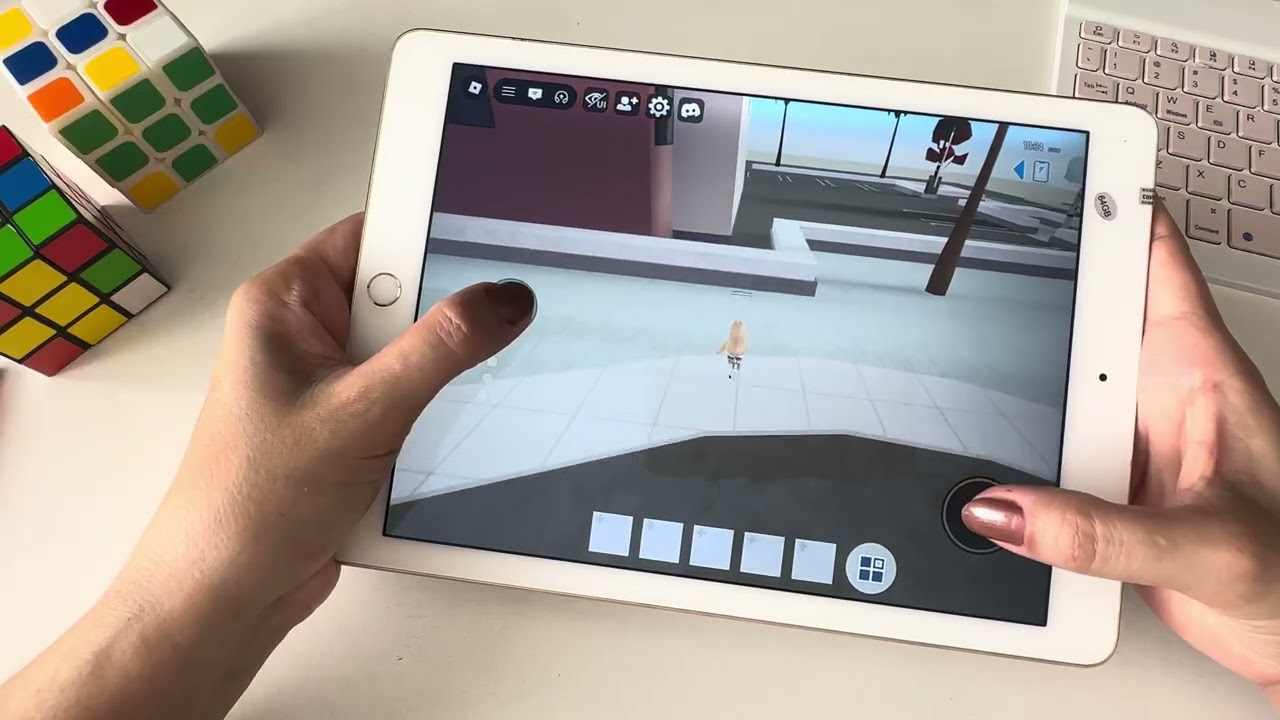
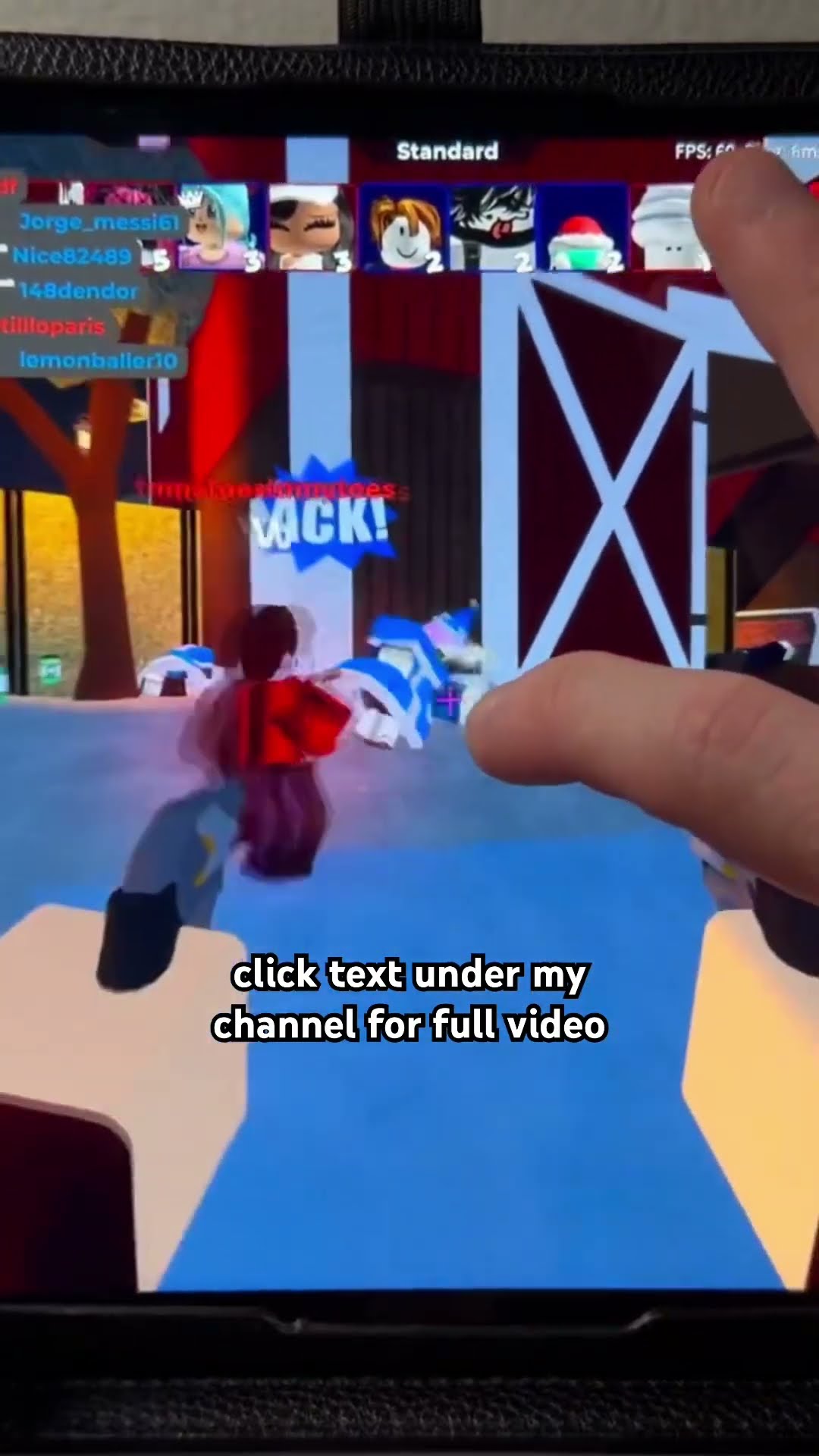
Yes, unequivocally, Roblox is fully available and optimized for the iPad. You can download the official Roblox app directly from the Apple App Store, just like any other application. This isn't a watered-down version or a browser-based workaround; it's the full-fledged Roblox experience, granting you access to millions of user-created games, social features, and your existing avatar. Roblox Corporation has consistently updated its iOS app, ensuring compatibility with the latest iPad models and operating systems, delivering a robust and engaging platform for mobile users. The app brings all the core functionalities you expect, from building and exploring to connecting with friends across different devices.
How to Get Roblox on Your iPad? It's Super Simple.
Getting started with Roblox on your iPad is a breeze. If you can download an app, you can play Roblox. Here's a quick guide:
Open the App Store: Tap on the blue App Store icon on your iPad's home screen.
Search for Roblox: Use the search bar (usually at the bottom or top right) and type "Roblox".
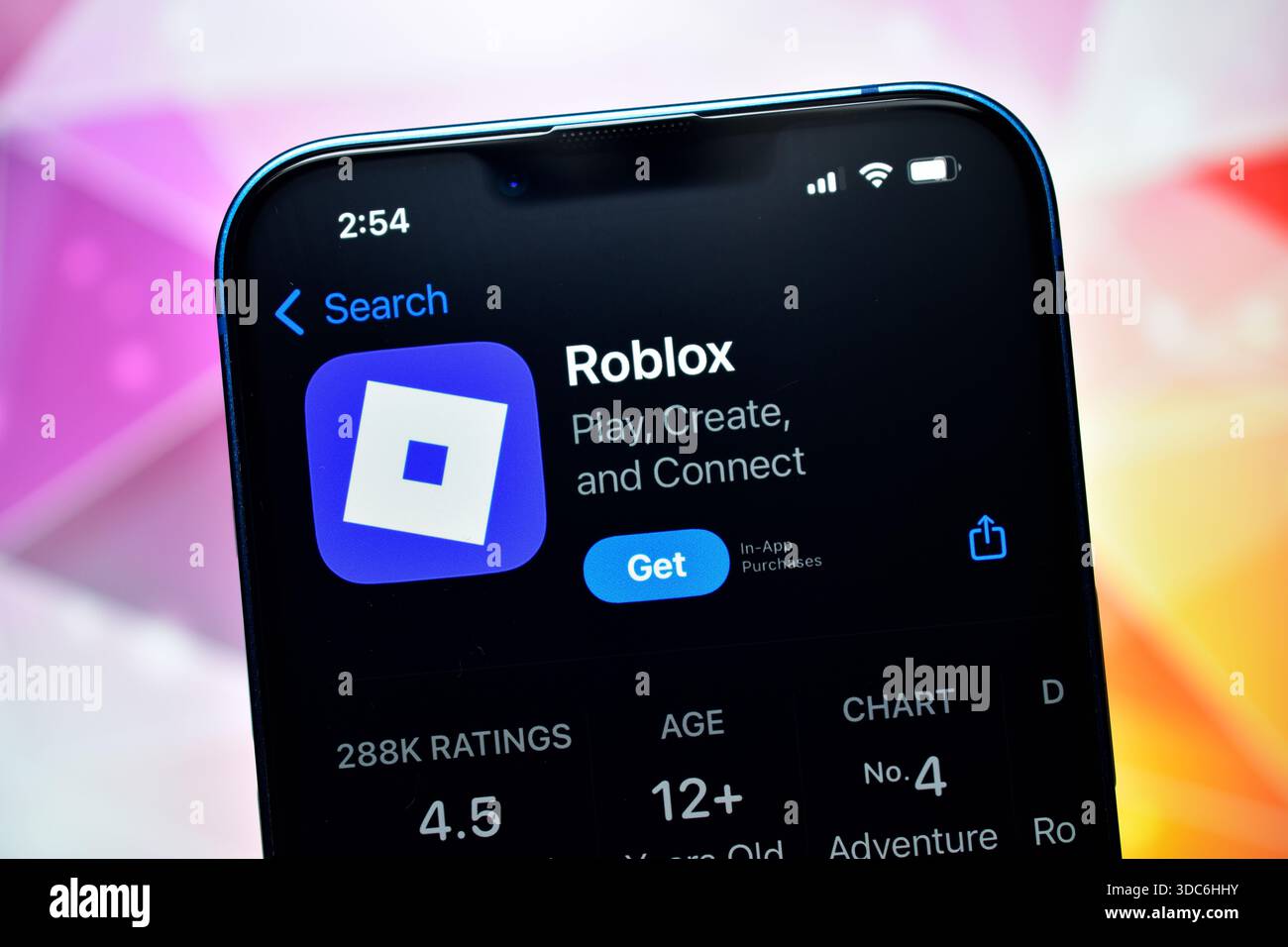
Download the App: Look for the official Roblox app, published by "Roblox Corporation," and tap the "Get" button. You might need to authenticate with Face ID, Touch ID, or your Apple ID password.
Install and Launch: Once downloaded, the app will install automatically. You'll see the Roblox icon appear on your home screen. Tap it to launch.
Log In or Sign Up: If you already have a Roblox account (perhaps from PC or another mobile device), log in using your credentials. New players can easily sign up for a free account directly within the app.
And just like that, you're ready to explore the endless possibilities of the Roblox metaverse on your iPad!
Why Play Roblox on Your iPad? Benefits for Adult Gamers.
For US adult gamers aged 20-45, the iPad offers a unique blend of convenience and capability that makes it an ideal platform for Roblox. Here’s why you might find yourself reaching for your tablet more often:
Unmatched Portability: Your iPad goes where you go. Whether you're commuting, on a lunch break, or just relaxing on the couch, Roblox is always accessible. This fits perfectly with the modern gamer's need for flexible playtimes, especially when balancing work and life commitments.
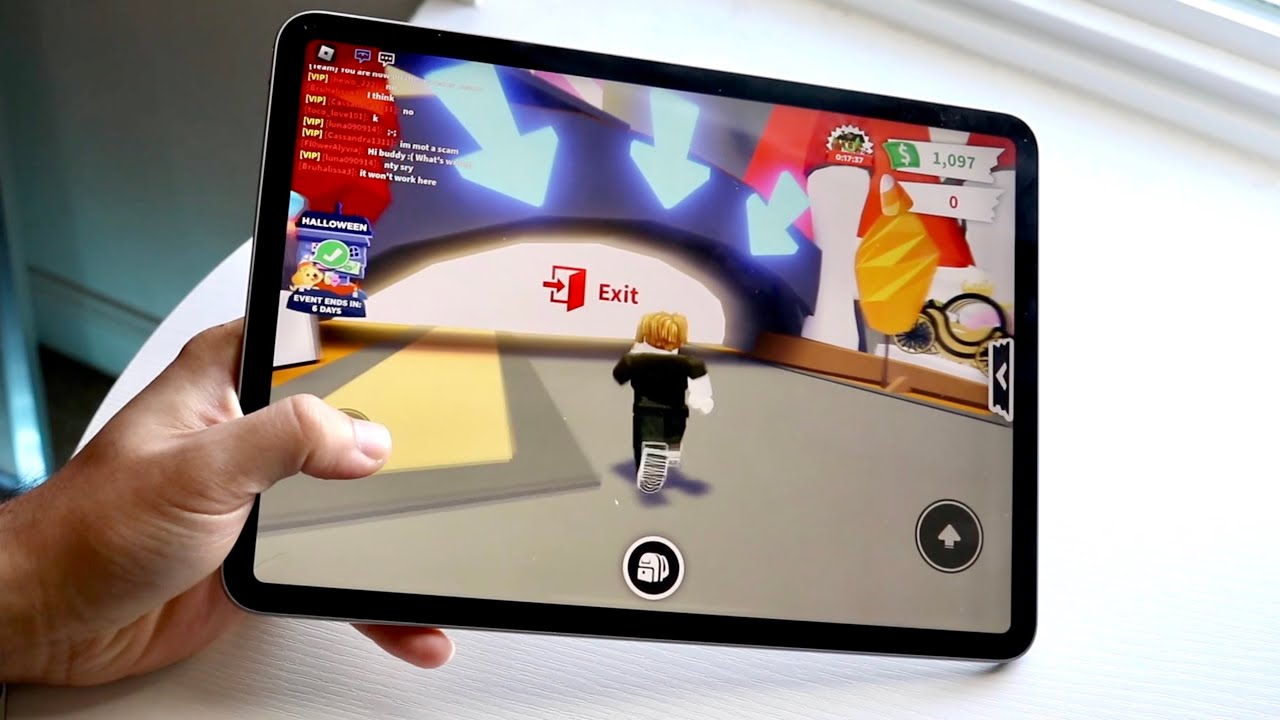
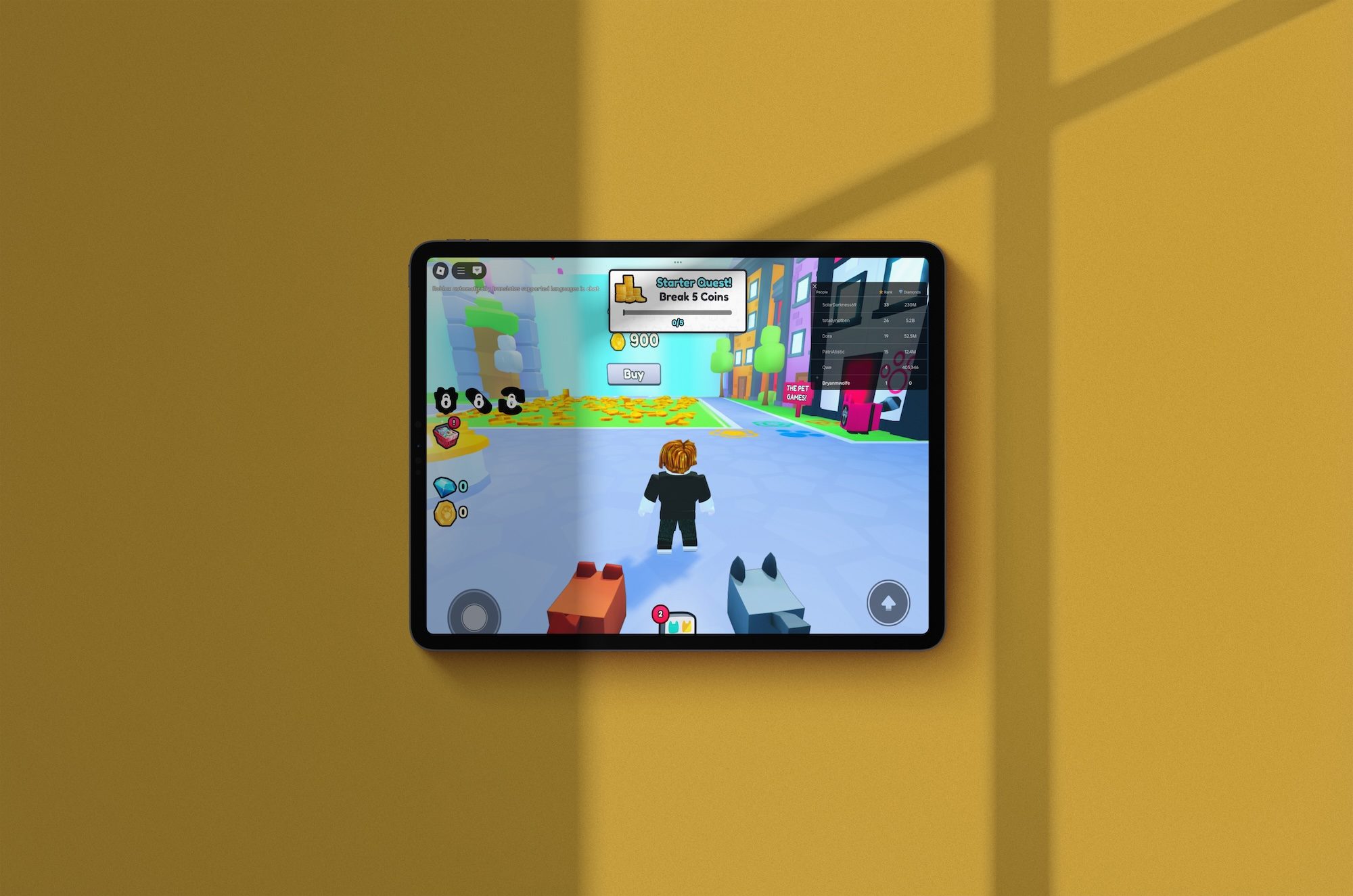
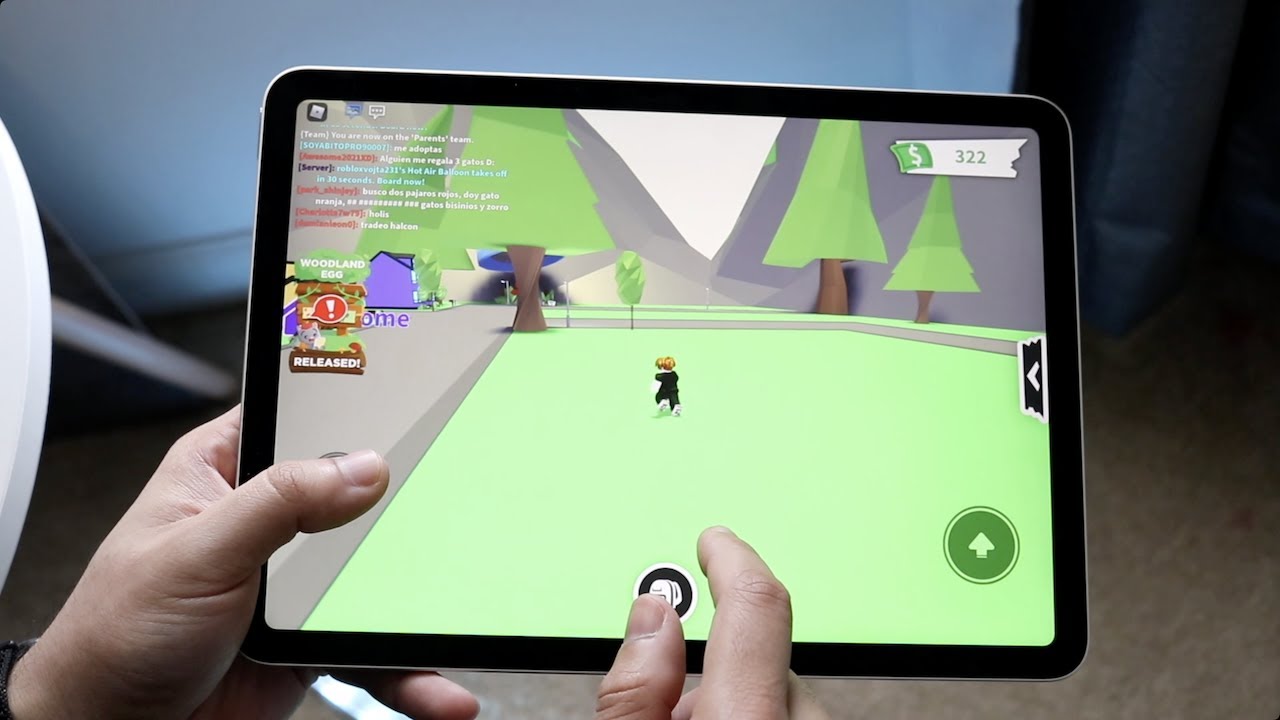
Bigger Screen, Better Immersion: While phone screens are great, the iPad's larger display significantly enhances immersion, making worlds more vibrant and details clearer. It’s a noticeable step up for enjoying the intricate designs of popular games like Adopt Me or Bloxburg.
Intuitive Touch Controls (and Controller Support): Roblox on iPad features excellent touch controls, making navigation and gameplay feel natural. Plus, for those who prefer a more traditional gaming experience, iPads support Bluetooth controllers, giving you console-like precision when tackling challenging parkour or competitive titles. This month, many players are praising the improved controller mapping in top-tier Roblox experiences.
Seamless Socialization: Roblox is a social hub, and the iPad makes connecting with friends effortless. Participate in in-game chat, join private servers, or link up with friends who are playing on PC, console, or other mobile devices thanks to robust cross-platform capabilities. Social gaming continues to be a massive trend in 2026, with studies showing a strong desire among adult gamers for online communal experiences.
Stress Relief and Creative Escape: For many, gaming is a vital stress reliever. Roblox on iPad offers a diverse catalog of experiences, from cozy role-playing games to competitive action, providing a perfect escape. It’s a platform where you can unwind, build new skills, or simply explore without the pressure of a high-stakes competitive ladder, catering to the growing trend of "cozy gaming" for adults seeking relaxation.
The convenience and power of the iPad truly elevate the Roblox experience, making it a go-to choice for millions.
What Are the Performance Expectations for Roblox on iPad?
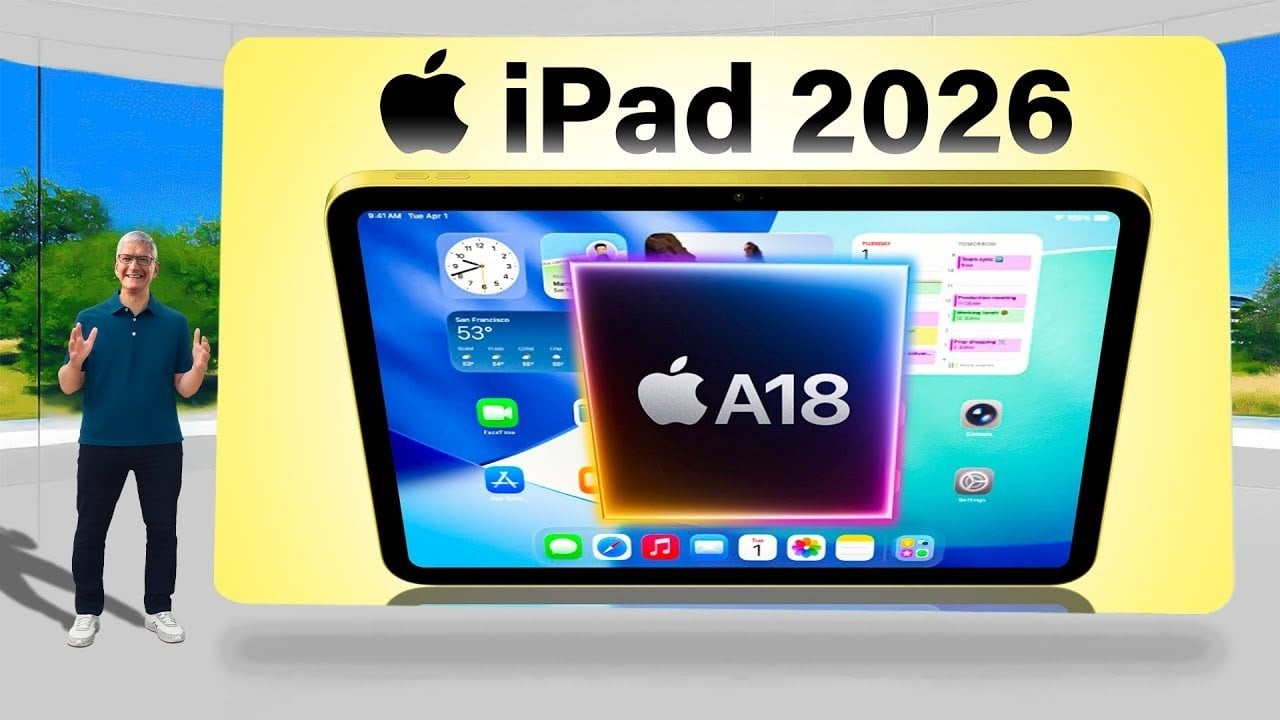
The performance of Roblox on your iPad largely depends on your device's model and the specific game you're playing. Generally, newer iPad models (like the iPad Air 4/5, iPad Pro series, or even recent standard iPads) offer an incredibly smooth and visually appealing Roblox experience. These devices boast powerful A-series or M-series chips, ample RAM, and high-resolution Retina displays, capable of running even graphically intensive Roblox experiences at stable frame rates.
Newer iPads: Expect excellent performance, high graphics settings, and minimal lag. Games will load quickly, and interactions will be fluid. You can often push graphics settings to higher levels for a more immersive visual.
Older iPads: Devices like an iPad Air 2 or older might struggle with more demanding games. You might experience longer load times, lower frame rates, and potentially some crashes if the game is particularly resource-intensive. For these devices, it's best to keep graphics settings low.
Regardless of your iPad's age, Roblox is designed to scale. The app will generally adjust to your device's capabilities. However, for the best 2026 experience, especially with the increasingly detailed worlds being created, a more recent iPad model is highly recommended to fully appreciate the visual fidelity and smooth gameplay that Roblox can offer.
Who Can You Play With on Roblox iPad? Cross-Platform Power!
One of Roblox's greatest strengths, and a major draw for social gamers, is its robust cross-platform compatibility. When you play Roblox on your iPad, you're not limited to playing only with other iPad users. You can seamlessly join and interact with friends who are playing on a wide array of other devices, including:
PC (Windows and macOS)
Xbox consoles (Xbox One, Xbox Series X/S)
Android smartphones and tablets
Select VR platforms (for compatible experiences)
This means if your best friend is on their gaming PC, your sibling is on their Android phone, and you're on your iPad, you can all jump into the same Adopt Me server, compete in a Blox Fruits battle, or explore a social hub together without any hiccups. This universal access is a huge part of why Roblox remains a top platform for online socialization, fitting perfectly into the current trend of diverse gaming setups and shared digital experiences among US gamers.
When Is the Best Time to Play Roblox on Your iPad?
The "best" time to play Roblox on your iPad is whenever you have a moment to yourself and feel like escaping into a fun, creative world. This flexibility is a key reason busy adults gravitate towards mobile gaming. Think about these scenarios:
Morning Commute: If you take public transport, a quick 15-minute game of Tower of Hell can get your brain fired up.
Lunch Break Lull: Instead of endlessly scrolling, jump into a chill role-playing experience for a mental reset.
After-Work Wind-Down: Post-work, before dinner, or as the kids settle down, a session of a cozy game like MeepCity can be the perfect way to decompress and connect with friends.
Travel Companion: Long flights, car rides, or waiting at the airport become infinitely more entertaining with Roblox in your pocket.
Social Evening: Planning to meet up with friends virtually? Roblox on iPad offers a fantastic shared space for casual hangouts, especially with the rise of social hubs and virtual concert experiences.
Essentially, the iPad makes Roblox an "anytime, anywhere" entertainment option. It’s designed to fit into the cracks of your day, providing accessible fun without needing a dedicated gaming setup.
How to Optimize Your Roblox Experience on iPad? Pro Tips for Smooth Play.
To ensure you're getting the best possible performance and enjoyment out of Roblox on your iPad, consider these optimization tips:
Stable Wi-Fi Connection: Roblox is an online game, so a strong, stable Wi-Fi connection is crucial. Public Wi-Fi can be unreliable; a private home network will provide the best experience.
Close Background Apps: Your iPad is multitasking, and other apps running in the background can consume RAM and CPU resources. Swipe up and close any unnecessary apps before launching Roblox.
Adjust Graphics Settings: Within the Roblox app, you can manually adjust graphics quality. If you're experiencing lag, lower the graphics settings (found in the in-game menu, usually accessible by tapping the Roblox icon in the corner). This can significantly improve frame rates, especially on older iPads or in graphically demanding games.
Keep Your iPad Charged: Low battery mode can sometimes throttle performance to conserve power. Ensure your iPad is adequately charged or plugged in for extended gaming sessions.
Restart Your iPad Periodically: A quick restart can clear temporary files and refresh your system, often resolving minor performance glitches.
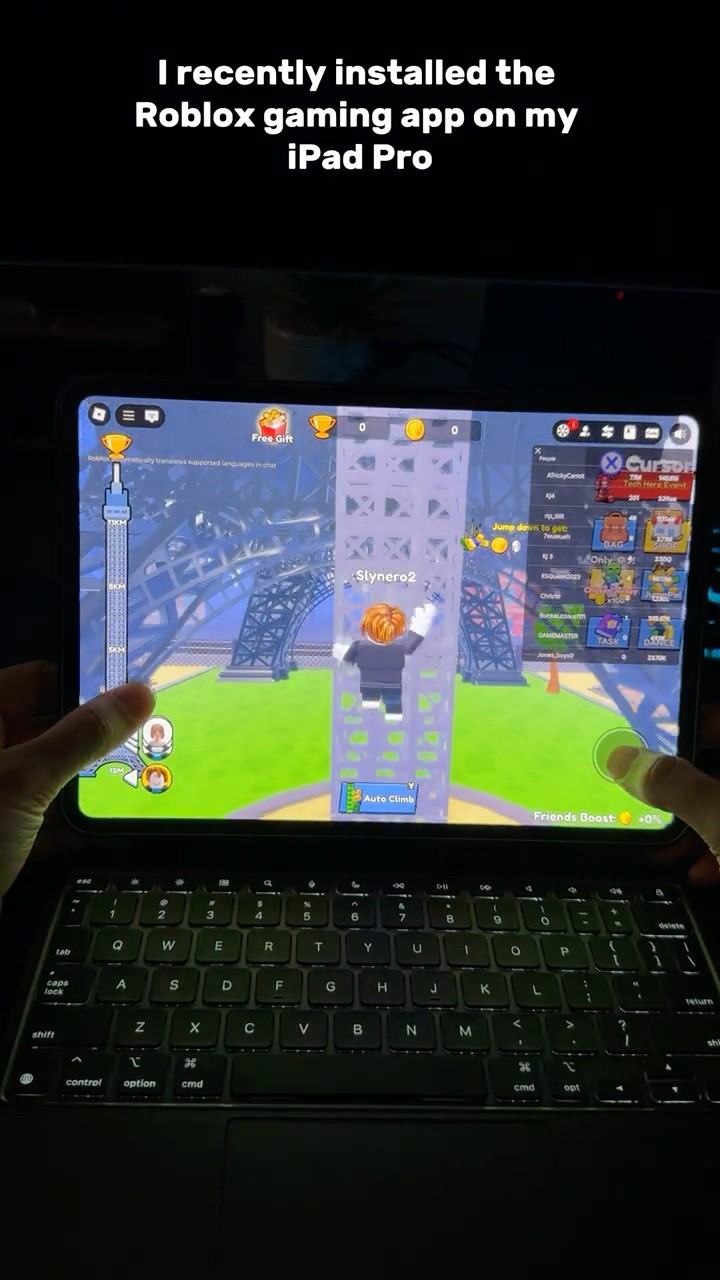
Consider a Gaming Controller: While touch controls are good, many demanding Roblox games benefit from the precision of a Bluetooth controller. Apple Arcade-compatible controllers work seamlessly with Roblox on iPad, providing a console-like feel.
Ensure Sufficient Storage: While Roblox itself isn't huge, your iPad needs some free space to operate efficiently. Clear out old photos, videos, or unused apps if storage is low.
By implementing these tips, you can transform your Roblox sessions into a smoother, more enjoyable experience, allowing you to fully appreciate the creativity within the metaverse.
What About In-App Purchases and Robux on iPad?
Roblox is a free-to-play platform, but in-game purchases using Robux (Roblox's virtual currency) are a core part of the experience. On the iPad, all Robux purchases and in-app transactions are handled securely through Apple's App Store payment system. This means:
Secure Transactions: Your payment information is managed by Apple, not directly by Roblox, adding an extra layer of security.
Parental Controls: If you're managing an account for a younger player, or simply want to control your own spending, Apple's Screen Time features offer robust parental controls. You can restrict in-app purchases entirely, require a password for every purchase, or set spending limits. This is a crucial feature for many adults balancing fun with financial responsibility.
Various Robux Packages: You can purchase Robux in various bundles, or subscribe to Roblox Premium for monthly Robux stipends and other benefits, all directly through the app.
It's always wise to monitor spending, especially on free-to-play games, but the iPad's integrated payment and control systems make managing Robux purchases straightforward and secure.
Are There Any Limitations to Playing Roblox on iPad?
While Roblox on iPad is incredibly robust, there are a few minor differences or potential limitations compared to playing on a high-end PC:
Creator Tools: The full suite of Roblox Studio, which allows users to create games, is currently only available on PC. While you can play games on iPad, you can't develop them directly on the tablet. However, there are third-party apps and cloud solutions emerging that might bridge this gap in the future.
Graphics Prowess: Even the most powerful iPad Pro might not push graphics quite as far as a top-tier gaming PC with a dedicated GPU. Some highly demanding, PC-centric Roblox experiences might run at slightly lower frame rates or with reduced visual fidelity compared to their absolute peak on a monster rig.
Input Method Preference: While controller support is good, some specific games or competitive genres might still feel more natural or precise with a mouse and keyboard setup. This is often a personal preference, though.
These are minor points, however. For 99% of Roblox experiences, the iPad provides an excellent, immersive, and fully functional platform that perfectly suits the needs of most players, especially those seeking convenience and portability.
What Are the Top Roblox Trends for iPad Gamers in 2026?
The Roblox metaverse is constantly evolving, and for iPad gamers in 2026, several trends are particularly prominent:
Social Hubs and Role-Playing Games: Experiences like "Adopt Me!" and "Brookhaven RP" continue to dominate, offering rich social interaction and creative role-playing opportunities. These are perfectly suited for the iPad's touch interface and larger screen, encouraging casual, relaxed play, aligning with the "cozy gaming" trend popular among adults.
Creator-Driven Experiences: The rise of independent creators pushing the boundaries of what's possible within Roblox Studio means more sophisticated and visually stunning games. iPad users benefit from improved optimization for mobile, bringing these high-quality creations to a wider audience.
Virtual Concerts and Events: Roblox has become a major platform for virtual concerts and brand events. The iPad's portability means you can attend these live, interactive experiences from anywhere, fostering a sense of community and shared digital culture, a trend seeing significant growth in 2026 for connecting with content creators and artists.
Educational and Skill-Building Games: Beyond pure entertainment, Roblox hosts an increasing number of games focused on learning, problem-solving, and even coding. These experiences, often praised for their interactive nature, are gaining traction among adults looking for mentally stimulating play on their tablets.
Staying current with these trends helps iPad gamers discover new and engaging content, keeping the experience fresh and exciting year-round.
FAQs - Your Burning Roblox iPad Questions Answered
Here's a deeper dive into some common questions iPad gamers have about Roblox:
Q: Does Roblox on iPad support external controllers?
A: Yes! Roblox on iPad fully supports MFi (Made for iPhone/iPad) controllers and most Bluetooth gamepads. Simply pair your controller with your iPad via Bluetooth settings, and Roblox will automatically detect and allow you to use it for gameplay. This is a game-changer for precision and comfort.
Q: Can I use a keyboard and mouse with Roblox on iPad?
A: While iPads support external keyboards and mice, Roblox's official app primarily optimizes for touch and controller input. You can type in chat with an external keyboard, but mouse input for gameplay isn't natively supported in the same way it is on PC. Third-party apps may offer workarounds, but official support focuses on touch/controller.
Q: Is Roblox on iPad free to play?
A: Yes, the Roblox app itself is free to download and play on your iPad. You can create an account, explore millions of games, and socialize without spending a dime. However, optional in-app purchases for Robux (the virtual currency) allow you to buy avatar items, game passes, and other enhancements.
Q: How much storage space does Roblox take up on an iPad?
A: The initial Roblox app download is relatively small, usually under 300 MB. However, as you play different games, they might cache data, and your total Roblox storage usage can grow. Ensure you have at least 1-2 GB of free space for optimal performance and game caching.
Q: What iPad models are best for Roblox in 2026?
A: For the best experience in 2026, an iPad Pro (any model from 2018 onwards), an iPad Air (4th generation or newer), or a recent standard iPad (9th generation or newer) will deliver excellent performance. These models offer powerful processors, ample RAM, and modern graphics capabilities to handle all Roblox experiences smoothly.
Q: Can I create my own games on Roblox using my iPad?
A: Unfortunately, the dedicated game creation tool, Roblox Studio, is only available for Windows and macOS computers. While you can play and explore games on your iPad, the complex tools required for designing, scripting, and publishing your own experiences are not available on the tablet. You'll need a PC for creation.
Q: Does Roblox on iPad have parental controls?
A: Yes, absolutely. Roblox itself has robust account settings for privacy and chat filters. Additionally, Apple's built-in Screen Time features on iPadOS allow you to set content restrictions, control in-app purchases, manage screen time limits, and restrict communication, giving parents comprehensive control over their child's Roblox experience.
Q: How often is the Roblox iPad app updated?
A: Roblox Corporation regularly updates its iOS app to improve performance, fix bugs, add new features, and ensure compatibility with the latest iPadOS versions. You can expect frequent updates, often on a weekly or bi-weekly basis, delivering continuous improvements and fresh content to mobile players.
Q: Can I use a VPN while playing Roblox on iPad?
A: While you can technically use a VPN on your iPad, it's generally not recommended for playing Roblox unless you have a specific reason (e.g., accessing region-locked content, which is rare for Roblox). A VPN can increase latency and potentially slow down your connection, leading to a less stable gaming experience. Only use one if necessary.
Q: What are the main differences between Roblox on iPad and PC?
A: The core gameplay and access to games are identical. Main differences include input methods (touch/controller vs. keyboard/mouse), the inability to use Roblox Studio on iPad, and potentially slight variations in graphics fidelity on very demanding games due to hardware differences. For most players, the iPad experience is incredibly close to PC.
Q: Can I link my iPad Roblox account to my PC or console account?
A: Yes, your Roblox account is universal! Simply log in with the same username and password on your iPad as you use on your PC, Xbox, or other devices. All your Robux, avatar items, friends, and game progress will carry over seamlessly, ensuring a consistent experience across all platforms.
So, there you have it! Roblox on iPad isn't just a possibility; it's a fantastic reality that brings the entire metaverse to your fingertips. Whether you're a seasoned player looking for on-the-go action or new to the world of user-generated content, your iPad is more than ready to deliver countless hours of fun, creativity, and social connection. What are your favorite Roblox games to play on your iPad? Share your experiences and tips in the comments below! Don't forget to share this guide with fellow gamers who might be wondering, "is Roblox on iPad?"
Roblox is fully available and optimized for iPad offering a seamless mobile gaming experience Players can easily download the app from the App Store and dive into millions of user created games with robust cross platform play Performance on newer iPad models is excellent supporting high fidelity graphics and smooth frame rates The touch controls are intuitive and external controllers are also supported for enhanced gameplay Social features like in game chat and friend requests are fully integrated making it easy to connect with others Responsible spending tools are available for in app purchases Regular updates ensure compatibility and introduce new features
35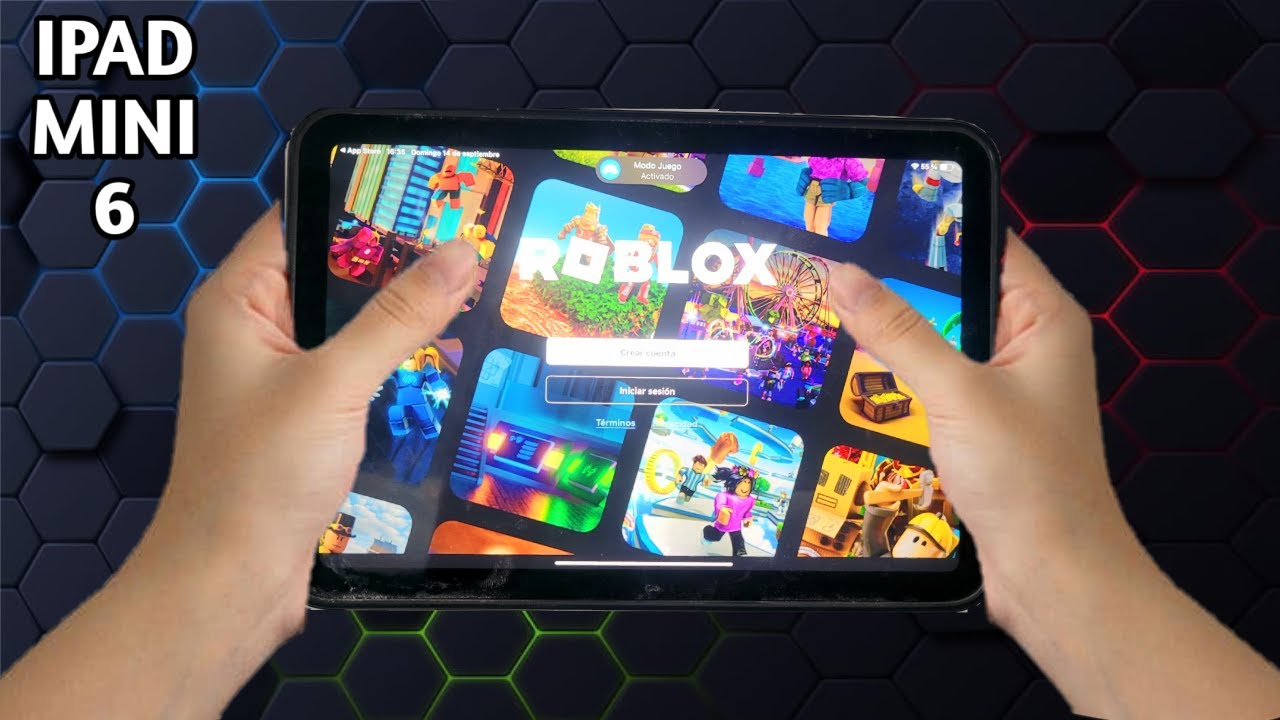


Vale La Pena El IPad Mini 6 Para Roblox En 2026 YouTube . Roblox On M2 IPad Pro YouTube . Case Study Roblox IPad App Redesign Creations Feedback Developer . Roblox Gaming Test On IPad 11th Gen IPad A16 YouTube . Roblox On IPad 10th Generation YouTube



IPad 10th Generation On Roblox Ipad In Bloxburg Roblox Ipad Screen . How To Download Roblox On IPad YouTube Oar2 . The 6 Best Tablets For Roblox In 2025 Digital Trends Roblox On Ipad . Roblox Down What To Do Amid Massive Server Issue Company S One Line Roblox. How To Make A Roblox Game On Mobile IPad Phone 2026 Obby Obby Blog



PARTE 2 IPAD AIR 2 2014 RODA ROBLOX EM 2026 TIRE SUAS D VIDAS YouTube . IPadOS 26 Developer Beta Gaming Test On IPad 11th Gen IPad A16 . Playing Roblox On IPad Pro M4 Is NEXT LEVEL Fun YouTube Oardefault . Roblox Ipad Essentials Ipad Apps Ipad . How To Play Roblox On IPad With Keyboard 2025 Step By Step YouTube




Roblox Roda No IPad Mini 2 E IPad Air 1 O Resultado N O Foi O Que Eu . How To Update Roblox In 2026 Fix Error Code 280 On PC Mobile Xbox Roblox Update It.webp. Apple S 2026 IPad Performance Price And Features Geeky Gadgets 2026 Ipad A18 Chip Performance Upgrade Optimized . 2026 Parental Guide For Roblox Usage UnicMinds 2026 Parental Guide For Roblox Usage UnicMinds 1020x1024 . Best IPads For Playing Roblox In 2026 Latest Models WhalesDev Apple IPad Air 13 Inch M4 1024x988


How To Get Roblox Studio On Ipad 2025 YouTube . How To Monitor Roblox In 2026 Chats Age And What How To Monitor Roblox 1 . ROBLOX On The IPad 9 In 2026 YouTube Oar2 . How To Publish A Game On Roblox In 2026 Roblox YouTube . IPad 2026 Features And Specs Everything You Need To Know Geeky Gadgets Apple Ipad 2026 Wifi 7



New Delhi India 20 Jaunary 2026 Roblox App On Iphone Used To Play New Delhi India 20 Jaunary 2026 Roblox App On Iphone Used To Play Games Online 3DC6HHY . How Roblox Reports Work A 2026 Player S Guide Oar2 . Guide How To Sit On Roblox Like A Pro In 2026 TM 07169 Definitive Guide To Roblox 2026 . Wie Kann Man Roblox Auf Dem IPhone Und IPad Blockieren AirDroid Block Roblox Iphone And Ipad . IPad 2026 Low Cost Tutte Le Novit Che Vedremo Macitynet It Ipad 2026 A19


2026 Will Be A Great Year To Buy An IPad Cult Of Mac IPad 2026 1440x810 . How To Get Roblox Studio On IPad 2025 Only Way YouTube . 11 Roblox Games IPad Pro M4 YouTube . Roblox On IPad Your Guide To Downloading And Playing Roblox On IPad 1676963007 . Roblox At GDC 2026 Where To Find Us All Week Roblox